
AI Vision Board
Make vision board online with vision board ai prompts. Generate scenes, apply ai photo effects, and update your ai vision board anytime.
Example result
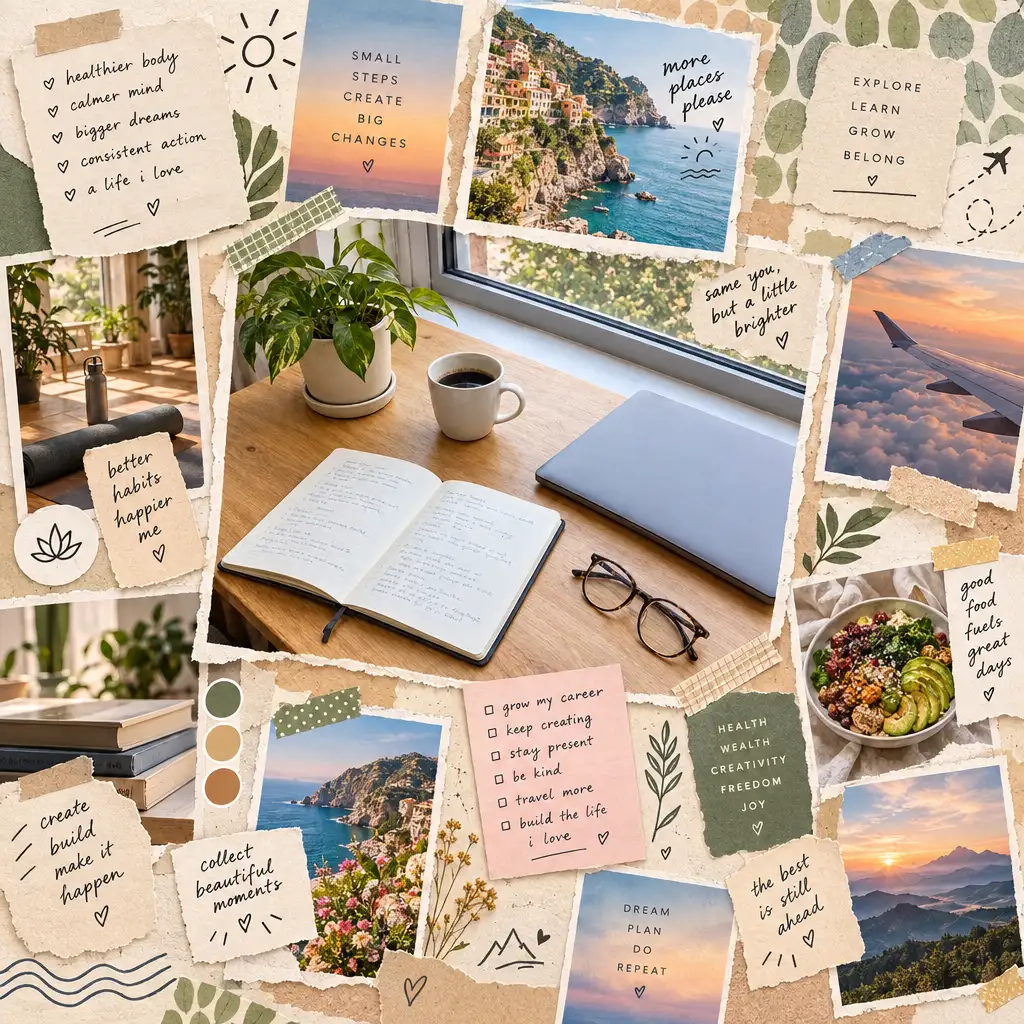
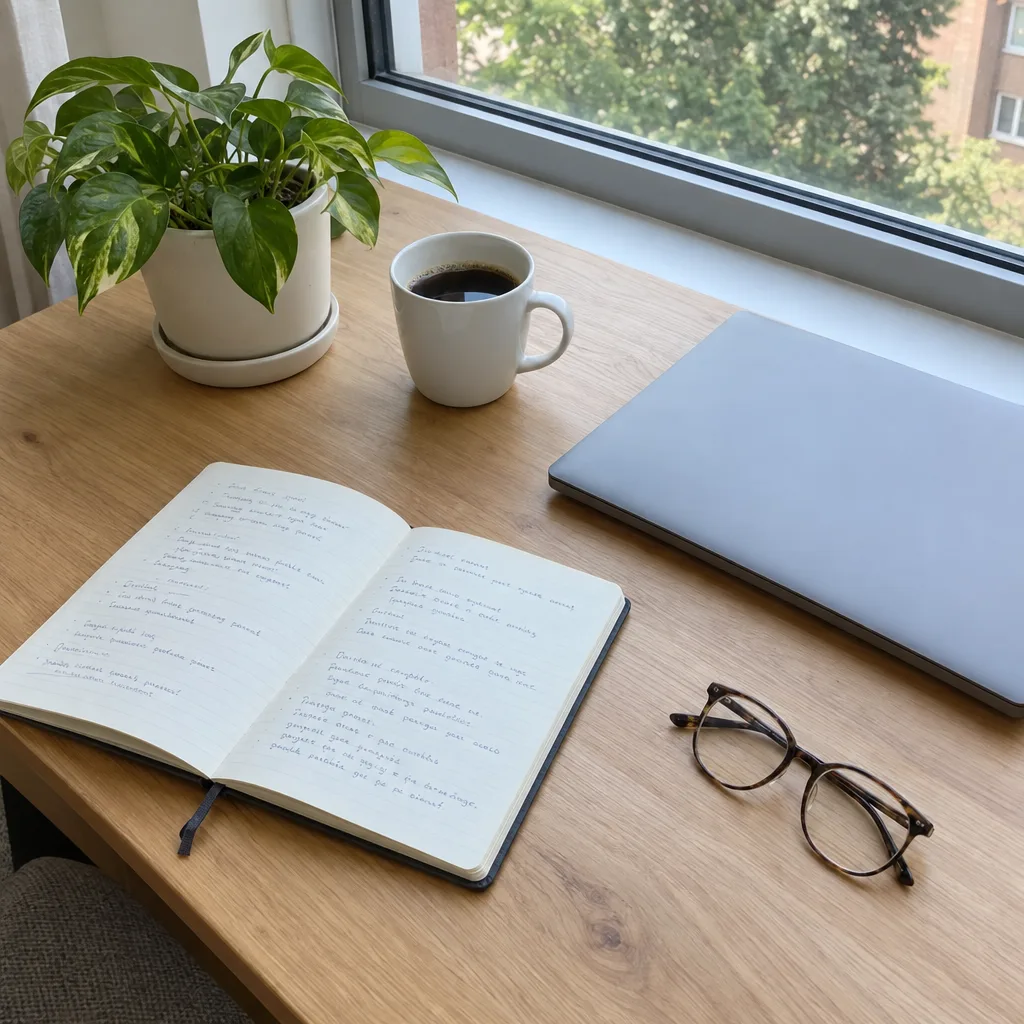
Drag the slider to compare before and after. Upload your photo to create your own version.
Tools you may like


What is an AI Vision Board?
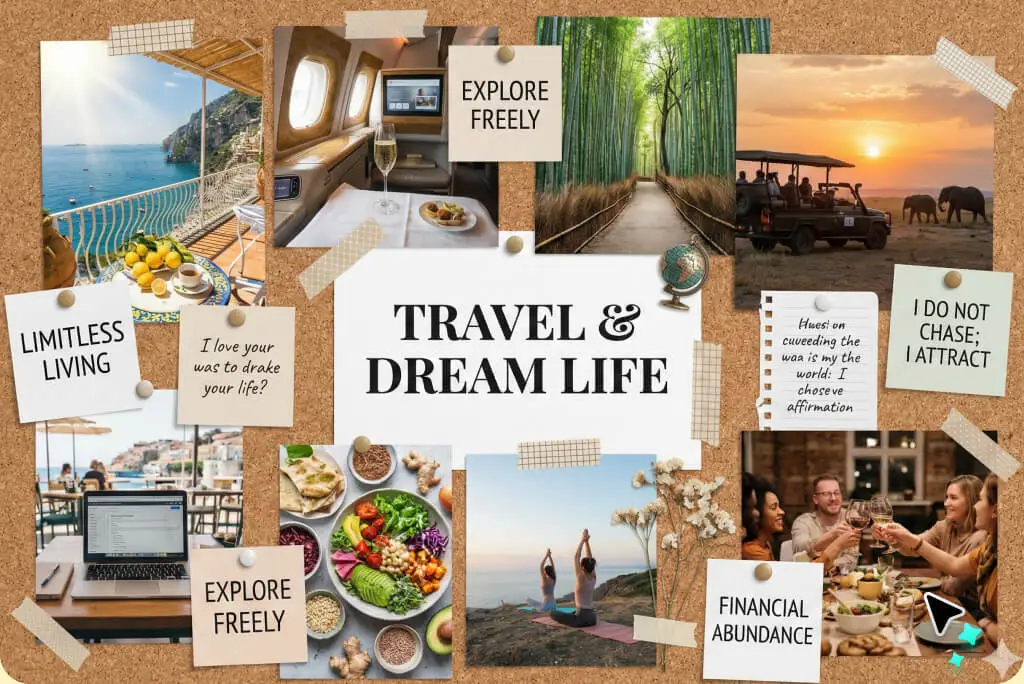
An ai vision board is a digital collage that turns your goals into clear, motivating visuals. Instead of hunting for generic images, you describe what you want—career wins, wellness routines, travel vibes—and an ai vision board generator creates images and a balanced layout that match your intent.
Instant goal-to-visual results
Create an ai vision board in seconds from a short prompt. A vision board maker arranges images into a clean grid so your goals feel organized, not chaotic—perfect for a quick vision board ai draft.
Prompt-first drafting
Draft themes and affirmations, then generate scenes that fit. Use vision board ai suggestions inside an ai vision board generator to refine wording until the vibe is exactly right. Build one ai vision board per theme to stay focused.
Style and ai photo effects
Pick a look—minimal, dreamy, realistic, or bold—and keep it consistent across the board. Add ai photo effects (like cartoon-to-realistic) so every panel matches your aesthetic; tune lighting, mood, and texture with vision board ai style cues.
Export, share, and revisit
Download your ai vision board and revisit your ai vision board weekly for wallpaper or print, or share it with friends. If you want a vision borad with ai for every goal area, duplicate your board in the vision board creator, adjust ai photo effects, and regenerate.
AI vision board FAQs
Quick answers for building an ai vision board that looks great, stays personal, and is easy to update. Use the tips below to keep your ai vision board actionable.
What is an ai vision board, and how is it different from a traditional board?
An ai vision board is a digital board where AI helps generate imagery and layout from your goals. Traditional boards rely on cutting, pasting, or manual design. With an ai vision board generator, you describe your desired future and get cohesive visuals without endless searching. Many people start with a vision board maker, then polish details in a vision board creator.
How do I make vision board online in a few minutes?
To make vision board online, start with 3–5 goal themes (health, career, relationships, lifestyle). Write one vivid sentence per theme, then generate. A vision board maker lets you rearrange tiles, add labels, and export your ai vision board as wallpaper or a print-ready file. For a quick vision borad with ai, keep the layout simple and let the AI handle consistency.
Can I use my own photos in a vision board creator?
Yes. Many tools let you upload photos and blend them into new scenes. This is useful if your vision board creator supports image-to-image workflows—so your ai vision board can include “future you” moments that feel believable. You can also apply ai photo effects to match the rest of the board.
What prompts work best for a vision board ai generator?
Use clear, sensory prompts: location, lighting, mood, and one action. Example: “bright home office, morning sun, calm focus, minimalist decor.” If you’re making a vision borad with ai, keep each prompt to one scene so the board stays clean and consistent—and regenerate inside your ai vision board generator until it feels right.
Is my ai vision board high-resolution enough for printing or posters?
Usually, yes—many generators can export high-resolution images suitable for printing. For best results, choose a larger canvas size before you generate, and export in a print-friendly format. Your ai vision board will look sharper on a poster and clearer as a desktop background. If edges look soft, try lighter ai photo effects or regenerate at a higher size.
Are ai photo effects and AI-generated images safe to use commercially?
It depends on the tool’s license and the assets you add. AI-generated images are often usable for personal projects, and many platforms allow commercial use, but you should review the specific terms. If you include third-party photos, make sure you have permission. When you make vision board online for a business, keep sources documented and avoid restricted content.