
My Little Pony Test Filter
Upload a selfie, name the pony you want, and get a vertical 9:16 portrait of yourself as that character — mane, coat colour and cutie mark included.
Example result
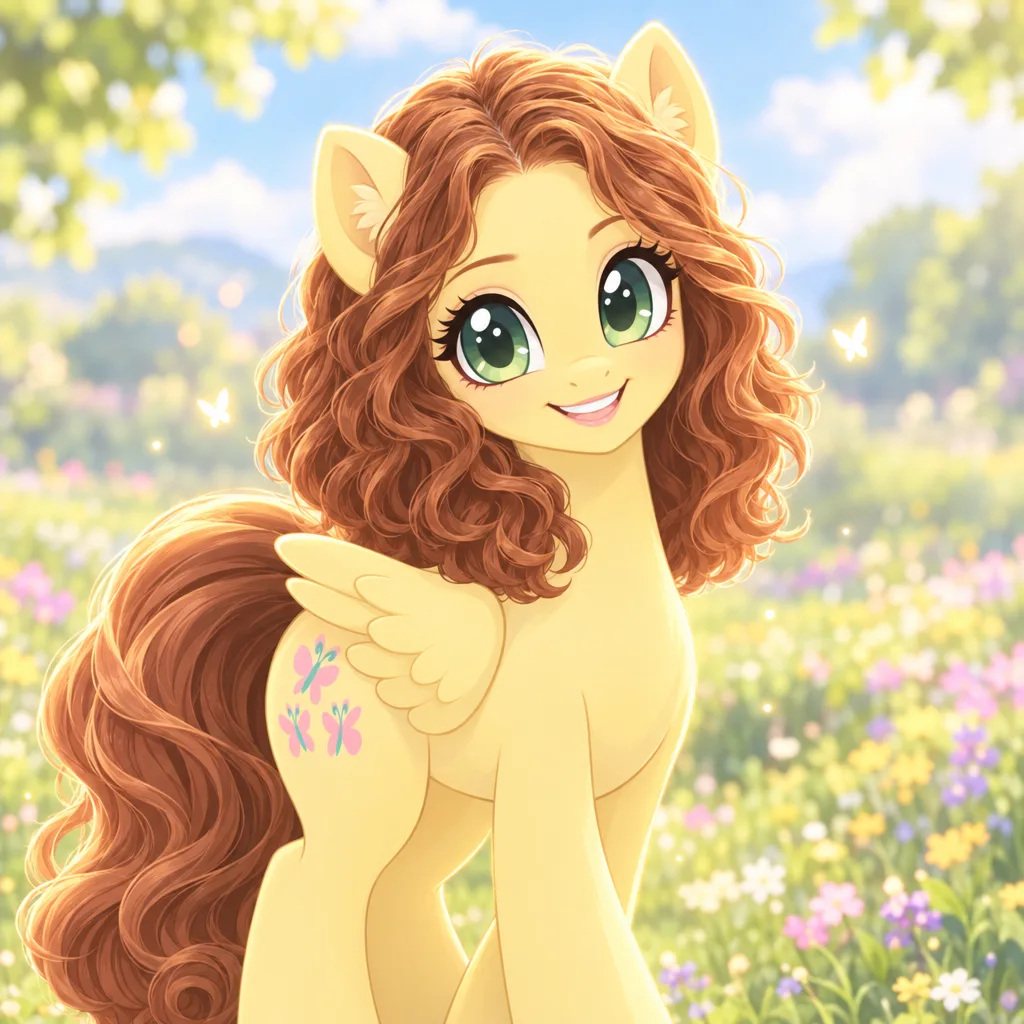
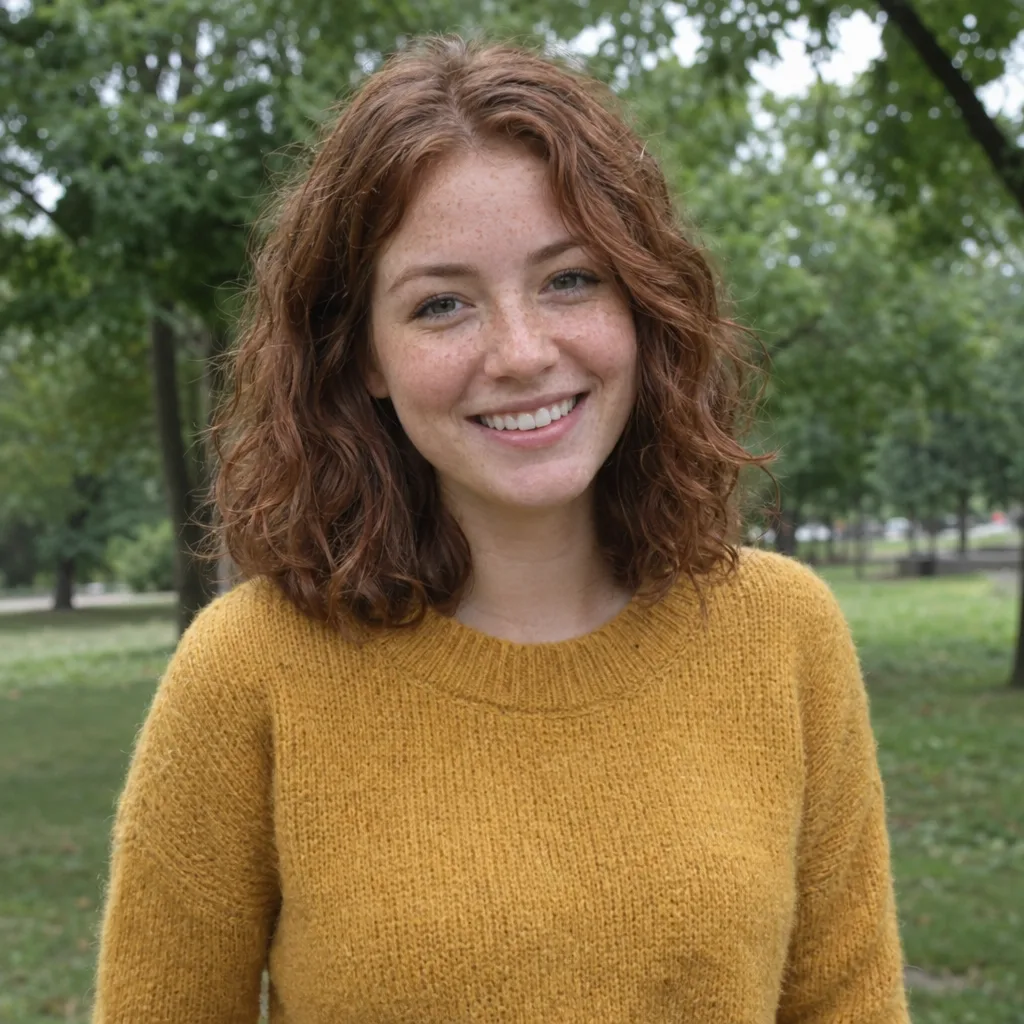
Drag the slider to compare before and after. Upload your photo to create your own version.
Tools you may like


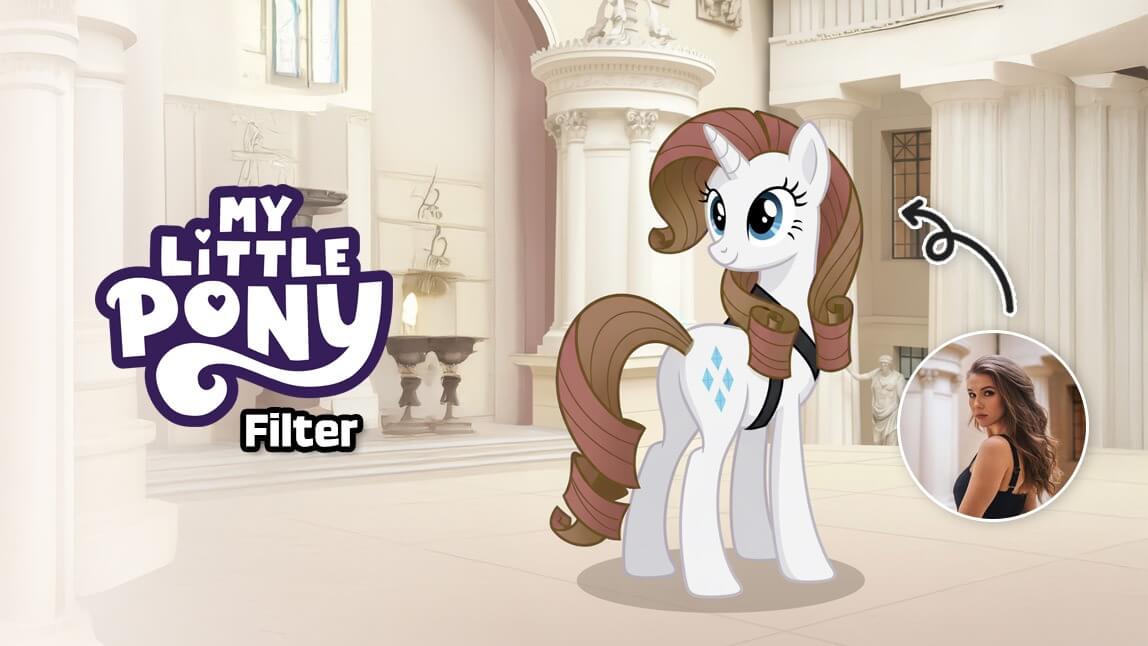
What is the My Little Pony test filter?
It is the trend where you hand over a selfie and get back a cartoon pony that still looks like you — same hair colour, same parting, same expression, redrawn with a pastel coat, a flowing mane and a cutie mark. On TikTok most people run the MLP filter as an AR effect or a CapCut template, which locks you into whichever pony the effect decides. Here you name the character yourself, so you can run Fluttershy for the classic look, or Rainbow Dash, Pinkie Pie, Rarity, Applejack, Twilight Sparkle and Spike when you want a different one. Every result comes out vertical at 9:16, so it drops straight into a Story or a reveal clip without cropping.
You pick the pony, not the app
Type a name into the prompt box and that is the character you get. Leave it empty and it defaults to Fluttershy, the one the trend is built around.
It still reads as you
Hair colour, length and parting carry over into the mane, and your expression carries into the face, so friends can tell who it is.
Vertical by default
Output is 9:16, the ratio TikTok and Reels want. No cropping, no black bars, no re-export.
Swap characters in one edit
Change the name in the prompt box and run it again on the same photo to compare ponies side by side.
My Little Pony filter FAQs
The questions people actually arrive with: which pony to pick, why the TikTok effect keeps changing, and how to get a clean result on the first try.
How do I get the Fluttershy version?
Leave the prompt box empty. Fluttershy is the default because it is the look the trend is built around — pale yellow coat, soft pink mane, butterfly cutie mark. If you want a different one, type its name instead: Rainbow Dash, Pinkie Pie, Rarity, Applejack, Twilight Sparkle or Spike.
The My Little Pony filter on TikTok changed or disappeared. What happened?
AR filters on TikTok, Instagram and Snapchat are uploaded by individual creators, so they get renamed, edited or taken down without warning — which is why people searching for the MLP filter keep landing on a different pony than the one in the video they saw. A web generator is not tied to any single creator's effect, so the look stays the same every time you run it.
Is this the same as the My Little Pony personality test?
No, they are two halves of the same trend. The MLP test is a quiz that reads your answers and tells you which pony matches you. This page is the image half: the filter takes a photo and draws you as a pony you choose. Plenty of people do the quiz first, then come here and generate whichever character it gave them.
What kind of photo works best?
A front-facing shot with your whole face visible and even light. Avoid heavy shadow, sunglasses and steep side angles — the mane is built from your hair shape, so hair that is tied back or cropped out gives the AI less to work with. One clear selfie beats a group photo every time.
Does it cost anything?
You can run it on the free credits that come with an account, and each generation spends a small number of credits. You do need to be signed in before you generate, because results are saved to your account.
Can I post the result on TikTok?
Yes. Results come out at 9:16 with no watermark, which is the ratio short-form video wants, so you can download and post directly or drop it into a CapCut reveal without cropping.
Not sure which pony is yours? Take the free My Little Pony test first, then come back and generate that character.