
Image to Sketch AI
Need a photo to sketch ai tool? This image to sketch converter creates crisp line art, reduces noise, and delivers share-ready AI photo effects in seconds.
Example result
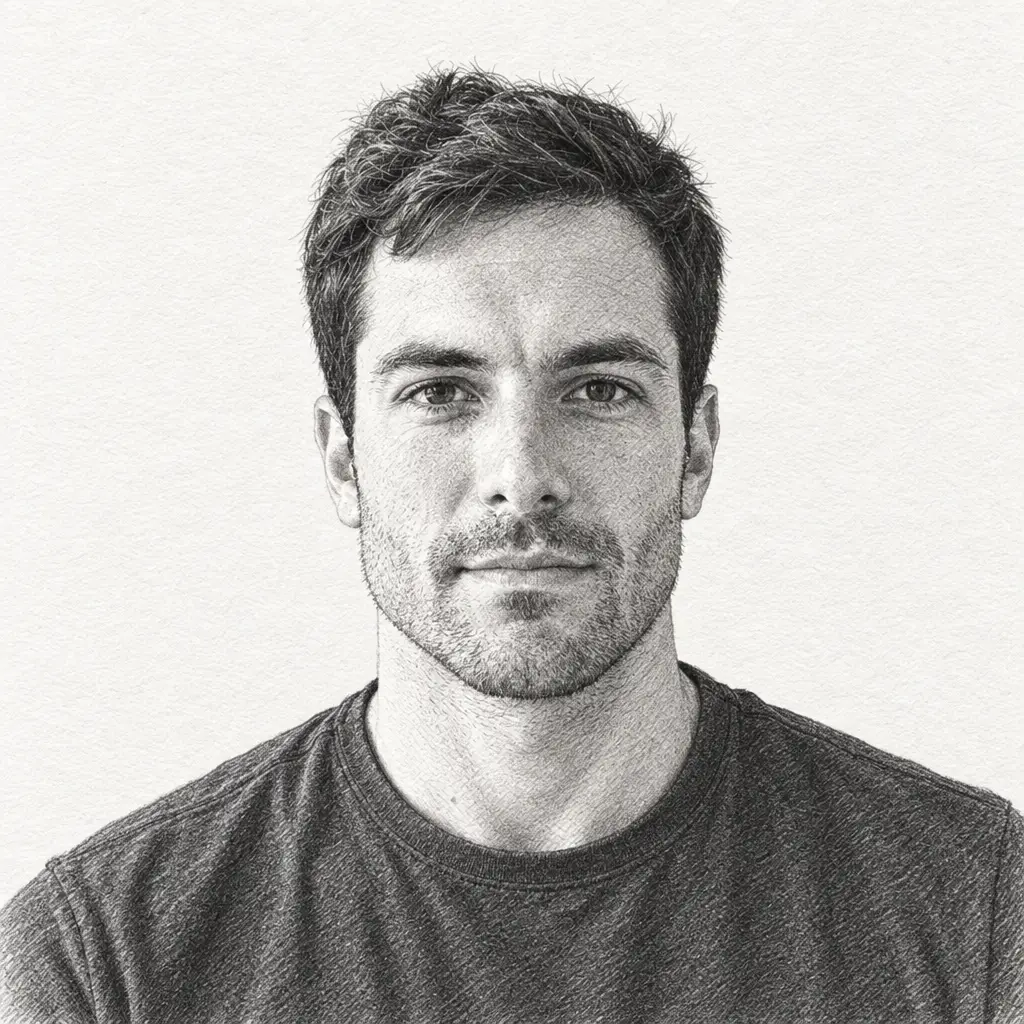
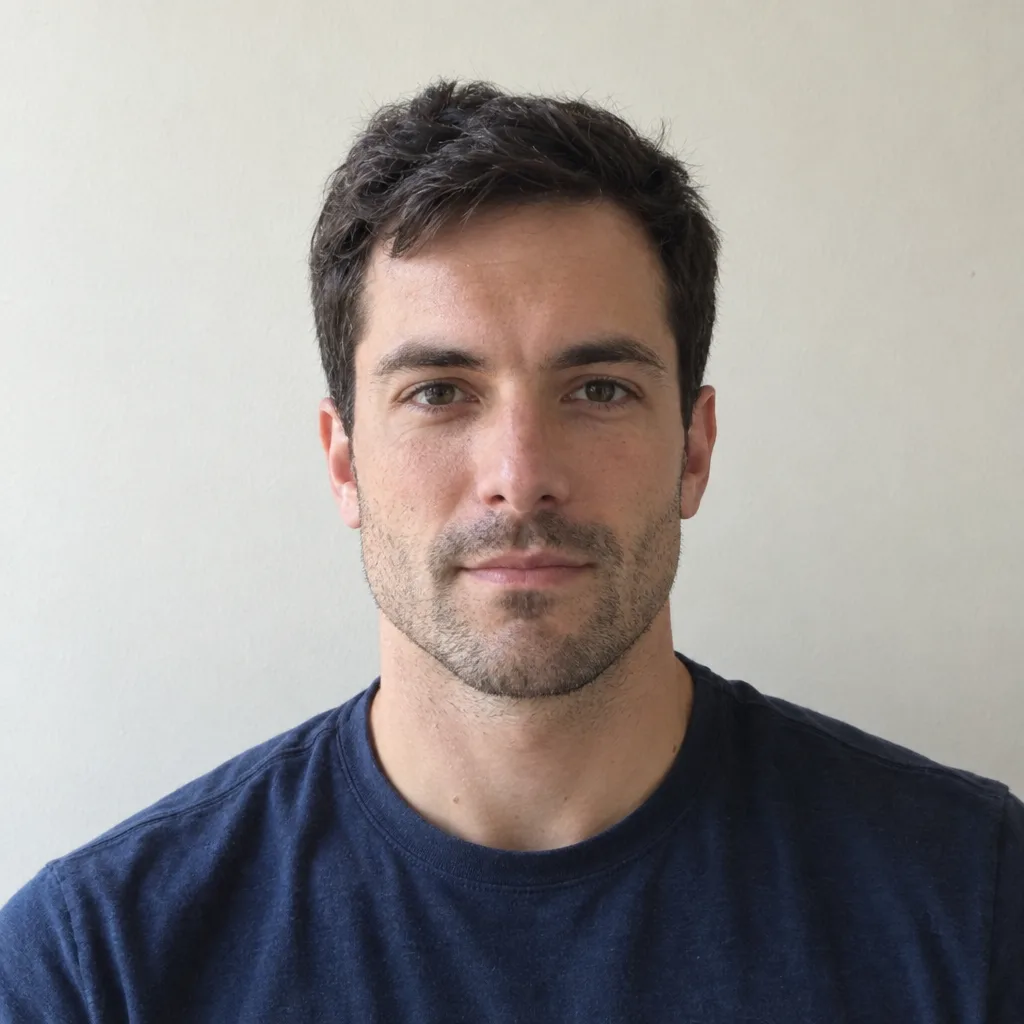
Drag the slider to compare before and after. Upload your photo to create your own version.
Tools you may like


What is Image to Sketch AI?
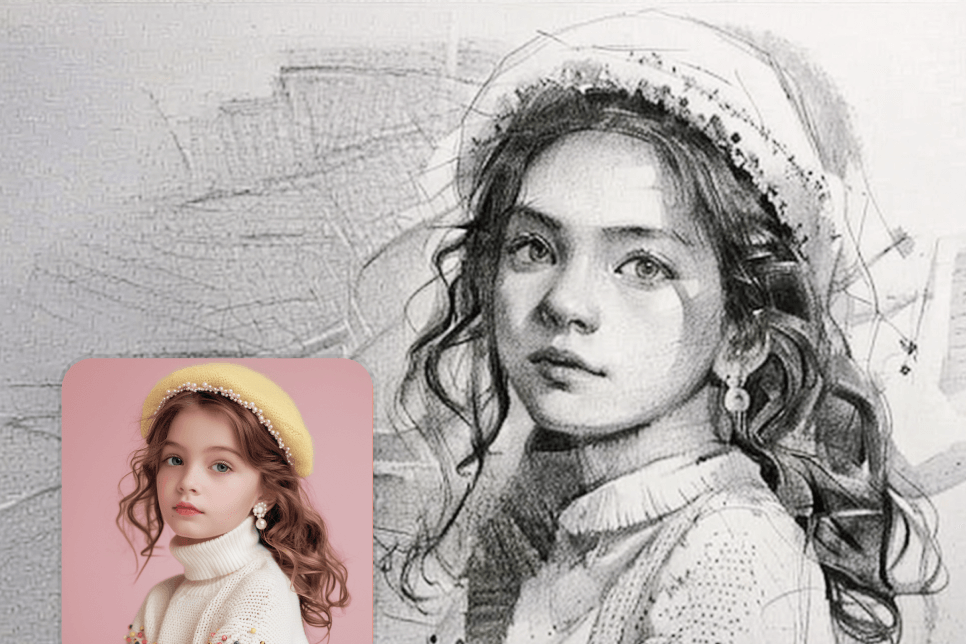
image to sketch ai transforms a photo into a clean pencil-style sketch in seconds. Upload an image, pick an ai sketch effect, and download a sharp result for study references, social posts, or design drafts. This photo to sketch ai keeps key edges and shading while simplifying noise, so your picture to drawing looks intentional—not over-filtered. If you need a fast, consistent image to sketch ai workflow, this tool is built for one-click results.
One-Click Photo to Sketch Converter
Use image to sketch ai as a photo to sketch converter: upload, generate, and export a crisp sketch with no setup or learning curve.
Cleaner Lines, Better Readability
Our Image to sketch converter focuses on contours and form, producing clear strokes that are easy to trace, ink, or repaint.
From Picture to Drawing for Any Subject
Portraits, landscapes, pets, and products—covert image to draw while keeping the subject recognizable. When you want to turn image to sketch, it works smoothly on desktop and mobile.
Download and Reuse as an AI Sketch Image Generator
Save in common formats and reuse results as references, thumbnails, or assets in workflows that need an ai sketch image generator—powered by image to sketch ai output you can iterate fast.
Image to sketch AI FAQs
Quick answers about image to sketch ai, quality tips, and how to get reliable results from photo to sketch ai without manual drawing.
What is image to sketch ai?
image to sketch ai is an AI filter that converts photos into pencil-style line art by analyzing edges, tones, and shadows—so your sketch looks naturally hand-drawn.
How do I use the photo to sketch converter?
Upload a clear photo, choose a preset, click Generate, then download. This photo to sketch converter is designed for photo to sketch ai speed with consistent results.
Can I change the ai sketch effect style?
Yes. Switch between lighter or bolder looks and adjust contrast for your ai sketch effect. It’s an easy way to match ai photo effects across multiple images.
What images can I turn image to sketch?
People, scenery, still life, and product shots all work well. For a smoother picture to drawing, use good lighting and higher resolution; image to sketch ai will then keep clearer outlines.
Any tips to covert image to draw with sharp lines?
Start with a well-lit, in-focus image and crop to the subject. The Image to sketch converter inside our ai sketch image generator can reduce background clutter and help you turn image to sketch cleanly.