
Chibi Generator
Make consistent chibi looks with this chibi generator and chibi art generator. Try styles, apply AI photo effects, and share crisp avatars anywhere.
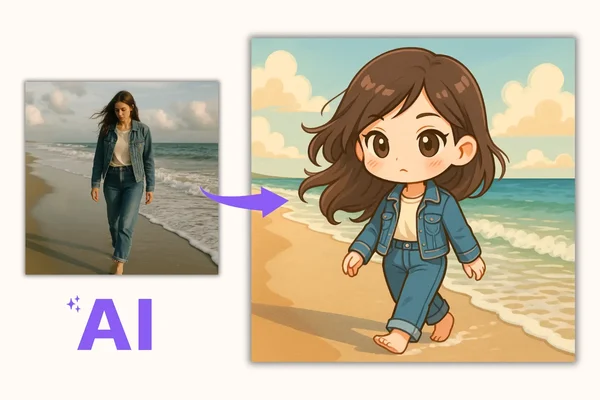
Example result

Drag the slider to compare before and after. Upload your photo to create your own version.
Tools you may like


What is the Chibi Generator?
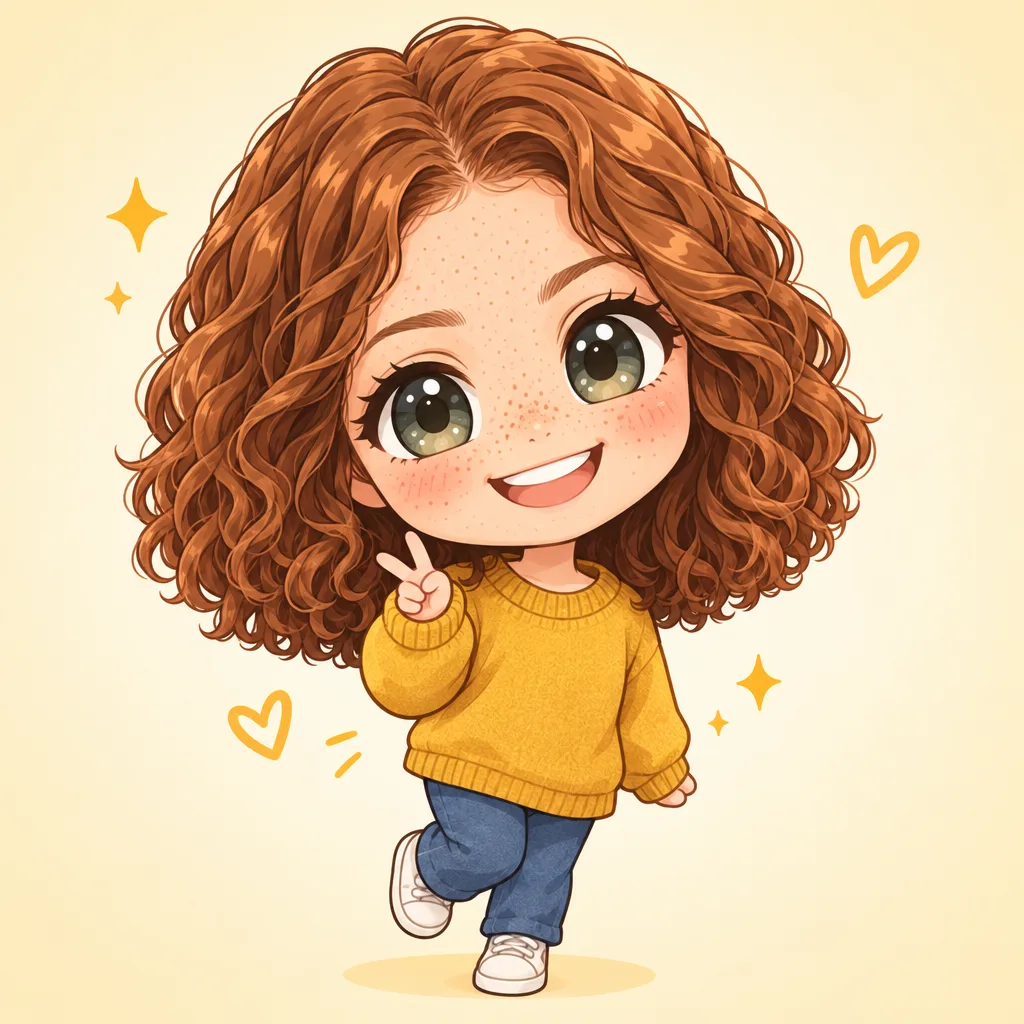
A chibi generator turns a real photo or a short prompt into a cute, big-head character illustration in seconds. Use it as a chibi maker for avatars, stickers, stream overlays, and profile pictures—no drawing skills required. Behind the scenes, a chibi ai generator reads key facial features and expressions, then applies playful ai photo effects while keeping your look recognizable.
One-click cuteness
Upload, pick a vibe, and let the chibi generator do the rest. Fast previews help you iterate quickly, so you can create multiple options for different moods, outfits, and expressions without complicated settings.
Photo or prompt, your choice
Use the ai chibi generator to start from a selfie, pet photo, or reference image—or describe your character in text. Want to edit photo to chibi with better fidelity? Add a short prompt like “bigger eyes, pastel hoodie, cheerful smile.”
Styles, ratios, and exports
This chibi art generator supports common use cases: square avatars, vertical stories, and wide banners. Switch aspect ratios, choose PNG or JPEG, and export in crisp resolution for print, merch mockups, or high-quality digital sharing.
Cleaner results, less clutter
Create chibi art that looks ready to post. Choose watermark-free outputs when available, keep generations private, and organize variations so you can compare versions (pose, background, and color mood) before downloading.
Chibi generator FAQs
Quick answers to common questions about using a chibi generator for avatars, stickers, and character designs—plus tips to get better likeness and cleaner outputs.
What is chibi art, and what can this chibi generator create?
Chibi is a cute character style known for oversized heads, small bodies, and expressive faces. This chibi generator can create avatar-ready characters from photos or text prompts. It’s also a chibi art generator for sticker-style cutouts, simple line looks, or more polished, render-like results—depending on the style you choose.
Is the chibi generator free, and will my results include a watermark?
Many tools offer a free trial or free plan so you can test quality before upgrading. Watermark and download options can vary by plan and setting. If you’re exploring ai photo effects for social posts, start with free generations, then switch to higher resolution or watermark-free exports when you’re ready to publish or print.
How do I keep my likeness when turning a selfie into a chibi avatar?
Start with a clear, front-facing photo (good lighting, minimal blur). Then add a short prompt describing what to preserve: hairstyle, glasses, freckles, or a signature outfit. If your first result is too “generic,” rerun with a tighter crop of the face. The ai chibi generator works best when the input has clean features and consistent lighting—especially for a more accurate chibi generator output.
Can I generate chibi characters from text, pets, or objects?
Yes. You can create from a text prompt (for original characters) or upload images of people, pets, and even simple objects. A chibi ai generator can exaggerate expressions and proportions, so short prompts like “tiny body, big sparkly eyes, playful pose” help guide the look. For pets, mention fur color, ear shape, and accessories (collar, bow, hat).
What image formats and sizes are supported?
Most generators accept common uploads like JPG, PNG, or WEBP, and export to PNG or JPEG. You’ll typically be able to choose aspect ratios (like 1:1 for avatars or 9:16 for stories) and select a higher-resolution download on paid tiers. If you need crisp edges for stickers, choose PNG when available.
Can I use my chibi results commercially, and who owns the output?
In general, you should only upload photos you own or have permission to use, and avoid protected characters, logos, or brand assets. Commercial use rules depend on the tool’s terms and the content you provide. If you’re making merch or client work, keep your inputs original, store prompts for repeatability, and use private settings when working with sensitive images.