glm image is a text to image and image to image model from Zhipu AI's GLM family, designed for high-fidelity generation with strong text rendering and knowledge-heavy visuals. It uses a hybrid approach that combines an autoregressive vision-language backbone with a diffusion-based decoder, aiming to keep semantic control while sharpening visual details. The result is outputs that handle dense prompts, typography, and structured layouts without losing realism.
glm image is positioned for practical creative work: marketing graphics, education visuals, product concepts, and localized content. That focus shows in its text to image accuracy, in its ability to keep language and layout aligned, and in how the system supports image to image editing tasks like style shifts and content replacement.
How glm image handles text-heavy visuals
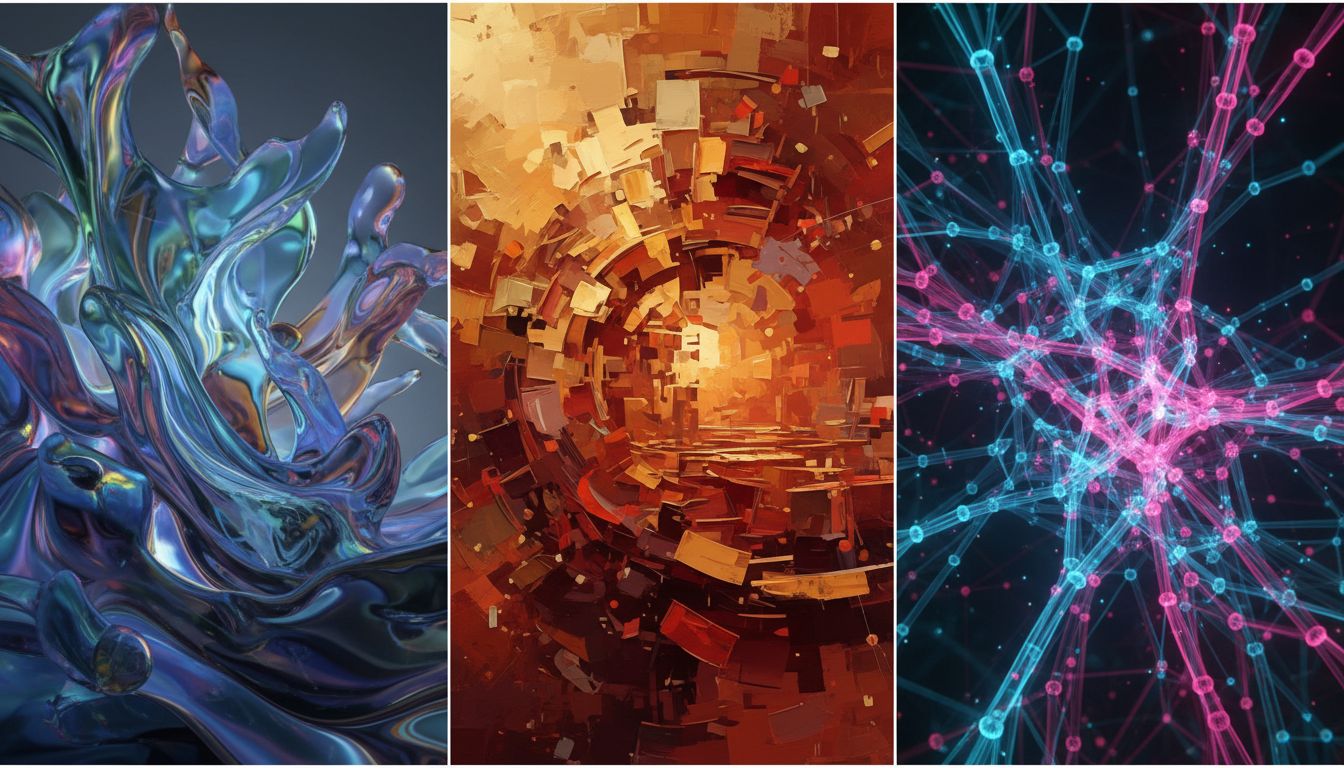
Text rendering is the hardest part of text to image generation, and glm image targets that weakness directly. It uses a dedicated text-focused module and training strategy to improve legibility and layout control. In real workflows, it helps reduce common errors like scrambled letters, distorted spacing, and wrong line breaks. If your creative requires readable packaging, posters, menus, or infographics, glm image is built for those constraints.
When you compare glm image to nano banana pro and seedream 4.5, the biggest practical difference is how cleanly the text survives the generation process. nano banana pro is strong at studio-quality detail, improved text rendering, and multilingual prompts, while seedream 4.5 is known for reference consistency and multi-image editing. But it is optimized for consistent text placement and knowledge-driven content, which matters in both text to image and image to image tasks.
glm image for creation and editing workflows
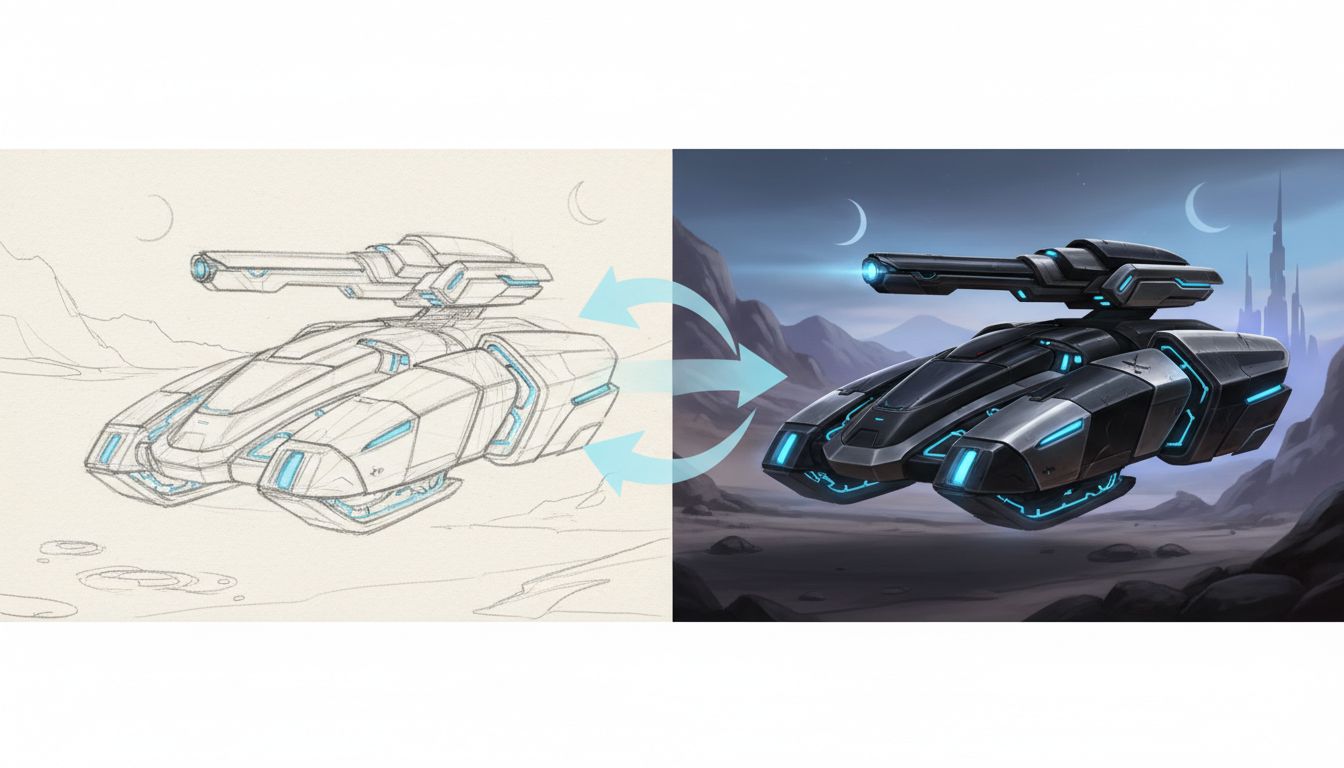
A good model must cover both creation and editing. glm image supports text to image for fresh generation and guided edits for refinement, with style transfer and controlled transformations. You can start with a prompt, then iterate using image to image edit passes to keep layouts stable while changing mood, lighting, or product details. This two-step workflow is common in creative teams because it keeps speed high without sacrificing control.
Here's a simple way to think about it:
- Use text to image with glm image to generate a layout concept and typography.
- Use image to image with glm image to lock the layout and refine colors, styles, or objects.
- Repeat image to image edit passes for consistent variations.
This is where glm image competes well with nano banana pro and seedream 4.5. Each model can do text to image, but not all models make iterative editing feel stable across multiple passes.
glm image vs nano banana pro vs seedream 4.5
Strengths at a glance
- glm image: best-in-class text rendering, strong knowledge alignment, steady editing control.
- nano banana pro: studio-quality detail, strong text rendering, high-resolution outputs, robust editing controls.
- seedream 4.5: multi-image editing, strong reference consistency, typography-friendly layouts.
Workflow fit
glm image is ideal when you need readable text, dense composition, or strict layout control. nano banana pro fits photorealistic shots, product hero images, and brand-safe visuals with consistent polish. seedream 4.5 fits projects that need consistent reference details across multiple images, especially when typography or multi-image edits matter.
In practice, many teams generate concepts from text, then move to guided editing for precise edits. glm image and nano banana pro are strong in that loop, while seedream 4.5 is frequently used to keep multi-image sets consistent while refining details.
Mini case scenarios
Case 1: Local retail launch
A regional retailer needs 20 localized posters in two languages. They use glm image for text to image to produce readable layouts, then run edit passes to keep the composition fixed while swapping product colors and seasonal motifs. nano banana pro handles a few photoreal product close-ups, and seedream 4.5 is used to keep reference product details consistent across the poster set.
Case 2: App onboarding campaign
A product team wants a consistent illustration style across onboarding screens. They start with seedream 4.5 to build a consistent multi-image style set and preserve reference details, switch to glm image to lock in typography and icon positions, then apply guided editing to produce variants for different user segments. They use nano banana pro to create a few high-detail hero frames for ads.
Selection checklist for production
- Define if your priority is readable text, studio-quality realism, or multi-image reference consistency.
- If you need readable text in the output, put glm image first in your shortlist.
- If you need the cleanest photoreal product renders, add nano banana pro.
- If you need consistent reference details across multiple images, test seedream 4.5 early.
- Plan a text to image phase for concepting and an editing phase for refinement.
- Add at least one image to image pass before major stylistic changes.
- Run three iterations and compare how each model preserves text to image layout after edit passes.
Common pitfalls
- Using text to image when you actually need edit control for layout stability.
- Skipping a low-strength image to image pass before large changes.
- Over-editing: too many edit passes can drift style unless you anchor composition.
- Mismatched resolutions across tools, which makes nano banana pro and seedream 4.5 outputs hard to compare.
- Ignoring typography: the model excels at text, but weak prompts can still lead to spacing issues.
FAQs
Is glm image open to developers?
glm image is open-source, and access varies by version and platform, including self-hosted and hosted options.
Is nano banana pro better than glm image for text?
If you need clean typography and dense layouts, glm image usually performs better. nano banana pro often wins on photoreal detail and high polish when text is minimal.
When should I choose seedream 4.5?
Choose seedream 4.5 when you need consistent reference details across multiple images or strong typography in dense layouts.
How do I keep layouts stable across edits?
Start with glm image text to image for a layout, then iterate with small edit steps. Lock the composition early and avoid drastic prompt changes.
Do these models support image to image edits?
glm image supports image to image editing, nano banana pro includes editing workflows, and seedream 4.5 is offered through APIs that provide image to image or edit endpoints.
How many image to image passes are safe?
Two to four image to image passes is a practical range for most workflows. Keep changes incremental and recheck spacing and alignment after each pass.
Next step
If you want to compare outputs quickly, run the same prompt across models, then refine the best result with editing passes. For an easy place to test glm image workflows, try glm image and follow the guided steps.