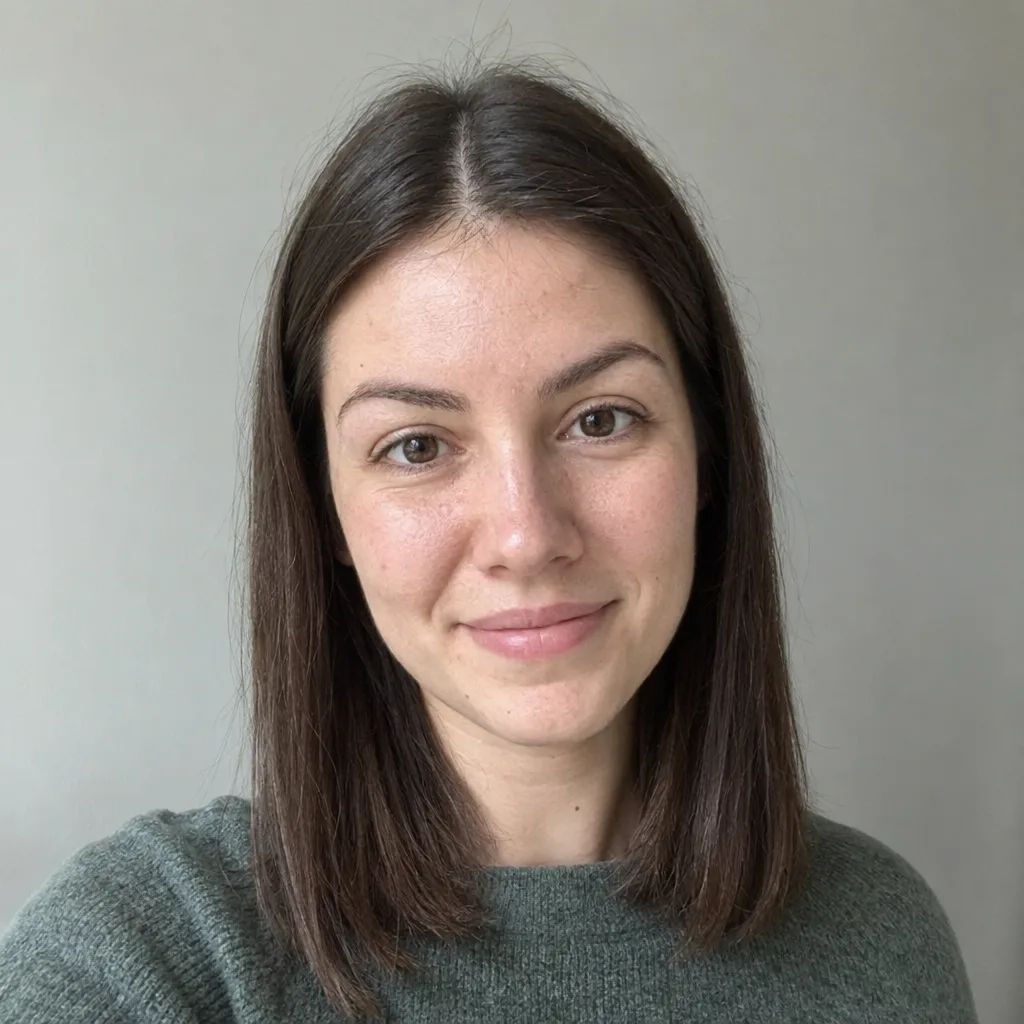
Upload your photo and pick an effect—cartoon to realistic AI, chibi generator, image to sketch AI, AI age filter online, curly hair filter or celebrity look alike finder—and image to image AI does the rest, with no prompt writing and no settings to tune.

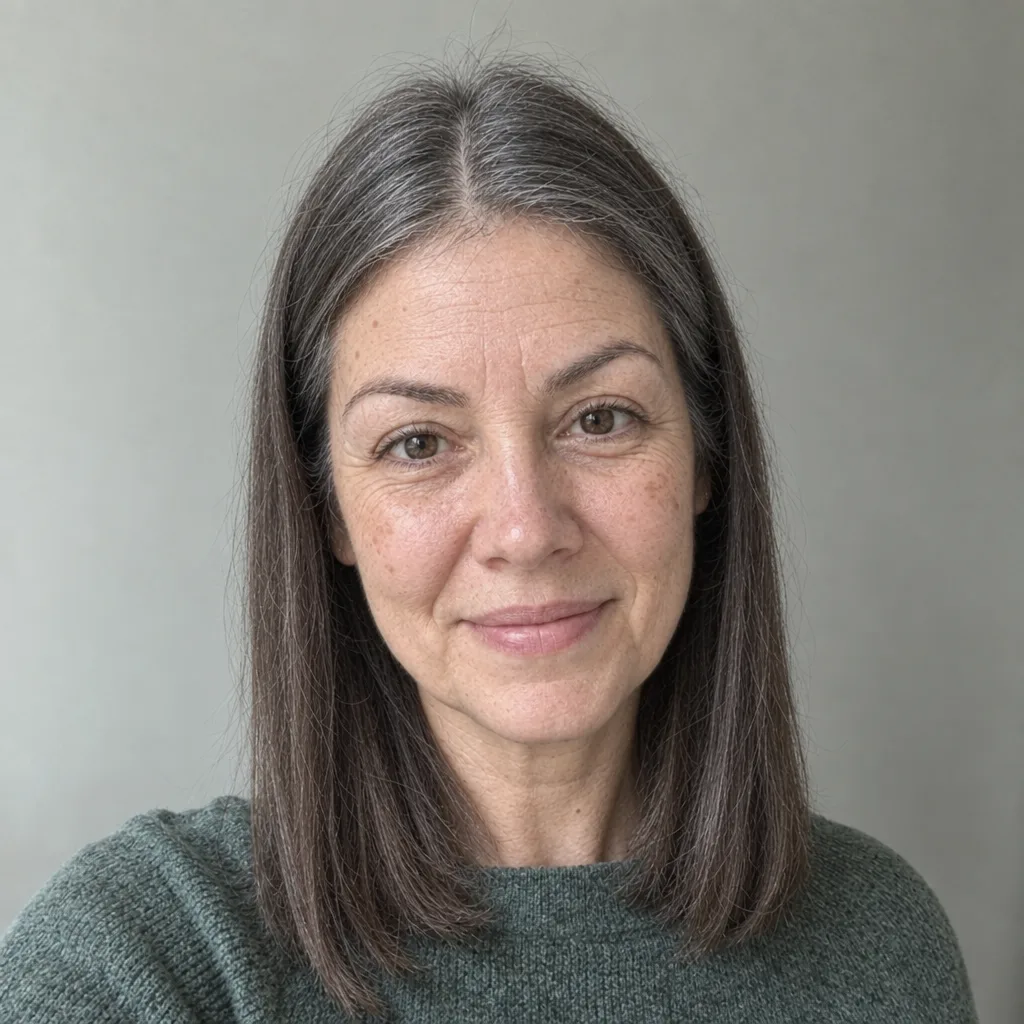
Every effect runs in one editor, so you can try several AI photo effects on the same upload without writing a prompt.
Open the effect menu and select an AI photo filter, from aging and curls to chibi or sketch.
Add a JPG, PNG, or WebP file up to 15MB. Sharp, well-lit faces give the best AI filter photo results.
Sign in and press Generate. You see the credit cost first, and the result appears beside your original.
Save the AI filter image, try more AI photo effects on the same upload, or click Keep editing to refine it.

A classic filter shifts color, contrast, and grain across every pixel. AI photo effects go further: an AI image filter recognizes faces, hair, and scenes, then redraws them.
An AI image filter can age a portrait, add curls, or turn a cartoon into a lifelike photo. No color preset can do that.
Switch between AI photo effects without uploading again. Your photo and earlier results stay in place.
Each effect shows a sample AI filter photo, so you know the look before you use credits.
Open any result in the AI Image Editor to upscale it, remove the background, or fix small details.
A good AI photo filter changes only the look you ask for. These four details decide whether the result still feels like you.

From realistic portrait changes to playful game looks, each AI photo filter here is built for one clear result.
Choose an effect and generate. The wording and settings behind each AI image filter are already tested.
See yourself older, try natural curls, or get a celebrity look-alike edit. Let the AI filter edit photo details while your features stay put.
Turn anime, game art, or a drawing into a lifelike AI filter photo with natural skin and light.
Convert a photo into a pencil sketch or a cute chibi character, an AI filter image ready for avatars and stickers.
Turn your photos into a vision board collage you can print or share.
Fun AI photo effects turn you into a retro game character or a cute pony from the viral test filter.
Short answers on how AI photo effects treat your face, your files, and your credits.
AI photo effects are one-click edits that use AI to redraw part of a photo, such as age, hair, or art style. Unlike a color preset, an AI image filter changes what is in the picture, not only its tones.
Most of the time, yes. Face-focused effects aim to keep your features and expression. After each AI filter edit, photo details such as jewelry, tattoos, or teeth can shift, so compare the AI filter photo with your original before you download.
It depends on the effect. Portrait AI photo effects such as aging or curls mostly change your face and hair, while style effects like sketch or chibi redraw the whole frame.
Before any AI filter edit, photo quality matters most. Use a sharp, front-facing shot of one person in even light. Group shots, sunglasses, and heavy beauty filters make the AI filter image less accurate.
Yes. Sign in to generate, and the credit cost shows before each run. New accounts get free credits to try AI photo effects and preview results. Downloads unlock after your first credit or plan purchase.
AI output varies between runs. If an AI filter image looks off, generate again, use a clearer photo, or switch models. Hands, small text, and crowded scenes are still hard for any AI photo filter.
No. Img2Img AI does not use your uploads or results to train its own models, and you keep ownership of your images.
Can't find your answer? Contact our support team.
Pick a look, upload one photo, and see what AI photo effects can do with it.