
How to create a black-and-white image of a dog with AI, and share prompts
When you create a black-and-white image of a dog, the difference between a flat output and a striking portrait usually comes down to tonal control, not just model choice. Most people ask for a black and white dog and get a washed-out gray image because the prompt never defines contrast, fur texture, lens feel, or background behavior.
A stronger workflow combines two paths when you need to create a black-and-white image of a dog that still feels natural:
- a text-first pass for fast concept exploration
- an image to image ai pass for structure, pose, and coat detail control
That second path matters if you want consistent series output, especially for dog drawing black and white styles where edge clarity and silhouette shape carry the whole frame. It is also the most reliable way to keep one black and white dog look consistent across social, blog, and landing page assets.
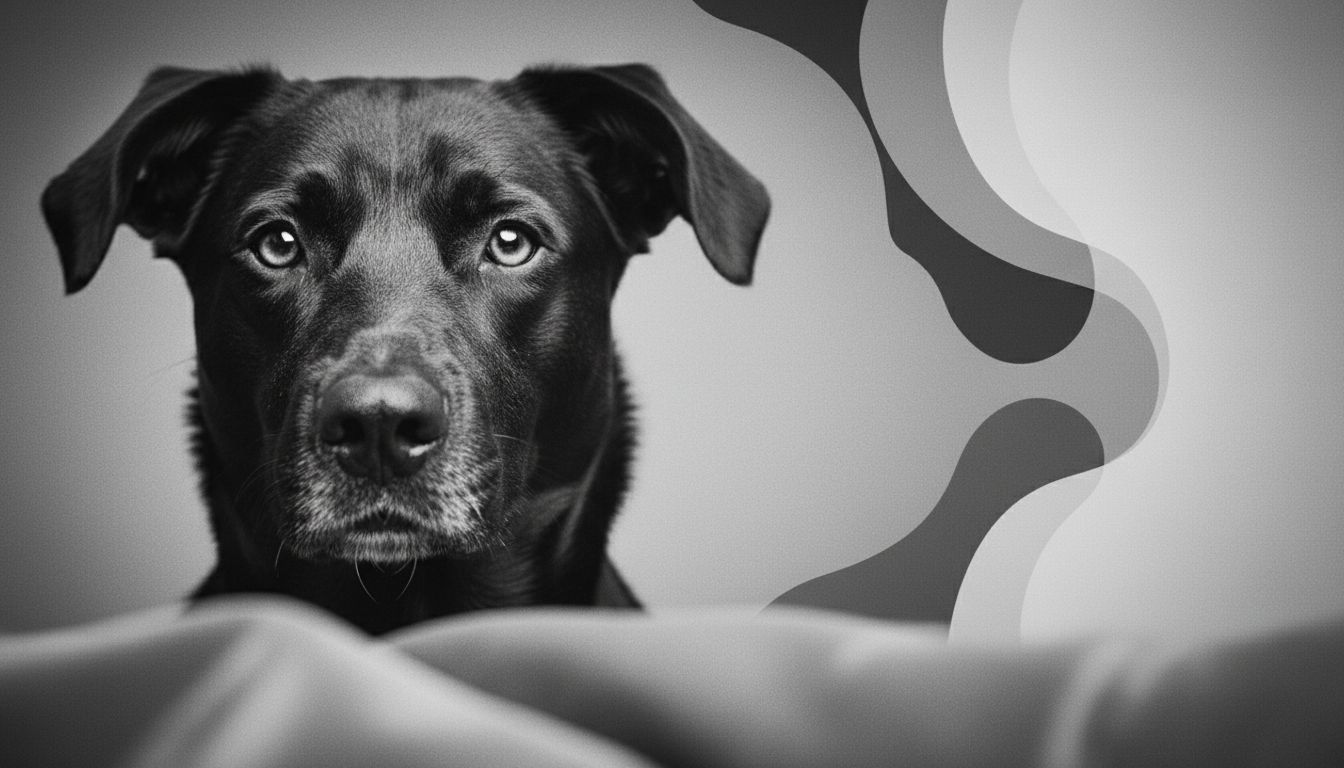
Why black-and-white dog images often fail
If you ask a model for a black and white dog without constraints, it tends to average everything into mid-gray. You lose facial separation around the eyes, muzzle, and ear tips, and the result looks soft even when the fur should feel crisp.
Missing tonal hierarchy
A good black and white dog image needs three tonal zones:
- deep shadows for depth
- mid-tones for fur transitions
- protected highlights around nose, eyes, whiskers, and rim light
Without this hierarchy, the image has no anchor.
No fur-specific guidance
Different coats need different prompt language. A short-haired black and white dog can handle harder contrast. A fluffy breed needs softer local transitions or the fur becomes muddy.
Style collision
Many prompts mix realistic photography, ink line art, charcoal sketch, and cinematic film language all at once. If your goal is dog drawing black and white, keep one dominant style and one secondary texture cue.
Prompt framework to create a black-and-white image of a dog
Use this five-block framework every time you create a black-and-white image of a dog, whether your target is a realistic black and white dog portrait or a stylized dog drawing black and white treatment.
Block 1: Subject lock
Define breed, age feel, and pose in plain language.
- Example: adult border collie, seated three-quarter pose, direct eye contact
Block 2: Tonal design
Specify contrast structure before detail.
- high-contrast monochrome
- preserved highlight detail in eyes and nose
- soft gradient in background only
Block 3: Texture + medium
Pick one primary rendering direction.
- photoreal monochrome portrait
- pencil dog drawing black and white
- matte film-grain editorial portrait
Block 4: Composition controls
Define camera logic.
- portrait or wide crop
- shallow or deep depth of field
- negative space placement
Block 5: Negative constraints
Remove artifacts early.
- no readable text
- no watermark
- no extra animals
- no distorted eyes or duplicate limbs
This structure is the fastest way to create a black-and-white image of a dog consistently across multiple generations. If your first pass is close but not stable, run the same structure through image to image ai instead of rewriting from scratch.
Prompt library from reference styles (ready to copy)
These prompts are adapted from the reference pages and tuned for repeatable output.
Prompt A: clean baseline
Create a black-and-white image of a dog, close-up portrait, high contrast monochrome, plush fur detail, bright expressive eyes, soft studio background, subtle film grain, realistic anatomy, no readable text, premium black and white dog editorial feel.
Prompt B: playful natural scene
A charming black and white dog with tail in motion, alert ears, curious eyes, warm natural light converted to monochrome, balanced highlights and deep shadows, shallow depth of field, no readable text, clean black and white dog storytelling mood.
Prompt C: vintage mood
Create a black-and-white image of a dog with nostalgic film-camera character, wide-angle pet portrait, crisp whiskers, strong tonal separation, gentle vignette, cinematic grayscale, no readable text.
Prompt D: minimal graphic sketch
Dog drawing black and white style, clean contour lines, controlled crosshatching for shadow planes, simplified background, high legibility of muzzle and eyes, handcrafted illustration look, no readable text, print-ready dog drawing black and white composition.
Prompt E: heterochromia emphasis
Black and white dog portrait with one eye-catching patch pattern around the eye area, monochrome editorial lighting, sharp fur edges, neutral backdrop, no text, no watermark.
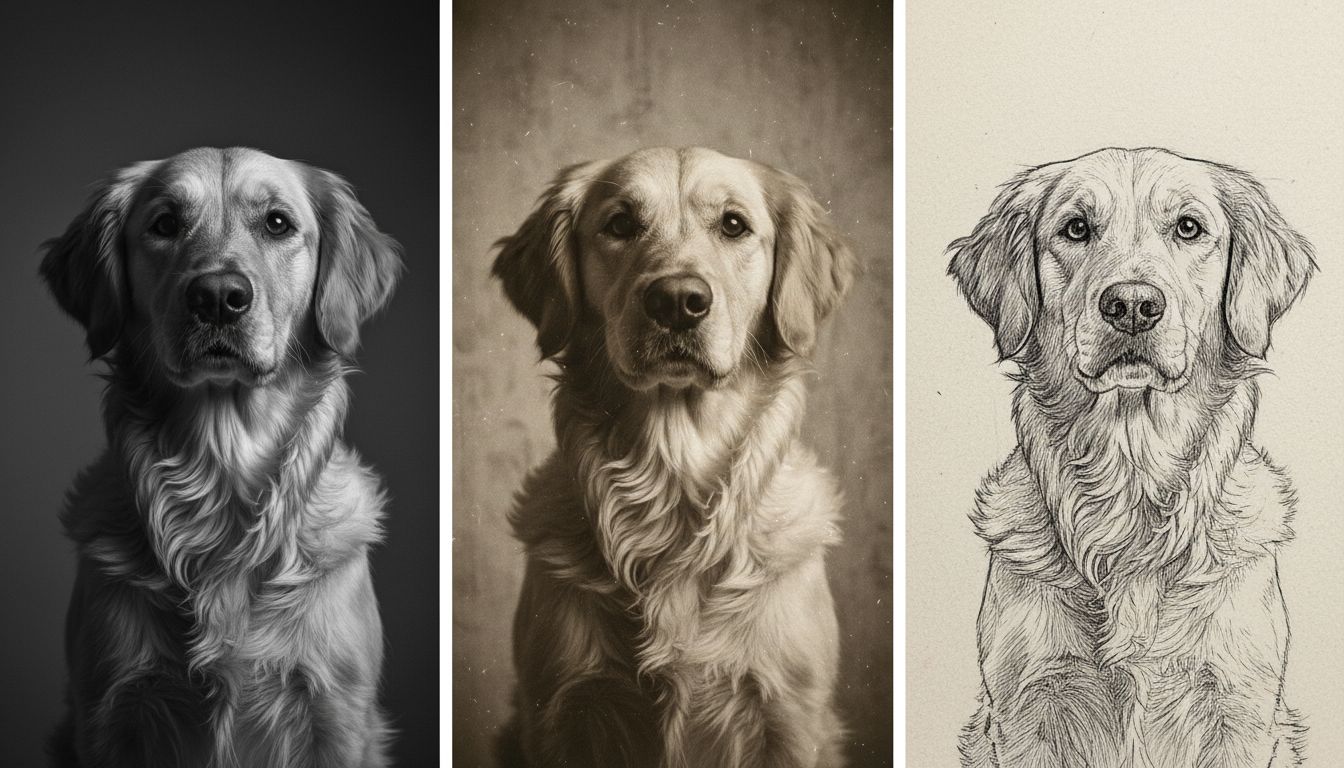
Text-to-image vs image to image ai for dog portraits
If you need speed, text-only generation is enough to create a black-and-white image of a dog draft. If you need repeatability, image to image ai gives tighter control.
Approach A: text-to-image
Pros:
- Fast style exploration
- Easy prompt A/B testing
- Great for discovering black and white dog mood options
Cons:
- Pose consistency drifts across generations
- Hard to keep breed markers stable
- Detail can fluctuate between outputs
Approach B: image to image ai
Pros:
- Keeps the base pose and framing
- Better for campaign sets and batch consistency
- Strong for refining dog drawing black and white line quality
Cons:
- Needs a usable base image
- Over-strong transformation can over-stylize fur
- Under-strong transformation can look unchanged
A practical production rule: start text-first, then switch to image to image ai once composition is approved. For teams producing multiple visuals, image to image ai usually becomes the default finishing step.
Two mini-cases from real production patterns
Case 1: Pet grooming studio social campaign
Goal: publish 12 weekly black and white dog portraits with consistent visual identity.
First attempt: pure text prompts for each breed.
Problem: tonal treatment changed every week, making the feed look inconsistent.
Fix:
- Built one base lighting template
- Ran image to image ai with moderate transformation
- Reused one shared tonal block for every breed
Result: the studio could create a black-and-white image of a dog each week with stable quality and faster approval, while preserving the same black and white dog signature style.
Case 2: Rescue shelter adoption cards
Goal: produce quick portraits with clear faces and friendly expression.
First attempt: heavily artistic prompts with dramatic shadows.
Problem: eye regions got too dark, reducing emotional connection.
Fix:
- Shifted to softer mid-tone mapping
- Added explicit eye highlight constraints
- Used a simplified dog drawing black and white variant for older low-resolution source photos
Result: stronger face readability and better conversion on profile views, especially when low-quality inputs were refined through image to image ai.
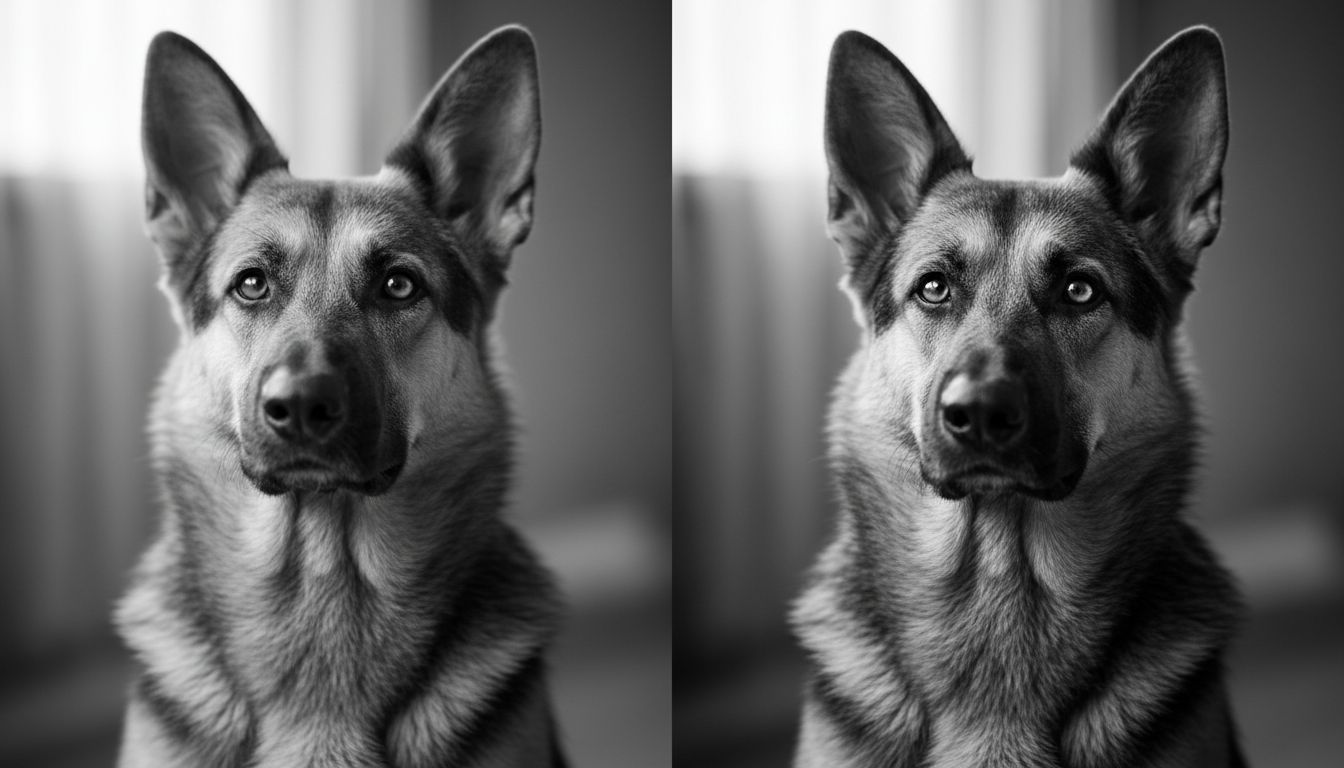
Step-by-step checklist to create a black-and-white image of a dog
- Pick one final output intent: photoreal, editorial, or dog drawing black and white.
- Choose a breed and define the pose in one sentence.
- Lock your tonal strategy: high contrast or soft grayscale.
- Write a five-block prompt (subject, tonal design, texture, composition, negatives).
- Generate 6 to 10 text drafts quickly.
- Select the best frame for eye contact and silhouette shape.
- If consistency matters, move to image to image ai with that selected frame as base.
- Adjust transformation strength in small increments.
- Check fur texture at 100% zoom for noise or smearing.
- Re-run with stricter negatives if extra artifacts appear.
- Export one hero image and two variants with identical tonal direction.
- Save your winning prompt blocks as reusable templates so you can create a black-and-white image of a dog faster in future batches.
Common mistakes and direct fixes
Mistake: everything turns gray
Fix: ask for high-contrast monochrome, deep blacks, protected highlights, and separated mid-tone fur transitions.
Mistake: dog looks anatomically odd
Fix: add constraints for realistic canine anatomy, natural paw structure, and symmetrical eye placement.
Mistake: sketch style loses readability
Fix: in dog drawing black and white prompts, reduce background detail and enforce clean edge lines around muzzle and ears. This keeps dog drawing black and white outputs readable even at smaller sizes.
Mistake: outputs vary too much in a series
Fix: use one approved base image and image to image ai for the full batch.
Mistake: face becomes too dark
Fix: require catchlights in both eyes and preserved highlight detail on nose bridge.
FAQs
What is the easiest way to create a black-and-white image of a dog for beginners?
Start with a simple portrait prompt and strict tonal instructions, then iterate only one variable at a time. This is the safest way to create a black-and-white image of a dog without losing facial clarity.
Should I use photo mode or dog drawing black and white mode first?
If you need realism, start in photo mode. If you need branding or merch style, start with dog drawing black and white and simplify the background early. Many teams keep one dog drawing black and white preset and one photoreal preset.
When should I switch to image to image ai?
Switch once you like the composition but need tighter control over fur detail, pose consistency, or batch output alignment. This is where image to image ai saves the most time.
How can I make a black and white dog image look premium instead of flat?
Use explicit tonal hierarchy, controlled grain, clean background separation, and preserve micro-contrast around eyes and muzzle so the black and white dog subject remains the visual anchor.
Can I reuse one prompt for multiple breeds?
Yes. Keep tonal and composition blocks fixed, then replace only breed, coat texture cues, and camera distance.
Final CTA
If you want a faster workflow to create a black-and-white image of a dog with stable quality and reusable prompt blocks, start with text drafts and finalize with image to image ai refinement. Try create a black-and-white image of a dog and keep your best black and white dog templates for future batches.