
How to Create Caricature of Me and My Job with nano banana 2
If you want to Create Caricature of Me and My Job that looks personal instead of generic, you need a workflow, not a one-line guess. The trend grew because it combines identity, profession, and humor in one image that people instantly understand and share. The quality gap usually comes down to prompt structure, reference photo quality, and how you iterate edits.
This guide shows a repeatable way to Create Caricature of Me and My Job with nano banana 2 so your output keeps your likeness, highlights your profession, and feels intentionally stylized.
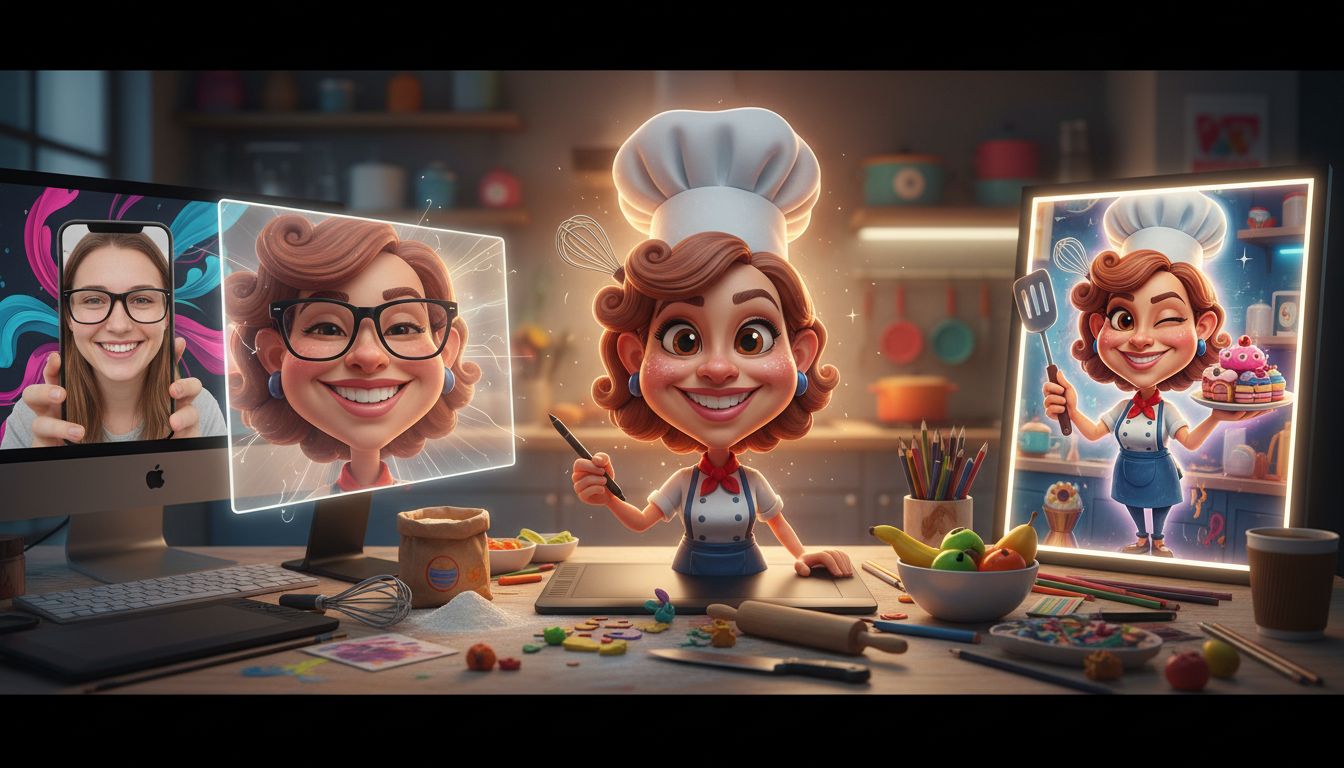
Why Some Results Look Spot-On and Others Look Random
When creators try to Create Caricature of Me and My Job, three things determine whether the result feels like you:
1) Identity anchors
Use details that survive stylization: hairstyle silhouette, face shape, eyewear, signature expression, and posture. If these anchors are missing, the model invents a new person.
2) Job anchors
The profession needs visual evidence. A doctor can be shown through a clinic setting and medical tools; a developer can be shown through desk context and gesture; a chef can be shown through kitchen motion and plating action. The stronger the job anchors, the stronger the Create Caricature of Me and My Job result.
3) Exaggeration boundaries
A caricature should be playful, not unrecognizable. Define limits such as “big-head style but realistic skin texture” or “comic proportions with natural facial identity.” This balance keeps your Create Caricature of Me and My Job output funny but usable for profile, social, or portfolio content.
Step-by-Step Framework to Create Caricature of Me and My Job
Step 1: Start with a clean reference photo
Choose a front-facing image with even lighting, no heavy filters, and visible facial features. Blurry or low-light photos force the model to hallucinate details.
Step 2: Define your job story in one sentence
Before writing your prompt, decide the narrative: “I solve complex bugs under deadline pressure,” “I teach young students with high energy,” or “I run a busy pastry kitchen at dawn.” Story first, then style.
Step 3: Build a modular prompt
A high-performing create a caricature of me and my job prompt usually has five modules:
- Subject: your facial traits and expression.
- Profession: role, environment, and key objects.
- Style: caricature type (editorial cartoon, hand-drawn, painterly, 3D toon).
- Composition: camera angle, body framing, depth.
- Quality constraints: high detail, clean edges, coherent lighting, no text.
A practical template:
“Create a stylized caricature portrait of me as a [JOB], preserving my recognizable facial identity and expression. Exaggerate proportions tastefully, include [TOOLS/SETTING], cinematic lighting, clear subject-background separation, dynamic pose, highly detailed, no visible text.”
Step 4: Iterate in short rounds with nano banana 2
nano banana 2 is strongest when you apply targeted edits instead of rewriting everything each round. Use one change at a time:
- Round A: lock identity (“keep face shape and eyes consistent with reference”).
- Round B: strengthen profession (“add clearer [job tools] and workplace context”).
- Round C: refine style (“increase caricature exaggeration by 20%, keep likeness”).
- Round D: polish composition (“clean background clutter, improve depth and contrast”).
This sequence helps Create Caricature of Me and My Job outputs stay stable while quality rises each pass.
Step 5: Export for platform fit
Render a landscape hero version, then crop variants for profile, post, and story. Keep the highest-quality master so you can reframe without quality loss.
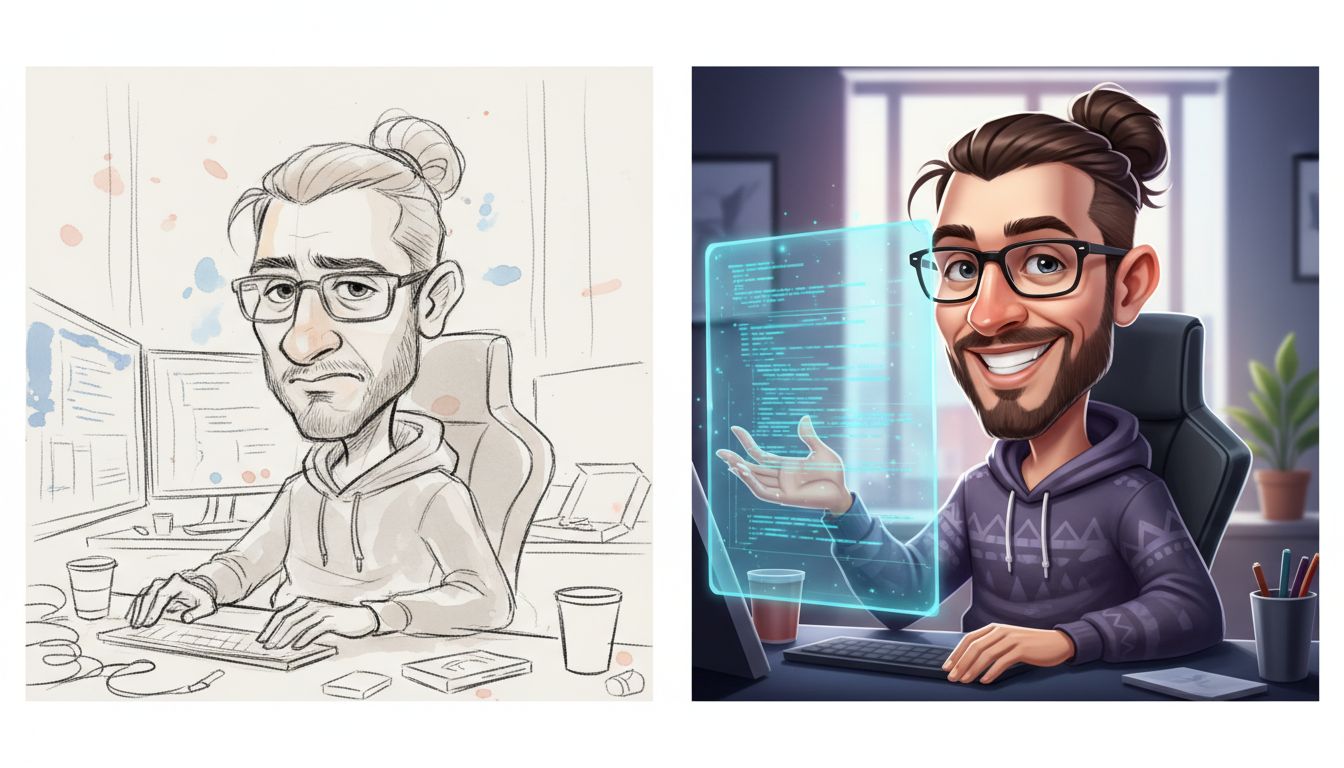
One-Shot Prompt vs Iterative Prompting in nano banana 2
For most people, this is the key decision when they Create Caricature of Me and My Job.
One-shot approach
Good for speed and first drafts. You write one long prompt and accept the initial output. Fast, but less control over identity consistency.
Iterative approach
Better for final-quality posts. You keep the base and request focused edits. Slower by a few minutes, but much better control.
If your goal is a quick meme, one-shot works. If your goal is profile-ready quality, iterative editing in nano banana 2 usually wins.
Two Mini Scenarios You Can Reuse
Scenario A: Teacher creator
Input intent: warm, expressive elementary teacher in a lively classroom.
Prompt direction: emphasize smile lines, animated hand gesture, colorful classroom props, and approachable caricature style.
Result logic: strong emotional expression plus role-specific setting makes the image instantly legible.
Scenario B: Remote software engineer
Input intent: focused developer juggling code reviews and video calls.
Prompt direction: preserve glasses and hairstyle, exaggerate concentration expression, include dual-monitor desk context, subtle comic proportions.
Result logic: identity anchors plus job anchors make Create Caricature of Me and My Job content feel authentic instead of generic “office art.”
Common Mistakes and Fast Fixes
Mistake: Prompt is too vague
Fix: replace “make me a caricature” with specific role, scene, expression, and style language.
Mistake: Output looks like a different person
Fix: explicitly lock facial anchors and reference image fidelity before adding style changes.
Mistake: Job is not obvious
Fix: add two to three profession-specific objects and a workplace background cue.
Mistake: Over-exaggeration breaks usability
Fix: set exaggeration range and ask for personality-forward stylization rather than extreme distortion.
Publish Checklist for Better Results
Use this before you post your Create Caricature of Me and My Job image:
- Face remains recognizable at thumbnail size.
- Profession is understandable in under two seconds.
- Style is playful without losing likeness.
- Lighting and color feel coherent.
- Background supports the story, not noise.
- No visible text artifacts in the image.
- Hands and tools look anatomically plausible.
- Expression matches your personal brand.
- Crop works for both feed and profile usage.
- Final export is sharp after compression.
- You are comfortable sharing this publicly.
- Version naming is clear so you can iterate later.
FAQs
What is the best create a caricature of me and my job prompt for beginners?
The best create a caricature of me and my job prompt is the one that combines identity anchors, job context, and controlled exaggeration in one concise structure. Start with your face traits, add profession signals, then define style and composition.
How do I use “create a caricature of me and my job based on everything you know about me” without getting random output?
When you use create a caricature of me and my job based on everything you know about me, give guardrails: define your job, tone, visual style, and what must stay consistent from your selfie. Broad prompts need concrete boundaries.
Can I repeat “create a caricature of me and my job based on everything you know about me” for better versions?
Yes. Reuse create a caricature of me and my job based on everything you know about me as the base intent, then add one precise refinement per round. Iterative edits outperform full prompt rewrites.
Is nano banana 2 good for social-media-ready caricatures?
nano banana 2 is a strong choice when you want fast turnarounds and multi-round refinement. Keep edits focused, and quality improves quickly.
Why does my create a caricature of me and my job prompt still miss my profession?
Most misses come from weak job anchors. Add specific tools, environment, and action cues. A detailed create a caricature of me and my job prompt should make your role obvious even without caption text.
Final CTA
If you want to Create Caricature of Me and My Job quickly with a tested workflow, start a free trial here: Create Caricature of Me and My Job