
10+ prompts for ai to generate ai human face share
If you have tested many prompts for ai to generate ai human face and still get plastic skin, unstable eyes, or identity drift, the issue is usually prompt structure rather than model quality. Strong results come from stacking subject anchors, camera language, lighting logic, and negative constraints in the right order.
This guide shares practical prompts for ai to generate ai human face that you can copy, adapt, and productionize. It also shows when to switch from pure text prompting to image to image ai, and how to build a reliable nano banana prompt workflow for consistent face sets.
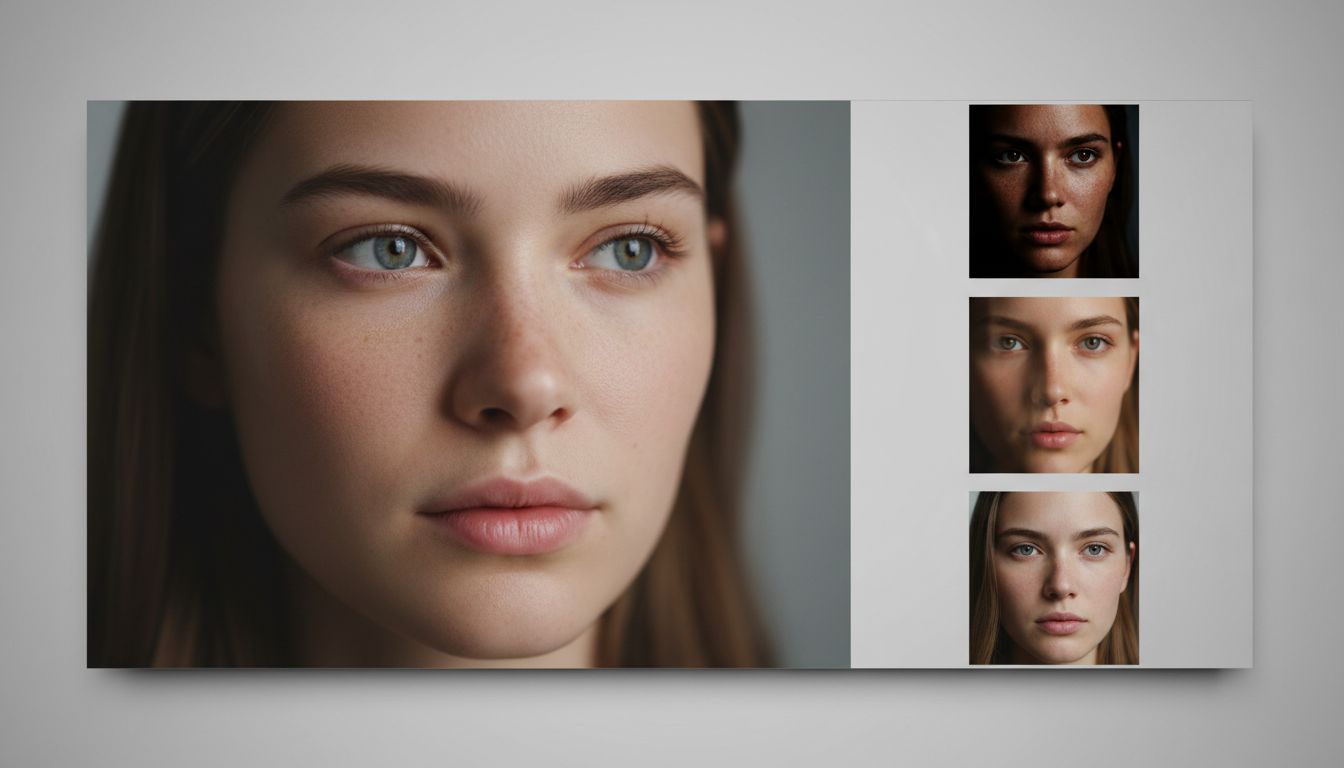
Why many face prompts fail even on good models
Most failed prompts for ai to generate ai human face break in one of four places:
Weak identity anchors
If your prompt says only “beautiful face” or “realistic woman,” models fill in generic averages. You need identity anchors: age range, bone structure cues, skin texture behavior, lens distance, and expression target.
Overloaded style stacking
A common mistake is mixing cinematic, editorial, anime, fashion, oil painting, and hyperreal language in one line. That causes style collision and unstable facial geometry.
No artifact suppression
Without explicit negatives, you often get waxy skin, extra teeth, asymmetrical irises, or doubled earrings. Good prompts for ai to generate ai human face include a short negative block every time.
No refinement stage
Teams often stay in text-only mode too long. Once composition is approved, image to image ai usually produces more stable identity retention across variants.
Prompt framework you can reuse
Use this 6-block template for prompts for ai to generate ai human face:
Use this template as your default architecture for prompts for ai to generate ai human face in every new campaign.
Block 1: Subject lock
Define person archetype and stable traits.
- Example: “adult East Asian male, early 30s, oval face, short textured black hair, natural pores”
Block 2: Camera and lens
Set focal behavior to avoid distortion.
- Example: “85mm portrait lens look, eye-level framing, shallow depth of field”
Block 3: Light design
Specify key light and fill balance.
- Example: “soft side key light, subtle rim light, controlled shadow falloff, neutral white balance”
Block 4: Texture realism
Request micro detail.
- Example: “real skin texture, fine facial hair detail, no plastic smoothing”
Block 5: Mood and context
Keep it minimal.
- Example: “studio backdrop, clean composition, calm expression”
Block 6: Negative constraints
Always include artifacts to avoid.
- Example: “no extra eyes, no warped mouth, no text, no watermark, no logo”
This structure improves prompts for ai to generate ai human face on most generators, and it translates directly into a stronger nano banana prompt or a guided image to image ai pass.
12 ready-to-use prompts for ai to generate ai human face
1) Baseline realistic headshot
prompts for ai to generate ai human face, photoreal headshot of a 28-year-old woman, natural skin pores, 85mm lens look, soft key light from left, neutral gray studio background, balanced highlights, realistic eyes, clean jawline, no text, no watermark, no logo, no face distortion.
2) Corporate profile portrait
prompts for ai to generate ai human face, male professional in his late 30s, confident neutral expression, charcoal blazer, soft daylight window lighting, high detail skin texture, subtle catchlights, shallow depth of field, natural color grading, no extra fingers, no text, no artifacts.
3) Outdoor golden hour close-up
prompts for ai to generate ai human face, young adult female, warm golden-hour rim light, soft bokeh trees in background, 50mm portrait framing, realistic freckles, accurate skin tone transitions, no over-smoothing, no watermark, no text.
4) Editorial beauty look
prompts for ai to generate ai human face, editorial close-up, minimal makeup, clean skin texture, controlled specular highlights, studio beauty dish light, high dynamic range facial detail, no plastic skin, no deformed eyes, no typography.
5) Mature face character depth
prompts for ai to generate ai human face, silver-haired man in his 60s, expressive wrinkles, warm side lighting, documentary style realism, crisp eye detail, natural skin micro-contrast, shallow depth of field, no logo, no text.
6) Diverse identity set starter
prompts for ai to generate ai human face, same framing and lens, generate four distinct adults from different ethnic backgrounds, realistic skin detail, consistent studio lighting, neutral expression baseline, no watermark, no text, no duplicate face traits.
7) Cinematic moody portrait
prompts for ai to generate ai human face, low-key cinematic portrait of a young woman, teal-orange subtle grade, dramatic but realistic shadow, accurate facial symmetry, crisp eyelashes, textured skin, no cartoon effect, no text.
8) Natural smartphone aesthetic
prompts for ai to generate ai human face, casual selfie-style portrait, natural daylight from window, slight handheld realism, authentic skin texture, balanced exposure, realistic eye focus, no beauty filter look, no watermark.
9) High-end studio fashion
prompts for ai to generate ai human face, fashion portrait with softbox and rim light, clean background separation, high detail skin and hairline, premium retouch style without wax effect, no text, no logo, no facial glitches.
10) Black-and-white character portrait
prompts for ai to generate ai human face, monochrome portrait, deep contrast with protected highlights around eyes and nose, fine pore texture, classic studio framing, realistic facial anatomy, no text, no artifacts.
11) Reference-guided nano banana prompt
nano banana prompt for realistic portrait refinement: keep identity from reference image, preserve face shape and eye distance, improve skin texture naturally, maintain hairstyle silhouette, soft neutral studio lighting, high realism, no text, no watermark, no logo.
12) Controlled image to image ai refinement prompt
image to image ai face refinement: preserve original pose and identity, increase facial micro-detail, reduce noise, keep natural pores and lip texture, improve iris sharpness, maintain original lighting direction, no face warping, no text, no watermark.
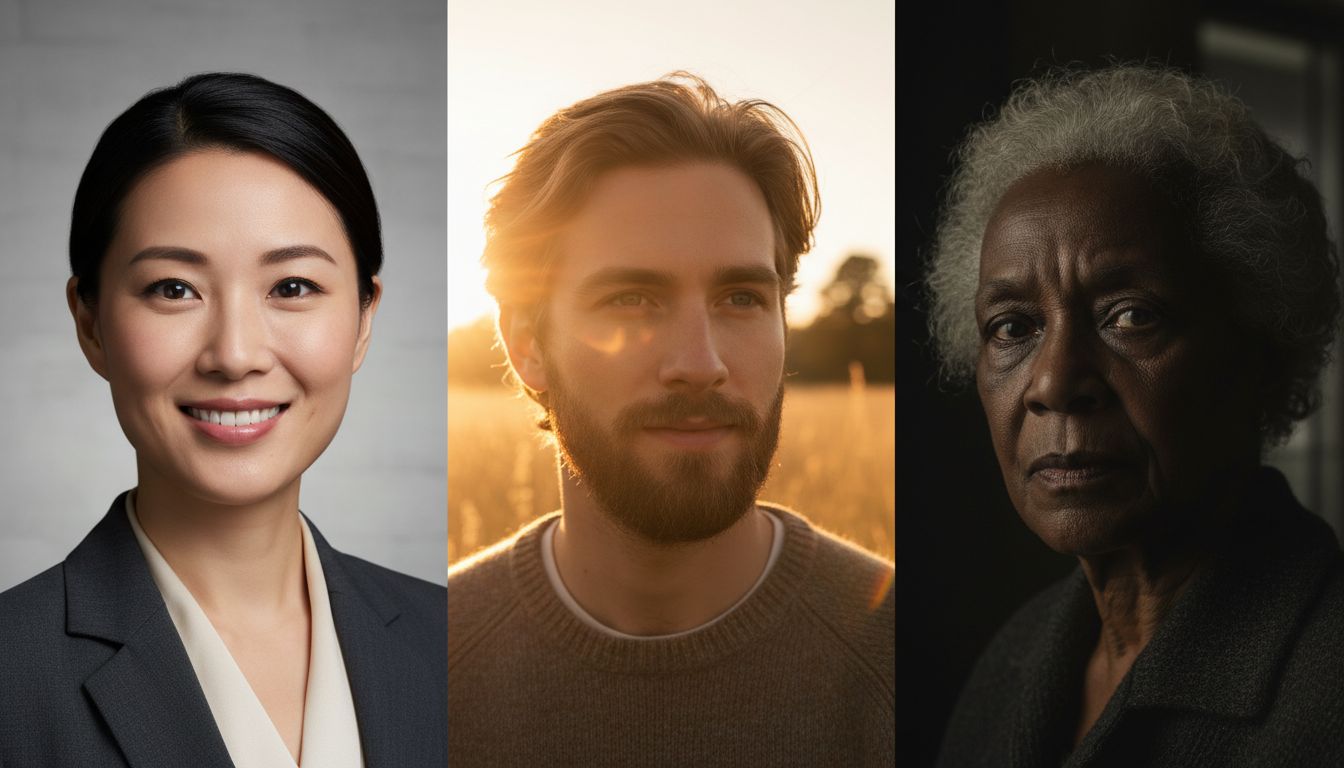
How to turn one draft into a production-grade nano banana prompt
A nano banana prompt works best when you treat it as a refinement instruction, not a fresh concept prompt.
When your first prompts for ai to generate ai human face are close but not stable, a nano banana prompt is usually the fastest correction layer.
Practical nano banana prompt sequence
- Start with a clean base from your best prompts for ai to generate ai human face.
- Upload one reference image with stable identity.
- Write nano banana prompt instructions around what to preserve first, then what to improve.
- Lock aspect ratio and keep lighting consistent.
- Iterate with one variable per run: texture, expression, or background.
A compact nano banana prompt pattern:
- “Preserve identity and face proportions from reference; improve skin realism and eye detail; keep hairstyle silhouette; maintain soft side lighting; photoreal finish; no text, no watermark, no logo.”
This nano banana prompt pattern also pairs well with image to image ai when you need a controlled second pass.
Text-only vs image to image ai for face generation
You should decide by production goal, not by model hype.
Approach A: text-only prompts for ai to generate ai human face
Pros:
- Fast exploration of age, ethnicity, mood, and style
- Great for discovering unexpected directions
- Efficient for creating first-round moodboards
Cons:
- Identity drift across batches
- Inconsistent lighting and facial symmetry
- Harder to match campaign continuity
Approach B: image to image ai with guided prompt
Pros:
- Better identity retention
- Easier consistency across 10–50 outputs
- Stronger control of background and expression continuity
Cons:
- Needs a solid base image
- Too much transformation can alter identity
- Too little transformation may look unchanged
Decision rule:
- Use text prompts for ai to generate ai human face for exploration.
- Switch to image to image ai once you have one approved composition.
- Add a nano banana prompt if you need sharper identity lock and realistic texture polishing.
- Keep your final prompts for ai to generate ai human face in a reusable library so image to image ai and nano banana prompt iterations stay consistent.
Two mini-cases from real workflow patterns
Case 1: E-commerce team building model-free portraits
Goal: create 40 human-face banners without photoshoots.
What failed first:
- Generic prompts for ai to generate ai human face produced repeated facial archetypes.
Fix:
- Introduced ethnicity and age anchors.
- Added lens and lighting blocks.
- Moved approved drafts into image to image ai for controlled batch consistency.
Result:
- Visual diversity improved, and approval cycles dropped from four rounds to two.
- The team then reused the same prompts for ai to generate ai human face across landing pages, ads, and thumbnails.
Case 2: Creator launching a faceless personal brand
Goal: make one signature character face for thumbnails.
What failed first:
- Every run changed nose bridge and eye shape.
Fix:
- Built a strict nano banana prompt with identity-preserve instructions.
- Used one reference frame and only changed expression per iteration.
Result:
- The creator kept a consistent character face across a 30-post content run.
- A lightweight image to image ai pass plus one stable nano banana prompt became the default weekly workflow.
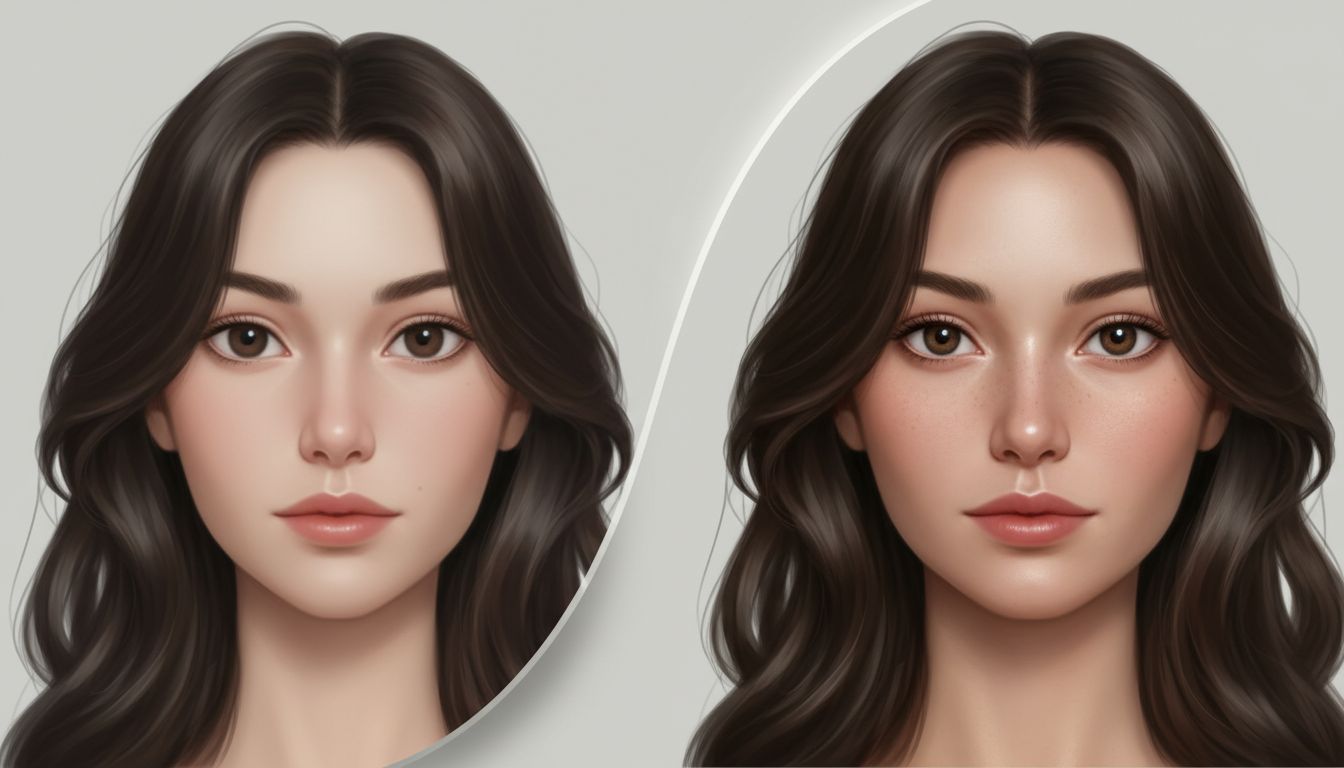
Actionable checklist before you export
- Confirm your best prompts for ai to generate ai human face include all 6 blocks.
- Keep one dominant style direction per run.
- Add a short negative list for face artifacts.
- Test at least 6 variants before choosing a base.
- If consistency matters, move to image to image ai.
- Use a nano banana prompt to preserve identity while refining detail.
- Check eyes, teeth, ear symmetry, and hairline at 100% zoom.
- Re-run with tighter constraints if any geometry drift appears.
- Export one hero plus two alternates with the same lighting logic.
- Save your best prompts for ai to generate ai human face as reusable templates.
- Create one fallback nano banana prompt for difficult lighting cases.
- Keep an image to image ai preset for final consistency checks.
Common mistakes and direct fixes
Mistake: faces look too smooth
Fix: add skin texture cues like pores, peach fuzz, and micro-contrast.
Mistake: eyes feel lifeless
Fix: request natural catchlights and iris detail with soft directional light.
Mistake: identity changes every run
Fix: use image to image ai plus a nano banana prompt identity-preserve clause.
Mistake: prompt gets too long and chaotic
Fix: keep one subject block, one style block, one camera block, one negative block.
FAQs
How many prompts for ai to generate ai human face should I test before choosing one?
For production, test 6 to 12 variations. Pick the one with stable eye geometry and skin texture, then refine.
When is image to image ai better than text-only prompting?
Use image to image ai when you need consistent identity, matching lighting, and repeatable batches.
What makes a nano banana prompt different from a basic prompt?
A nano banana prompt is usually stronger when tied to a reference image and explicit preserve/improve instructions.
Can I use prompts for ai to generate ai human face for different age groups?
Yes. Keep the structure fixed, then swap age descriptors, skin texture language, and expression cues.
How do I avoid uncanny outputs in close-up portraits?
Use realistic lens language, controlled light direction, and a short negative list; then validate facial symmetry before export.
Can one nano banana prompt work across multiple campaigns?
Yes, if your nano banana prompt focuses on preserve instructions first. Pair it with image to image ai when composition is fixed but texture still needs improvement.
Final CTA
If you want a faster, repeatable workflow, start with these prompts for ai to generate ai human face, then move into nano banana prompt refinement and image to image ai consistency passes. Try prompts for ai to generate ai human face to build your own reusable portrait prompt library.