
Share Gemini Teddy Day AI Photo Editing Prompts That Actually Look Natural
If your feed is full of couple edits this February, you are seeing one thing repeatedly: gemini teddy day ai photo editing prompts that mix soft romance, cinematic light, and believable skin detail. The challenge is not generating an image. The challenge is generating one that still feels like a real memory and not a plastic poster.
This practical guide shares working structures, reusable templates, and a quality workflow built around gemini teddy day ai photo editing prompts. It also maps when to use nano banana 2 prompts, when to switch to nano banana pro prompts, and how to keep one reliable gemini ai prompt structure that you can reuse for future festival edits.
What We Learned From Recent Teddy Day Prompt Trends
Across recent prompt galleries, the strongest gemini teddy day ai photo editing prompts use the same backbone:
- A strict face-preservation instruction
- A clear pose description for both people and teddy bear
- Lighting direction (golden hour, indoor fairy lights, window side light)
- Background mood (pastel gradient, soft bokeh, cozy indoor depth)
- Texture instructions (real skin texture, realistic fur, no over-smoothing)
Many viral examples also include direct, copyable long-form text. The best part is not the length. The best part is specificity. A focused gemini ai prompt with clear constraints usually beats random adjective stacking.
A useful pattern from community examples is “face lock + pose + teddy detail + light + background + output style.” You can adapt that core pattern to produce your own gemini teddy day ai photo editing prompts while keeping your personal style.
The Core Formula For Better Gemini Teddy Day AI Photo Editing Prompts
Use this structure:
1) Identity lock
State that uploaded faces are the only identity reference and should remain unchanged.
2) Scene and pose lock
Define body angle, hand placement, and teddy position.
3) Mood and light lock
Specify warm cinematic light, glow level, and shadow softness.
4) Style lock
Choose DSLR realism, filmic tone, or dreamy editorial look.
5) Cleanup lock
Request natural skin detail, no waxy smoothing, no distorted anatomy, and no extra fingers.
This five-layer method makes gemini teddy day ai photo editing prompts much more stable than one-line commands. It also turns a generic gemini ai prompt into repeatable output logic.
12 Ready-to-Use Gemini Teddy Day AI Photo Editing Prompts
Below are compact versions inspired by current Teddy Day styles. You can paste each as a base and customize outfits, background, and camera angle.
Prompt set A: Soft romantic portraits
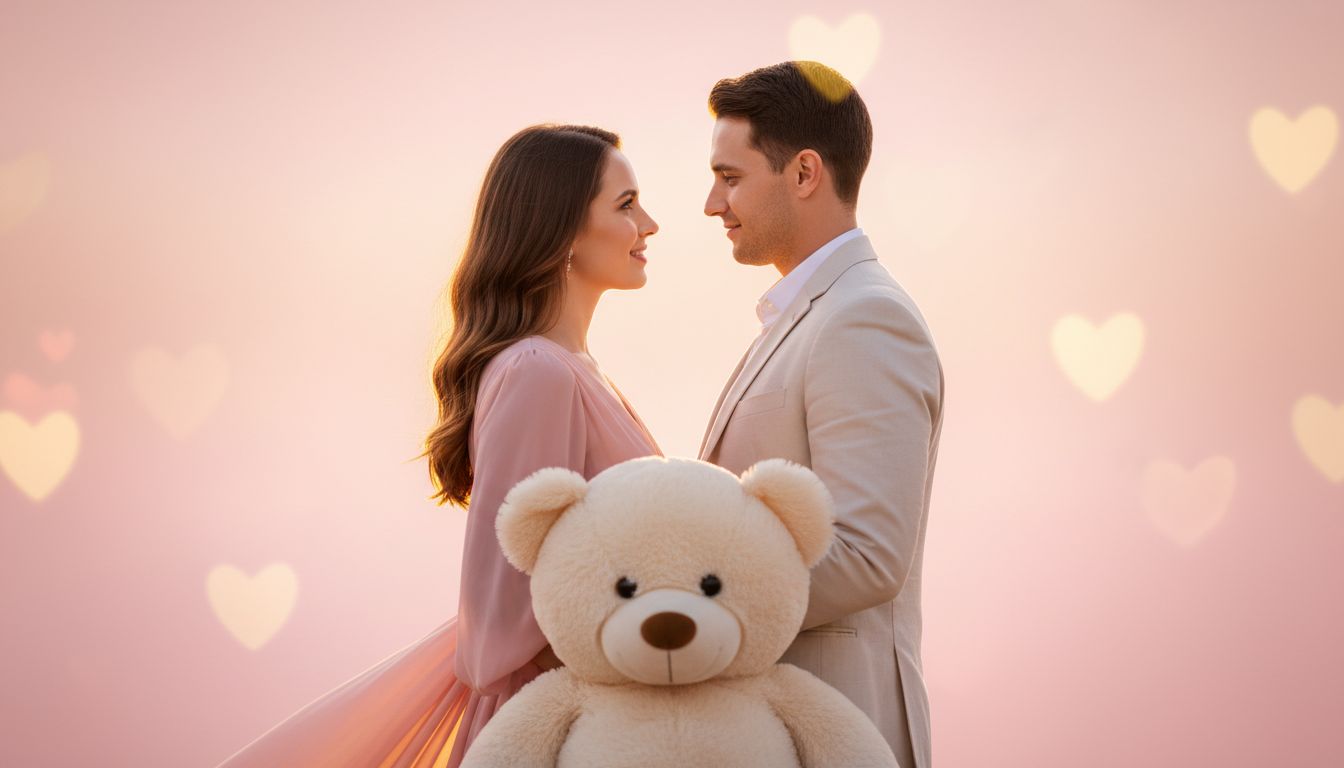
- Ultra-realistic Teddy Day couple portrait, both faces preserved exactly from uploaded photos, gentle eye contact, large cream teddy at waist level, warm golden cinematic lighting, pastel pink-peach background, subtle heart bokeh, DSLR realism, natural skin texture, no oversmoothing.
- Cozy indoor Teddy Day scene, couple sitting close on soft couch, girl hugging oversized teddy, boy leaning protectively, warm fairy lights, soft champagne-pink palette, realistic fur texture, sharp facial detail, romantic mood.
- Forehead-touch Teddy Day portrait, couple holding teddy together at chest level, calm smiles, soft rim light, dreamy but realistic color grade, natural skin pores, premium editorial look.
- Golden-hour Teddy Day outdoor portrait, couple exchanging teddy near floral backdrop, cinematic backlight, shallow depth, realistic expression, warm tones, clean composition.
Prompt set B: Social-post friendly styles
- Vertical lifestyle Teddy Day shot, couple centered, teddy in foreground, soft indoor window light, pastel wardrobe, ultra-clean framing, realistic hands and fingers, high detail.
- Story-style Teddy Day close-up, couple in side hug, teddy visible near shoulder, soft blush color grading, filmic contrast, natural texture, no artificial plastic skin.
- Dreamy Teddy Day evening scene, lantern bokeh in background, couple laughing naturally, plush teddy between them, soft cinematic highlights, premium portrait finish.
- Minimal studio Teddy Day setup, gradient background, couple standing face-to-face with teddy, symmetrical composition, ultra-sharp eyes, realistic shadows, polished ad-photography look.
Prompt set C: Stronger cinematic direction
- Cinematic Teddy Day frame, medium shot, emotional couple pose, textured teddy fur, warm key light plus soft fill, subtle vignette, natural facial fidelity, realistic cloth detail.
- High-end romantic poster style without text overlay, couple and teddy centered, peach-pink atmosphere, realistic skin and hair strands, premium depth and contrast.
- Tender moment Teddy Day capture, girl resting head on boy shoulder while holding teddy, soft candle-like glow, creamy bokeh, natural posture, realistic perspective.
- Hero Teddy Day portrait, couple embracing teddy in foreground, controlled highlights, clean background separation, ultra-HD realism, no facial distortion.
Nano Banana 2 Prompts vs Nano Banana Pro Prompts: Which Should You Use?
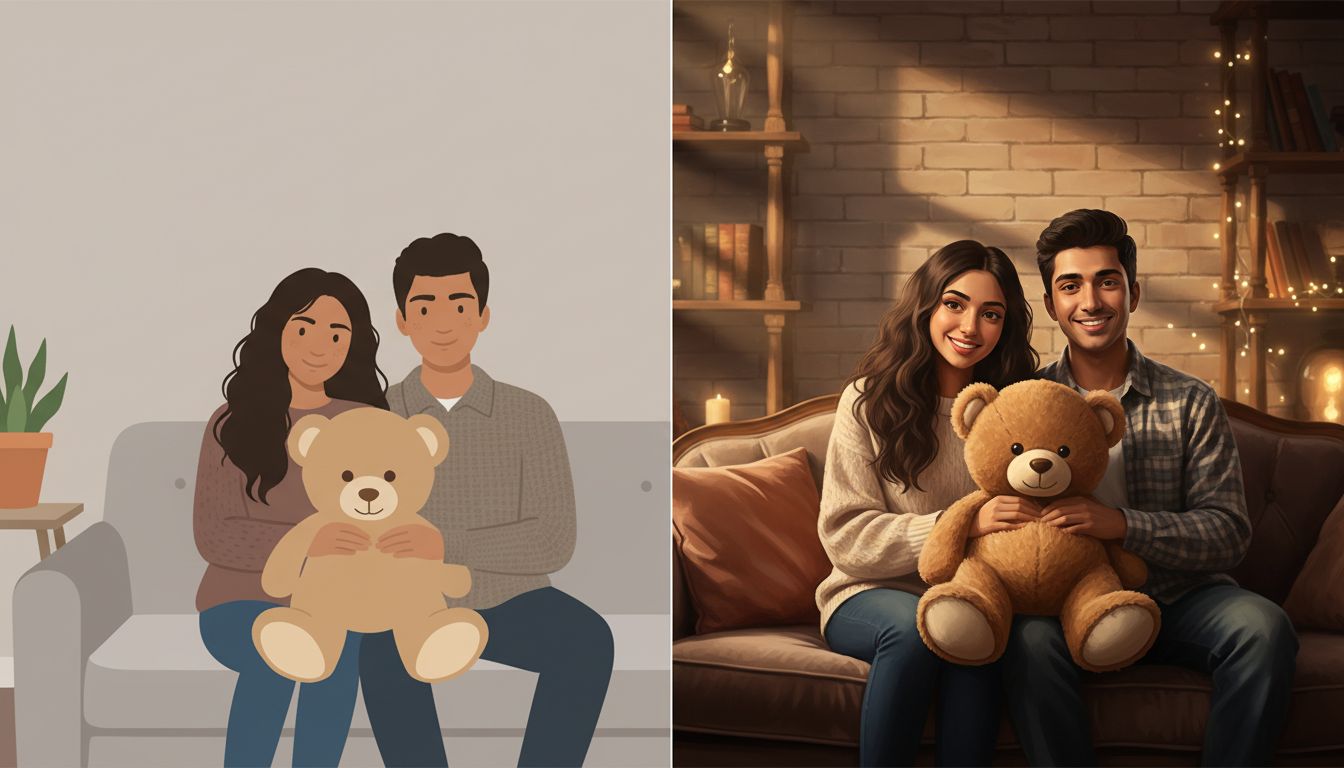
You will often see creators compare nano banana 2 prompts and nano banana pro prompts for romantic edits. The choice should match your goal, not hype.
Use nano banana 2 prompts when:
- You need fast iteration and many variations
- You are still deciding pose, mood, or color palette
- You want quick concept testing for stories, reels, and thumbnails
Use nano banana pro prompts when:
- You need stronger consistency on face details
- You want cleaner texture retention for final export
- You are preparing final posts or print-ready assets
In practice, many creators start with nano banana 2 prompts for ideation, then switch to nano banana pro prompts for finals. That workflow can reduce wasted credits while improving final quality.
The same rule applies to gemini teddy day ai photo editing prompts: do rough exploration first, then polish with stricter constraints.
Nana Banana Prompts: Why People Still Search This Term
Many users type nana banana prompts even when they mean Nano Banana. Keep that in mind for SEO and query matching. If your content includes both nana banana prompts and nano banana 2 prompts, it can rank for typo traffic while still serving accurate guidance.
A practical content strategy is:
- Explain that nana banana prompts is a common typo
- Provide corrected prompt structures for nano banana 2 prompts
- Offer advanced variants as nano banana pro prompts
- Keep one short reusable gemini ai prompt template for beginners
Two Realistic Mini-Cases
Mini-case 1: Fast Valentine campaign for a creator page
A small lifestyle creator needed 20 Teddy Day visuals in one evening. They began with nano banana 2 prompts to test four lighting moods. After selecting two winning moods, they reused one strict gemini ai prompt identity lock and upgraded finals using nano banana pro prompts for cleaner skin detail.
Result: production time dropped, and the final set looked consistent enough for carousel posting.
Mini-case 2: Couple gift print with high emotional realism
A user wanted one printable portrait that felt personal, not AI-generic. Initial gemini teddy day ai photo editing prompts produced pleasant but slightly synthetic output. They refined the gemini ai prompt by adding hand placement detail, teddy fur texture, and background simplicity. Final pass with nano banana pro prompts delivered stronger realism and better facial fidelity.
Result: one strong final image beat ten average variants.
7-Step Checklist For Consistent Results
Use this checklist every time you build gemini teddy day ai photo editing prompts:
- Pick one clear mood: cozy indoor, golden hour, or studio pastel.
- Add face-preservation instructions before style words.
- Define exact teddy position and hand interactions.
- Set one lighting plan only; avoid conflicting light directions.
- Add realism constraints: natural skin texture, accurate fingers, clean anatomy.
- Start with nano banana 2 prompts for drafts, then finalize with nano banana pro prompts.
- Save your best reusable gemini ai prompt as a master template.

Common Pitfalls That Break Teddy Day Results
Even long gemini teddy day ai photo editing prompts fail when instructions conflict. Watch for these issues:
- Too many styles in one prompt (editorial + anime + ultra-real + painterly)
- Missing pose geometry, causing awkward hand or teddy placement
- Overloaded background requests that fight the subject
- No identity lock, leading to face drift across attempts
- No iteration logic between nano banana 2 prompts and nano banana pro prompts
Keep each gemini ai prompt focused. Specific beats long.
FAQ: Gemini Teddy Day AI Photo Editing Prompts
How many words should gemini teddy day ai photo editing prompts have?
There is no fixed count. Effective gemini teddy day ai photo editing prompts are usually detailed but structured. If the prompt clearly covers identity, pose, light, and cleanup, length is less important.
Should I start with nano banana 2 prompts or nano banana pro prompts?
Start with nano banana 2 prompts for experimentation. Move to nano banana pro prompts when you lock the composition and need cleaner final quality.
Is nana banana prompts a different model?
In most searches, nana banana prompts is a typo query. You can still include nana banana prompts in your SEO copy, but use correct technical settings in your workflow.
What is one reusable gemini ai prompt framework for Teddy Day?
A stable gemini ai prompt framework is: identity lock, pose lock, teddy detail, lighting instruction, background mood, realism cleanup, and final output style.
Can I reuse one prompt for all Teddy Day photos?
Yes, but keep a modular version. Your base can remain the same while you swap pose and light blocks. That is how advanced gemini teddy day ai photo editing prompts stay consistent without looking repetitive.
Final CTA
If you want more high-converting templates, copy-ready structures, and practical variations for gemini teddy day ai photo editing prompts, explore this prompt library: gemini teddy day ai photo editing prompts