
ArtCraft Apps Alternative Guide: Every App, Safety, Cost
ArtCraft's Craft apps are free, open-source desktop programs that mirror the workflow of Photoshop, Illustrator, Premiere Pro, Word, Excel and eight other commercial tools. As an ArtCraft apps alternative to Adobe and Microsoft subscriptions, they are worth installing if you can live with alpha-quality software and work on copies of your files. They are not yet a dependable swap for client deadlines. If you only need a quick photo fix, a browser-based ArtCraft apps alternative may get the job done without installing anything.
- Is ArtCraft free? The Craft apps are, with no subscription or account. The separate ArtCraft AI studio sells credits for cloud image and video generation.
- Is ArtCraft safe? Official downloads are verifiable and the apps run locally, but the code is young, unaudited and legally untested.
- Should you switch? Start with VectorCraft and PdfCraft, keep paid tools for client work, and check back as releases mature.
Details reflect the project in mid-October 2026. The apps change quickly, so check current release notes before relying on any single feature.
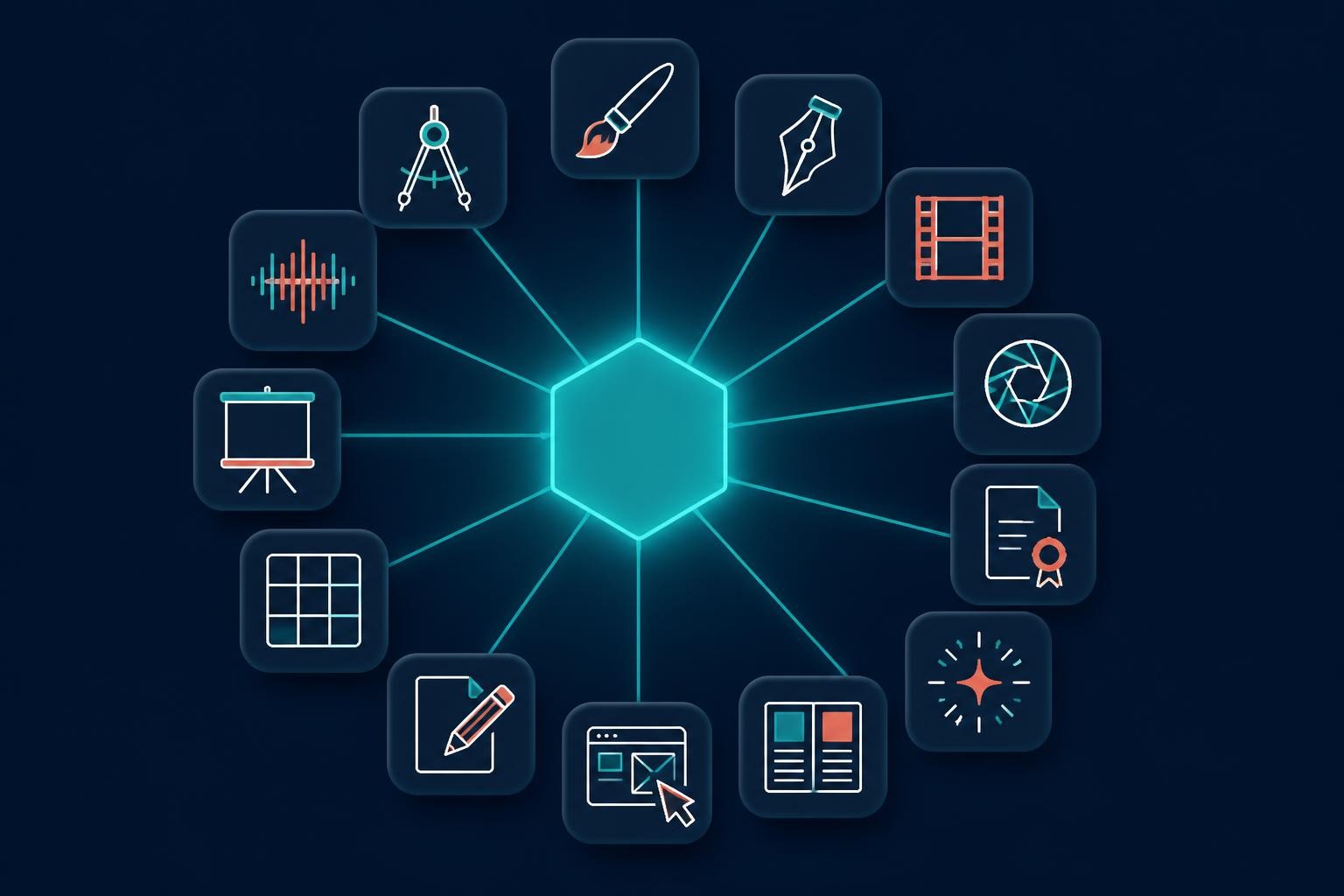
What ArtCraft is: two products under one name
ArtCraft comes from a small team led by developer Brandon Thomas, and the name now covers two different products. Keeping them apart settles most questions about cost and safety.
- The Craft apps: thirteen standalone programs written from scratch in Rust and launched in October 2026 under the MIT or Apache 2.0 open-source licenses. They run natively on macOS, Windows and Linux, open your local files, and do not ask you to sign in. Most can also be compiled for the browser, but that web version is a package you host yourself, not a ready-made website.
- The ArtCraft AI studio: an open-source desktop and web app for controllable AI image and video, with 3D scene layout, character posing and compositing. It asks you to create a free account, and generations run on cloud models paid for with credits.
The developer says the apps were built with heavy help from an AI coding model, which helps explain how thirteen programs appeared within weeks. Expect features to arrive faster than polish.
Every ArtCraft app and the program it replaces
Each Craft app targets one familiar commercial program, so the fairest way to judge the ArtCraft apps alternative lineup is app by app. "Stage" is the project's own label; "Try it for" is our editorial view of what each app handles reasonably today.
| Craft app | Closest paid counterpart | Stage | Try it for |
|---|---|---|---|
| PhotoCraft | Adobe Photoshop | Early alpha | Layered edits and scripted batch jobs |
| VectorCraft | Adobe Illustrator | In development | Logos, icons and diagrams |
| PdfCraft | Adobe Acrobat | Early alpha | Merging, splitting and redaction checks |
| FigCraft | Figma | Early alpha | Wireframes and clickable prototypes |
| LightCraft | Adobe Lightroom | In development | Library browsing and simple raw edits |
| FilmCraft | Adobe Premiere Pro | In development | Short, self-contained cuts |
| EffectCraft | Adobe After Effects | In development | Learning and experiments |
| DesignCraft | Adobe InDesign | In development | Short layouts, not long publications |
| WordCraft | Microsoft Word | In development | Drafts on copies of DOCX files |
| GridCraft | Microsoft Excel | In development | Tests on copied workbooks |
| DeckCraft | Microsoft PowerPoint | In development | Tests on copied decks |
| SoundCraft | Avid Pro Tools | In development | Early audio experiments |
| CADCraft | Autodesk AutoCAD | In development | Simple 2D drafts in DXF |
PhotoCraft: the Photoshop stand-in most people try first
PhotoCraft is the ArtCraft apps alternative most people install first, and it covers more than you might expect: layers, masks, adjustment layers, layer styles, smart objects with smart filters, type, vectors and brushes. It opens and saves layered PSD and PSB files, supports 8-, 16- and 32-bit documents in RGB, CMYK, Lab or grayscale, and offers ICC color management with soft proofing. Subject selection runs on your own computer rather than a remote server.
The gaps matter for professionals. There is no support for Photoshop plug-ins or Adobe's scripting, no generative AI tools, and typography is limited. Complex client PSDs do not always come back exactly as they went in, and testers have reported lag with very large brushes on big canvases. The developers' own estimate puts professional readiness at roughly 45 percent. Use it for personal projects and Linux machines, and keep Photoshop for client files that must open perfectly on someone else's computer.
FigCraft: Figma-style interface design, still early
FigCraft is the ArtCraft apps alternative for people who design screens in Figma. It offers frames, auto layout, constraints, components with variants, variables with light and dark modes, prototyping with animated transitions, and a developer view that generates CSS, HTML, React, SwiftUI and Compose code. Live sessions let you host a file from the app or your own server and invite collaborators by link.
It is labeled early alpha, and the project does not advertise importing Figma files. Treat it as a place to start new work rather than a migration path for an existing design system.
WordCraft, GridCraft and DeckCraft: the Office trio
These three arrived after the creative apps and serve as an ArtCraft apps alternative to Microsoft Word, Excel and PowerPoint. WordCraft handles DOCX documents, GridCraft covers spreadsheets and data analysis, and DeckCraft builds and presents slide decks. All three are still in development, so open copies of important files, never the originals, and check the formatting after every save.
VectorCraft and PdfCraft: the most useful today
If you want one ArtCraft apps alternative that already earns its place, start here. Testers single out VectorCraft for logos, icons, diagrams and web illustration, with Bézier editing, Pathfinder-style shape operations, a shape builder and gradients. Its support for Illustrator files is limited to their PDF-compatible content. PdfCraft reads, organizes, combines, splits and secures PDFs, and it can flag fake redactions, where text is merely covered by a box but still sits in the file.
What about SolidCraft?
SolidCraft shares the naming style, but it is not part of ArtCraft. It is a separate open-source project from a different developer: a parametric 3D CAD tool in the spirit of Fusion 360, also written in Rust and also at an early stage. ArtCraft's own CAD entry is CADCraft, which focuses on 2D drafting. Check the publisher before you download anything with "Craft" in its name.
Is ArtCraft free? Yes, except the AI credits
For the Craft apps, the answer is yes: no subscription, no account, and permissive licenses that also allow commercial use. The ArtCraft name and logos are excluded from those licenses, which matters only if you plan to fork and redistribute the code.
Money enters with the AI studio. It is free to download and can run on your own compute or third-party subscriptions, but its built-in cloud generations use credits. List prices in mid-October 2026 were:
- Basic: $10 a month for 1,000 credits
- Pro: $35 a month for 3,750 credits
- Max: $60 a month for 6,600 credits, aimed at teams
- Enterprise: custom pricing and credit allocation
A limited-time 20 percent discount was running, yearly billing costs less, one-time credit packs never expire, and credits for failed generations are refunded.
The hidden cost of any ArtCraft apps alternative is time. Alpha software means rechecking exports, converting files for clients, and occasionally redoing work after a freeze. If a subscription saves you several billable hours a month, it may still be the cheaper option.
Is ArtCraft safe to install and use?
Safety covers four separate questions, and the answers differ.
Is the download clean? Official builds come from the ArtCraft website, the project's GitHub releases and the ArtCraft Launcher, which installs and updates every app and checks each download against its SHA-256 checksum. PhotoCraft's Windows installers are code-signed and its Mac builds are notarized. Third-party download pages already rank in search, so skip them.
Is your data private? The Craft apps work on local files with no cloud round trips and no sign-in. The AI studio is different: prompts and images go to cloud models when you generate, so read its terms before uploading client material.
Is it stable enough for real files? Not always. These are alpha builds, so keep backups, work on duplicates and expect missing features.
Is it legally settled? The developers describe the apps as clean-room reimplementations built from public file specifications and observed behavior, with no proprietary code. No outside audit or court has tested that claim. That matters little for a hobbyist, but a company with strict software policies should get IT or legal sign-off before trusting any ArtCraft apps alternative with client files.
A five-minute safety checklist
- Bookmark the official site or install the Launcher instead of clicking download links in search results.
- For standalone installers, compare the SHA-256 checksum with the one on the release page.
- Test on duplicates of real project files, never the originals.
- If an AI agent drives an app through its automation server, limit the folders it may read and write.
Who should install ArtCraft now, and who should wait
Install now if you edit on Linux, want to automate image or PDF jobs from scripts, are learning design without a subscription budget, or simply prefer open-source tools. In those cases an ArtCraft apps alternative costs nothing to try, and the downside is a few lost minutes.
Wait if you exchange layered files with clients, depend on Photoshop plug-ins or Premiere projects, prepare files for commercial print, or use a locked-down work laptop where installing software needs approval. Before you cancel anything, run one real job end to end: duplicate the files, make your usual edits, export, and reopen the results in the program your collaborators use.
A no-install ArtCraft apps alternative for photo edits
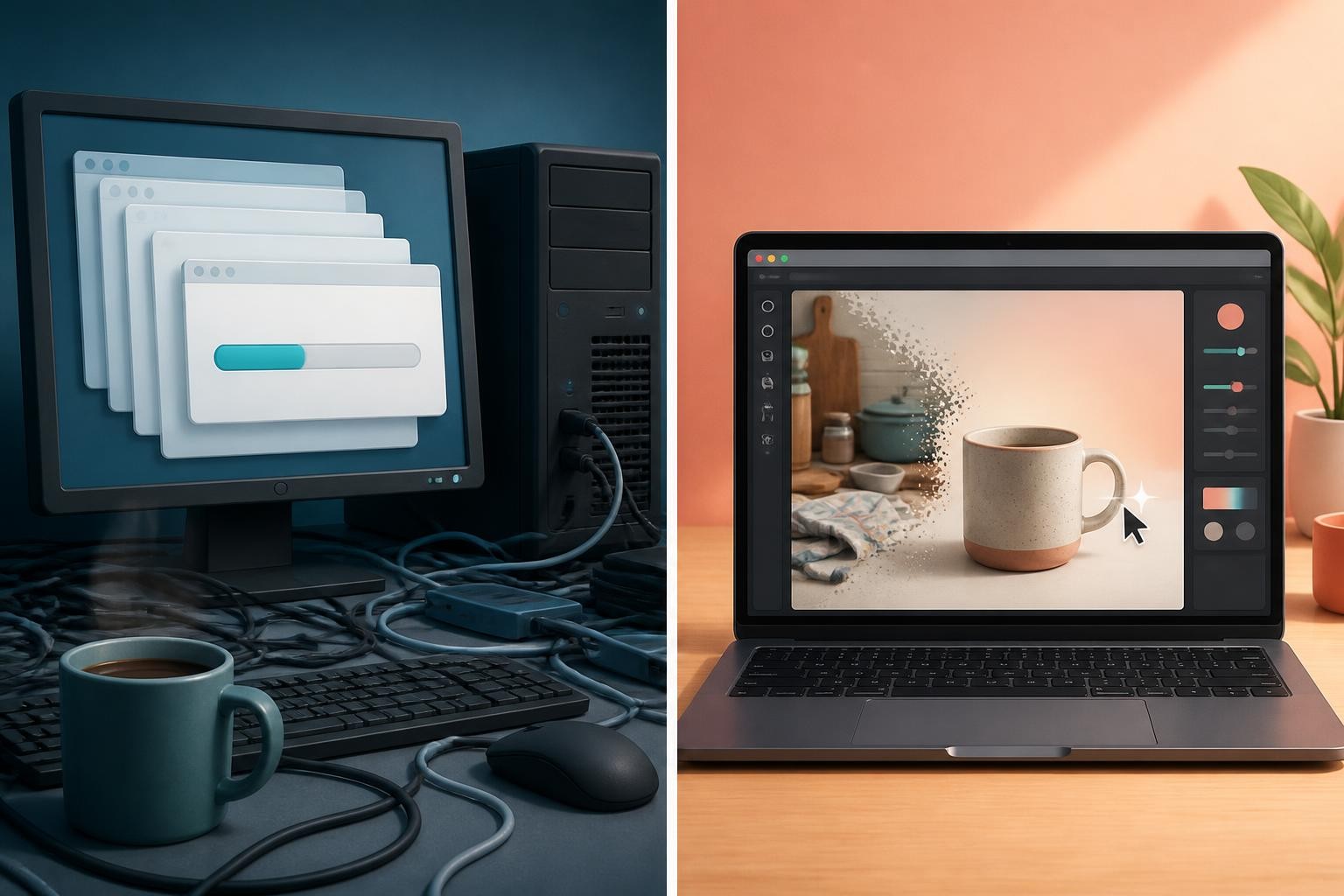
If your real task is one photo fixed today, such as a background removed, a stray object erased, a blurry shot sharpened or a frame extended for a new format, thirteen desktop programs are more than you need. For a single image, the right ArtCraft apps alternative may not be a desktop program at all.
Img2Img AI's AI Image Editor runs in a browser tab and puts seven AI tools on one canvas: upscaling up to 10x, blur fixing, background removal, object erasing, image expansion, watermark removal for images you have the right to edit, and Edit with AI, where you describe a change in words and can switch between image models. Six tools work with a click or a selection, and a version history lets you step back at any time. It accepts JPG, PNG and WebP files up to 15MB.
| What matters | PhotoCraft | Img2Img AI Image Editor |
|---|---|---|
| Setup | Desktop install | Browser tab, nothing to install |
| Account | Not required | Required |
| Cost | Free | Free starter credits; downloads need credits or a plan |
| Works offline | Yes | No |
| Your files | Stay on your computer | Uploaded for processing, not used to train its own models |
| Best for | Layered, pixel-level editing | Fast AI fixes from a click or a sentence |
Know the limits before you start. The editor works on images only, so it will not replace WordCraft, FilmCraft or any other non-image app. AI edits can still struggle with tiny text, exact logos, hands and crowded scenes, and upscaling rebuilds plausible detail rather than recovering the original, so keep your source file.
Common questions
Is ArtCraft safe for client work?
Not yet for deliverables. The official builds are reasonable to install, but alpha-stage file compatibility and an untested legal position make your current paid tools the safer choice when a client is waiting.
Is ArtCraft free for commercial use?
The Craft apps' MIT and Apache 2.0 licenses permit commercial use. AI generation in the studio is billed separately through credits unless you bring your own compute.
Does PhotoCraft open PSD files?
Yes. It reads and writes layered PSD and PSB files, and in the project's own tests most files look the same after a round trip. Complex documents with Adobe-specific features can change, so compare the result before sending it on.
What is the best ArtCraft apps alternative for quick photo edits?
For results without installing software, a browser-based AI editor is the quickest route. For free, offline, layer-based control, PhotoCraft is worth installing alongside your current tools.
Edit your next photo in the browser
When the job is one photo rather than a full creative suite, try Img2Img AI as a browser-based artcraft apps alternative. Upload a JPG, PNG or WebP image, choose a one-click fix or describe the change in words, and compare the result with your original before moving on. New accounts get free credits to preview results, and downloads unlock after a credit or plan purchase.
