
What is nano banana 2 lite? Features, limits, and the easiest alternative
Nano Banana 2 Lite is Google's fastest and most affordable image model to date: a speed-first, budget-first member of the Nano Banana family, released on June 30, 2026. It was built to solve a very specific frustration—image models keep getting better, but waiting and paying premium prices for every draft makes experimentation slow and expensive. With nano banana 2 lite, a text-to-image result arrives in about four seconds and costs roughly $0.034 per 1K-resolution image, which changes how many ideas you can afford to test before committing to one.
This guide explains what nano banana 2 lite actually is, where it sits in the Nano Banana lineup, what it does well, where it falls short, and when a ready-made alternative like Img2Img AI is the more practical choice—especially if you want the results without touching an API key.

What exactly is nano banana 2 lite?
Under the hood, nano banana 2 lite is the production name for the Gemini 3.1 Flash-Lite Image model (model ID: gemini-3.1-flash-lite-image). It is a distilled, efficiency-tuned variant of Nano Banana 2, trading a slice of quality headroom for dramatic gains in latency and unit cost.
Google positions it as the direct replacement for the original Nano Banana (gemini-2.5-flash-image): if you were already using the first-generation model, swapping in the Lite version should give you better quality, faster responses, and lower bills with no workflow changes.
You can access it in three ways:
- Google AI Studio, for free-form experimentation in a playground
- The Gemini API and Gemini Enterprise Agent Platform, for production apps and pipelines
- Google consumer products, including AI Mode in Search, the Gemini app, NotebookLM, Google Photos, Stitch, Flow, and Google Ads
That last point matters: millions of people will use nano banana 2 lite without ever hearing its name, because it powers fast image features inside products they already open every day.
It also slots into a broader workflow Google is clearly building toward: pair nano banana 2 lite with Gemini Omni Flash, the companion video model, and a four-second image draft becomes the reference frame for a ten-second animated clip. For teams prototyping multimedia features, that chain—cheap image draft, then video generation only for the winners—is a genuinely new cost structure.
Nano Banana 2 Lite specs at a glance
| Spec | Detail |
|---|---|
| Model ID | gemini-3.1-flash-lite-image |
| Release date | June 30, 2026 |
| Text-to-image latency | About 4 seconds |
| Standard price | $0.034 per 1K image |
| Batch API price | Roughly half of standard |
| Maximum resolution | 1K (1024px class) |
| Inputs | Text prompts, image editing |
| Provenance | SynthID watermarking built in |
Two numbers deserve attention. The four-second latency makes nano banana 2 lite feel interactive rather than batch-like—you can iterate on a prompt the way you iterate on a sentence. And the price makes volume realistic: ten thousand draft images cost about $340 at standard rates, and roughly half that through the Batch API.
Where nano banana 2 lite fits in the Nano Banana family
The family is now a clear three-tier ladder plus one legacy rung:
| Model | Internal name | Role |
|---|---|---|
| Nano Banana 2 Lite | Gemini 3.1 Flash-Lite Image | Speed and cost first |
| Nano Banana 2 | Gemini 3.1 Flash Image | Balanced quality and speed |
| Nano Banana Pro | Gemini 3 Pro Image | Maximum quality and control |
| Nano Banana (original) | Gemini 2.5 Flash Image | Legacy; upgrade recommended |
The mental model is simple. Choose nano banana 2 lite when you are drafting, prototyping, or generating at scale. Move up to Nano Banana 2 when the image is final and needs more polish. Reserve Pro for complex compositions, dense layouts, and professional work where accuracy matters more than turnaround time.

What nano banana 2 lite does well
Speed that changes how you work. Four seconds per image means you can explore ten visual directions in under a minute. For interactive apps—think photo booths, interior design previews, or e-commerce mockups—this is the difference between a gimmick and a usable feature.
A price that changes what is economically viable. At $0.034 per image, workloads that were previously absurd become routine: generating personalized visuals per user, A/B testing dozens of ad creatives, or seeding a content pipeline with thousands of drafts.
Character consistency survives the diet. Despite the speed focus, the model retains the family trait that made Nano Banana famous: keeping a subject's identity stable across edits and regenerations.
Prompt adherence stays reliable. Lite models often get literal-minded or drift from instructions; this one follows constraints well for its class, including short in-image text that stays legible.
Transparency is built in. Every output carries a SynthID watermark, verifiable through the Gemini app, Gemini in Chrome, or Search—useful if you publish at scale and need provenance.
The limitations worth planning around
Honest trade-offs come with that speed, and knowing them saves real money:
- Resolution caps at 1K. There is no 2K or 4K option. For print, large displays, or heavy cropping, you will need an upscaler or a higher-tier model.
- Fine detail can soften. Hair, fabric texture, and distant faces are where speed-tuned models cut first. If pixel-level crispness is the deliverable, test before you commit.
- Dense or small text is risky. Short headlines render well, but long paragraphs, tiny labels, and complex typography can produce spelling errors. Keep in-image text short, or add text in post-production.
- Complex multi-image edits have less headroom. Blending several references with strict constraints is exactly what Nano Banana 2 and Pro are for.
- Direct access is API-first. Outside Google's consumer apps, using nano banana 2 lite yourself means AI Studio or the Gemini API—developer territory with keys, billing accounts, and rate limits to manage.
None of these are flaws so much as design choices. The mistake is buying speed when your actual bottleneck is quality, control, or convenience.
Is "nano banana 2 light" a different model?
No. A large share of searches for this model type nano banana 2 light, which is simply a common misspelling—the official name uses "lite," the tech-industry convention for stripped-down versions. If you arrived here searching for nano banana 2 light, you are looking at the right model: same four-second generation, same $0.034 price, same 1K ceiling. There is no separate "light" edition, no hidden variant, and no difference in features. When comparing tutorials or pricing pages, treat nano banana 2 light and the official spelling as interchangeable.
Who nano banana 2 lite is for—and who should look elsewhere
It is a strong fit if you are a developer building image features into a product, a founder prototyping a visual app, a growth team generating creative variants in bulk, or a hobbyist happy inside the Gemini app.
It is a weak fit if you need print-ready resolution, if your work depends on dense typography or intricate multi-reference edits, or if the phrase "set up a Gemini API key and billing account" already sounds like a chore. That last group is bigger than the industry likes to admit—most creators, marketers, and small business owners want the output of these models, not the infrastructure around them.
Img2Img AI: a nano banana 2 lite alternative that skips the API entirely
For that majority, Img2Img AI is the practical answer. It is a browser-based, all-in-one image workstation that wraps more than ten frontier models—including nano banana pro, Seedream 4.0 and 4.5, Flux, and Ideogram 4.0—into one interface with zero setup. You open the page, pick a model, and create.
Three things make it a genuine alternative rather than just another wrapper:
- Both generation modes covered. Text-to-image for new scenes, image-to-image with up to four reference uploads for transformations that preserve your original composition—arguably a better everyday workflow than prompting from scratch.
- Twenty-plus one-click tools. Background remover, watermark remover, photo restoration, image enhancer, and more handle the unglamorous editing work that surrounds any generation.
- Guidance baked in. A built-in prompt optimizer, a curated prompt library, over a hundred ready-made effects, and hands-on tutorials flatten the learning curve that raw APIs ignore.
New accounts get free starting credits, and each generation costs a small, visible credit amount—no billing console, no code. And when a draft needs more quality than a speed-tier model offers, you can switch to nano banana pro inside the same workspace instead of migrating your whole project.
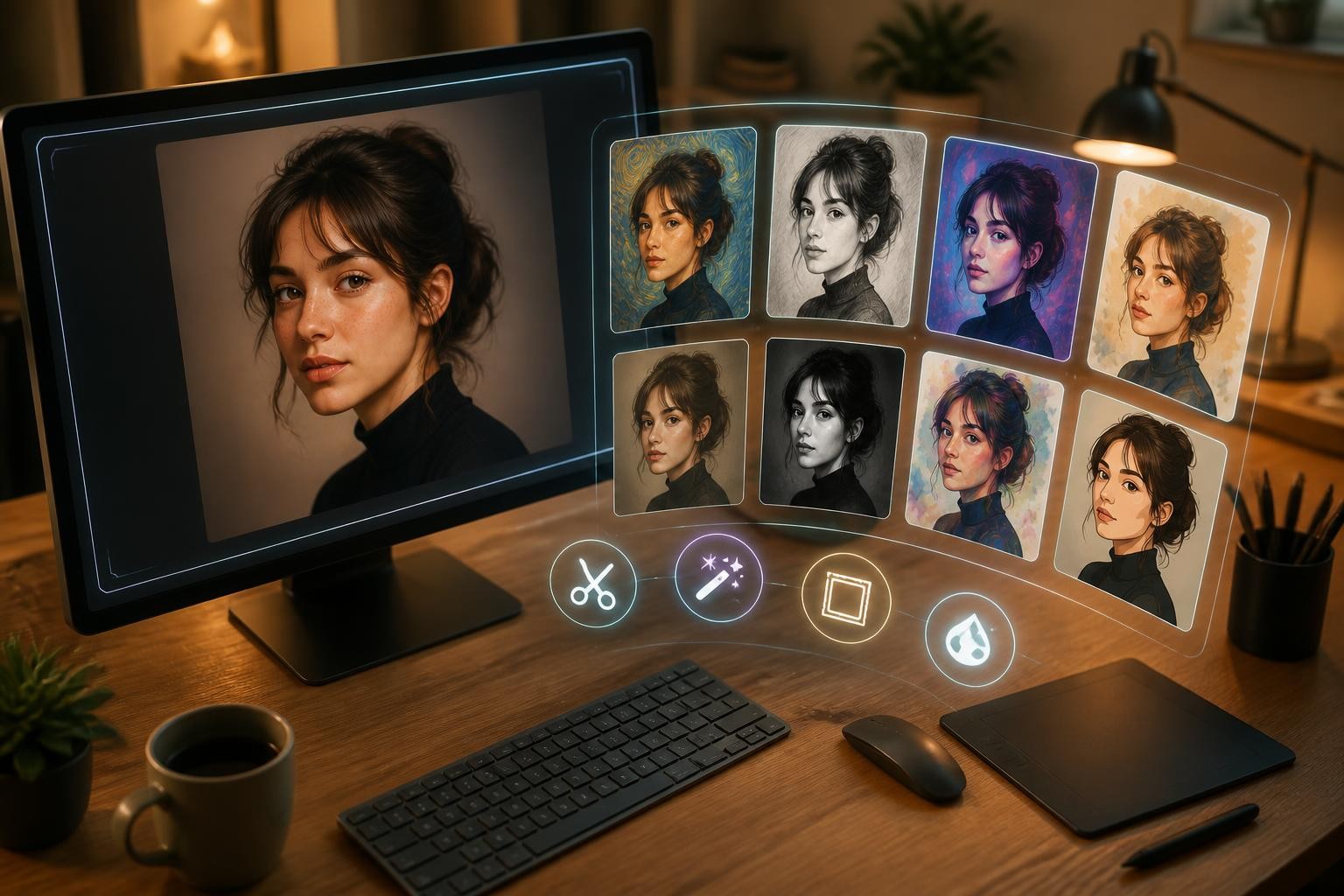
The day-to-day flow is deliberately simple: choose text-to-image or image-to-image, pick a model that matches your quality bar, write or upload a prompt, then generate and download. A built-in prompt optimizer tightens vague descriptions before you spend credits, and the prompt library gives you proven starting points for popular styles instead of a blank box.
How to choose: a quick decision guide
- Building an app or pipeline at scale? Call nano banana 2 lite directly through the Gemini API. The economics are unbeatable.
- Prototyping an idea with technical help nearby? Same answer—the Lite tier is made for exactly this.
- A creator, marketer, or seller who needs finished visuals today? Start with Img2Img AI and skip the developer plumbing.
- Need maximum quality for a hero image? Use nano banana pro, either through Google's tools or inside Img2Img AI.
- Need motion? Image models are the wrong category; look at video models such as Gemini Omni Flash, which pairs naturally with fast image drafts.
FAQ
Is nano banana 2 lite free to use?
You can experiment with it at no cost inside Google AI Studio's playground and through consumer surfaces like the Gemini app, subject to each product's own limits. API usage is billed per image at the $0.034 rate.
Is nano banana 2 light the same as nano banana 2 lite?
Yes—"light" is just a frequent misspelling of the official "lite" name. There is only one model in this tier.
Can it edit photos, or only generate from text?
It does both. Image editing with text instructions is a core capability, which is why it also works well behind image-to-image style workflows.
What resolution does it support?
Output is capped at 1K class resolution. For anything larger, plan on an upscaling step or a higher-tier model.
How is nano banana 2 lite different from Nano Banana 2?
Both are Gemini 3.1-class image models, but they are tuned for different jobs. The Lite version cuts latency to about four seconds and the per-image price to $0.034 by trimming resolution to 1K and some quality headroom. Standard Nano Banana 2 costs more per image but delivers higher fidelity and resolution options—use Lite to explore, then standard Nano Banana 2 to finalize.
The bottom line
Nano Banana 2 Lite is the most important "small" image model of 2026: fast enough to feel instant, cheap enough to use without thinking, and good enough that most drafts need nothing more. Its limits—1K resolution, soft fine detail, API-first access—are real but predictable.
If you want that speed without the developer overhead, try nano banana 2 lite workflows on Img2Img AI: upload a photo or type a prompt, compare multiple frontier models side by side, and keep the best result—free starting credits included.
