
Imagen 4 vs Nano Banana Pro: The Practical Answer
If you are choosing between Imagen 4 and Nano Banana Pro today, the safer default for most new creative workflows is Nano Banana Pro. It is built for more complex image generation and editing, supports multi-turn refinement, handles reference images, and is positioned for professional asset production rather than only one-shot text-to-image output.
Imagen 4 still matters. It remains a strong choice when the task is a clean, high-fidelity image from a single prompt: a product hero, a photoreal landscape, a polished illustration, or a concept where you want the model to focus on visual quality without needing much back-and-forth editing. But there is one major caveat: Imagen 4 is now treated as a legacy model in current developer-facing model listings, with migration toward the Nano Banana family. That changes the decision from "which model looks better in one sample?" to "which model should your workflow depend on next?"
The short version:
- Choose Imagen 4 when the job is a single, polished image and you can accept a model that may not be the long-term center of Google's image stack.
- Choose Nano Banana Pro when the job involves edits, references, complex layouts, accurate in-image text, diagram-like compositions, brand consistency, or repeated refinement.
- Compare both inside a multi-model workspace before committing, because prompt style, subject matter, and cost can change the answer.
That is why a tool like Img2Img AI is useful for this topic: the best answer is not only theoretical. You want to run the same brief through multiple image models, compare outputs side by side, and keep the model that behaves best for your actual use case.
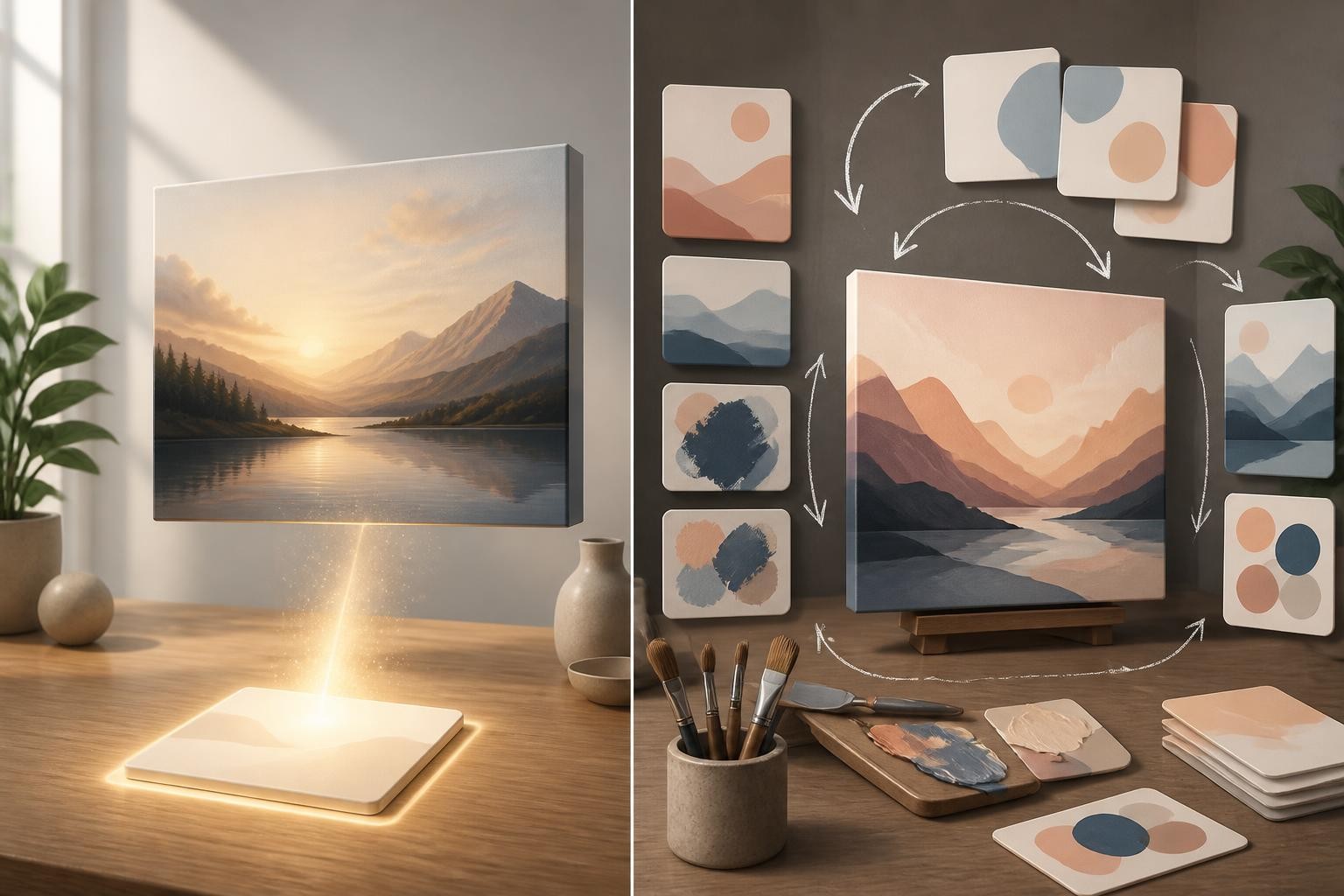
Why This Comparison Feels Confusing
The phrase "imagen 4 vs nano banana pro" sounds like a normal model-versus-model question, but the models are not trying to win the same exact race.
Imagen 4 is mainly understood as a high-quality text-to-image model. You give it a prompt, tune the style, specify aspect ratio and detail, and expect a finished image. Its appeal is direct: strong visual fidelity, pleasing realism, and reliable generation for standard creative briefs.
Nano Banana Pro, also known as Gemini 3 Pro Image, is broader. It is designed for generation and editing, with reasoning-oriented behavior for more complicated instructions. That matters when the prompt has dependencies: keep this person consistent, combine these references, preserve the product shape, change the lighting, create a visual explanation, or refine the result over multiple turns.
This is also where "imagen 4 vs nano banana ai" searches can become messy. "Nano Banana AI" can refer to the broader Gemini image-generation family, including earlier fast image models, Nano Banana 2, and Nano Banana Pro. The Pro model is the one to compare when you care about complex professional image work rather than only quick edits.
The Decision Framework
Use a three-part filter before choosing.
1. Is the output a final image or a working draft?
If you need one finished visual from one prompt, Imagen 4 can still be a strong pick. It is especially sensible for:
- Blog hero images
- Product-style renders
- Cinematic landscapes
- Clean editorial illustrations
- Photoreal scenes without many moving parts
If the output is a working draft that will change several times, Nano Banana Pro is usually more comfortable. Multi-turn editing is not a bonus feature there; it is part of why the model exists. You can ask for refinements, preserve visual identity, work from references, and iterate toward a final asset without restarting from scratch every time.
2. Does the image need reasoning, structure, or readable text?
For ordinary beauty shots, both models can produce attractive images. The gap appears when the image needs structure.
Nano Banana Pro is better suited to prompts such as:
- Turn a rough idea into a coherent visual explanation.
- Create a layout that combines several references.
- Preserve the same person, character, product, or object across variations.
- Generate a design-like image where text accuracy and placement matter.
- Use the model's broader world knowledge to organize a complex scene.
Imagen 4 may still create a beautiful version of the same idea, but it is less naturally positioned as the model you lean on for chained reasoning and iterative editing.
3. Will this workflow still matter in six months?
This is the most overlooked part of the comparison.
If you only need a few images now, Imagen 4 can be evaluated on output quality alone. But if you are building a repeatable workflow for a website, agency, campaign system, or content pipeline, the long-term model direction matters. Nano Banana Pro is the more future-facing choice because it sits inside the newer Gemini image-generation direction, while Imagen 4 is increasingly a legacy option.
That does not make Imagen 4 bad. It means the cost of depending on it is higher if your workflow needs continuity.
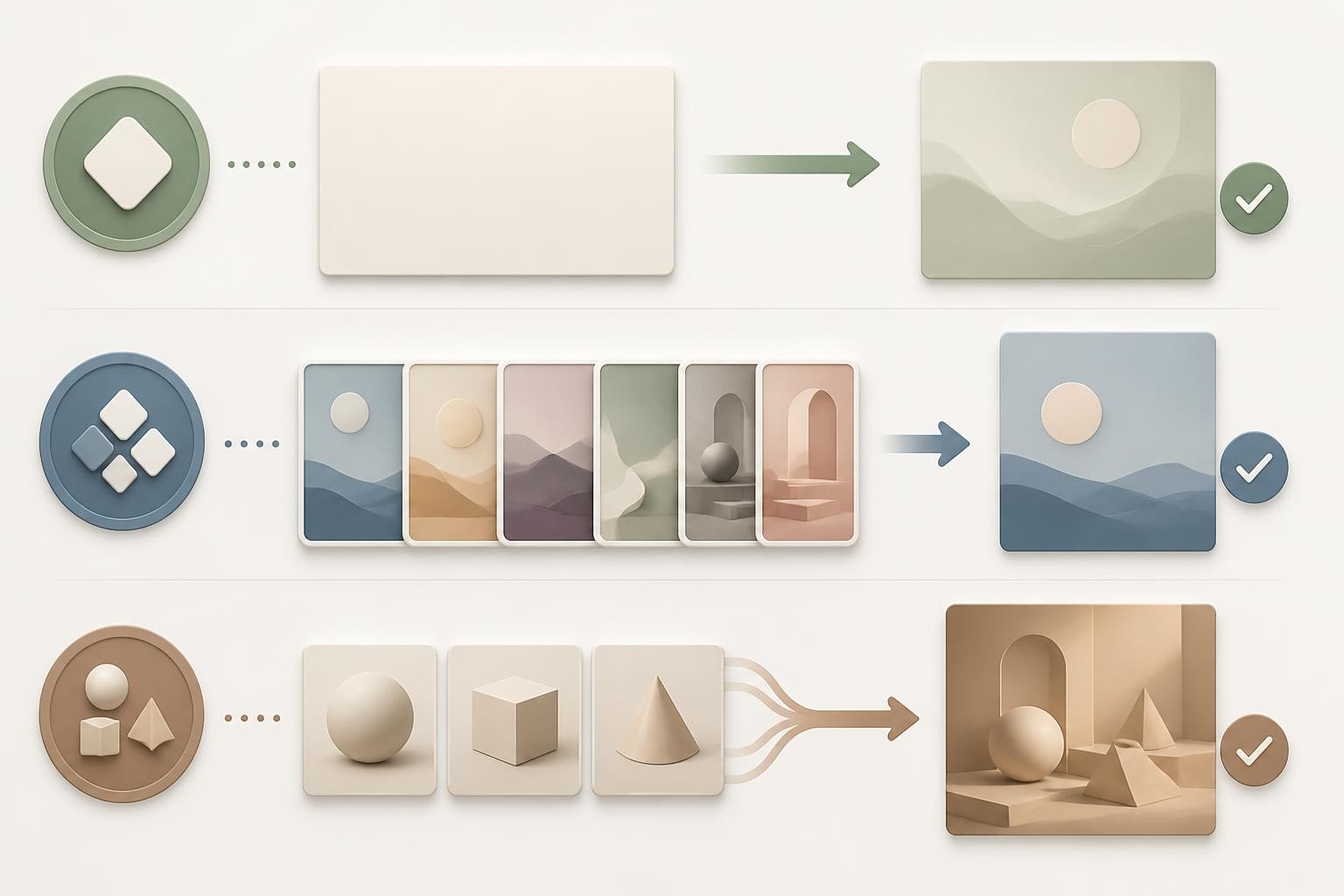
Imagen 4: Where It Still Makes Sense
Imagen 4 is best when the prompt is visually specific but operationally simple.
A good Imagen 4 prompt might describe subject, environment, camera angle, lighting, material detail, mood, and aspect ratio. For example, a premium product photo on a clean surface, a travel-style landscape, a fashion editorial concept, or an illustrated scene with clear visual direction.
Its strengths are:
- Strong visual polish for single-prompt generation
- Good fit for photoreal and high-detail scenes
- Useful balance of speed and quality in the Imagen family
- Familiar text-to-image workflow for creators who do not need editing loops
The limitation is not that Imagen 4 cannot make good images. It can. The limitation is that modern image workflows increasingly ask for more than one beautiful generation. They ask for controlled revisions, reference consistency, local edits, text placement, and repeatable creative direction. In those workflows, Imagen 4 can feel like a strong camera in a room that increasingly needs an editing studio.
Nano Banana Pro: Where It Pulls Ahead
Nano Banana Pro is a better fit when the image is part of a conversation.
It is designed for difficult prompts where the model must keep track of several constraints at once. That includes complex scenes, image-to-image editing, multi-reference composition, multilingual or stylized text, and professional design assets that need more deliberate control.
Choose Nano Banana Pro for:
- Iterating on an existing image
- Combining reference images into a new composition
- Maintaining character or product consistency
- Creating explainers, diagrams, or layout-heavy visuals
- Producing higher-resolution design assets
- Working through several revisions without losing the original idea
The trade-off is that a more capable model does not automatically mean every output is better. For simple prompts, it may be more model than you need. Some users may prefer the look of Imagen 4 for classic photoreal scenes. Others may care more about speed or cost than maximum control. That is why a side-by-side test is more useful than a universal winner.
Imagen 4 vs Nano Banana 2 vs Nano Banana Pro
The phrase "imagen 4 vs nano banana 2 vs nano banana pro" is a better way to think about the current landscape.
Imagen 4 is the older high-fidelity text-to-image option. It can still be useful for polished one-shot outputs, but it is no longer the only natural Google image model to consider.
Nano Banana 2 is the high-efficiency option in the newer Gemini image family. It is better suited to speed, volume, and production-scale iteration where you need many usable generations without treating each one as a final art-directed asset.
Nano Banana Pro is the professional option. It is better suited to difficult image work: complex prompts, reference-heavy generation, advanced editing, accurate text rendering, and high-resolution assets.
A practical workflow looks like this:
- Use Nano Banana 2 to explore directions quickly.
- Use Nano Banana Pro when the chosen direction needs control, consistency, or a polished final.
- Use Imagen 4 when you specifically want its one-shot visual style and do not need a long-term editable workflow.
For teams, this is more useful than asking which model wins in isolation. The stronger workflow may use more than one model.
Is Imagen 4 Better Than Nano Banana Pro?
Sometimes, yes. If the prompt is a straightforward photorealistic scene and you prefer Imagen 4's visual character, it may produce the image you like faster with less steering. For a simple blog hero, travel image, or product concept, there is no reason to reject a better-looking Imagen 4 output just because another model has newer capabilities.
But "better" should be defined by the job:
- Better for one beautiful generated image: Imagen 4 can still compete.
- Better for editing and controlled iteration: Nano Banana Pro is stronger.
- Better for long-term workflow planning: Nano Banana Pro is safer.
- Better for quick high-volume exploration: Nano Banana 2 may be enough.
- Better for model discovery: use a platform where you can compare outputs directly.
The best answer is not a fixed ranking. It is a test protocol.
A Simple Test Before You Choose
Before choosing a model for production, run three prompts through each candidate.
Test 1: The Beauty Shot
Ask for a polished hero image with a clear subject, lighting style, and composition. This reveals general visual taste, realism, detail, and how much prompt steering the model needs.
Use this test to compare Imagen 4 against Nano Banana Pro for classic image quality.
Test 2: The Revision
Start with an image or a detailed concept, then ask for a controlled change: adjust lighting, keep the subject consistent, change only one object, or preserve the pose while changing the setting.
This is where Nano Banana Pro should usually pull ahead.
Test 3: The Structured Asset
Ask for a design-like image, an explanation visual, or a composition with multiple parts. Avoid judging only whether it is pretty. Check whether it follows the structure, keeps elements consistent, and avoids visual confusion.
This helps separate decorative image quality from actual production usefulness.
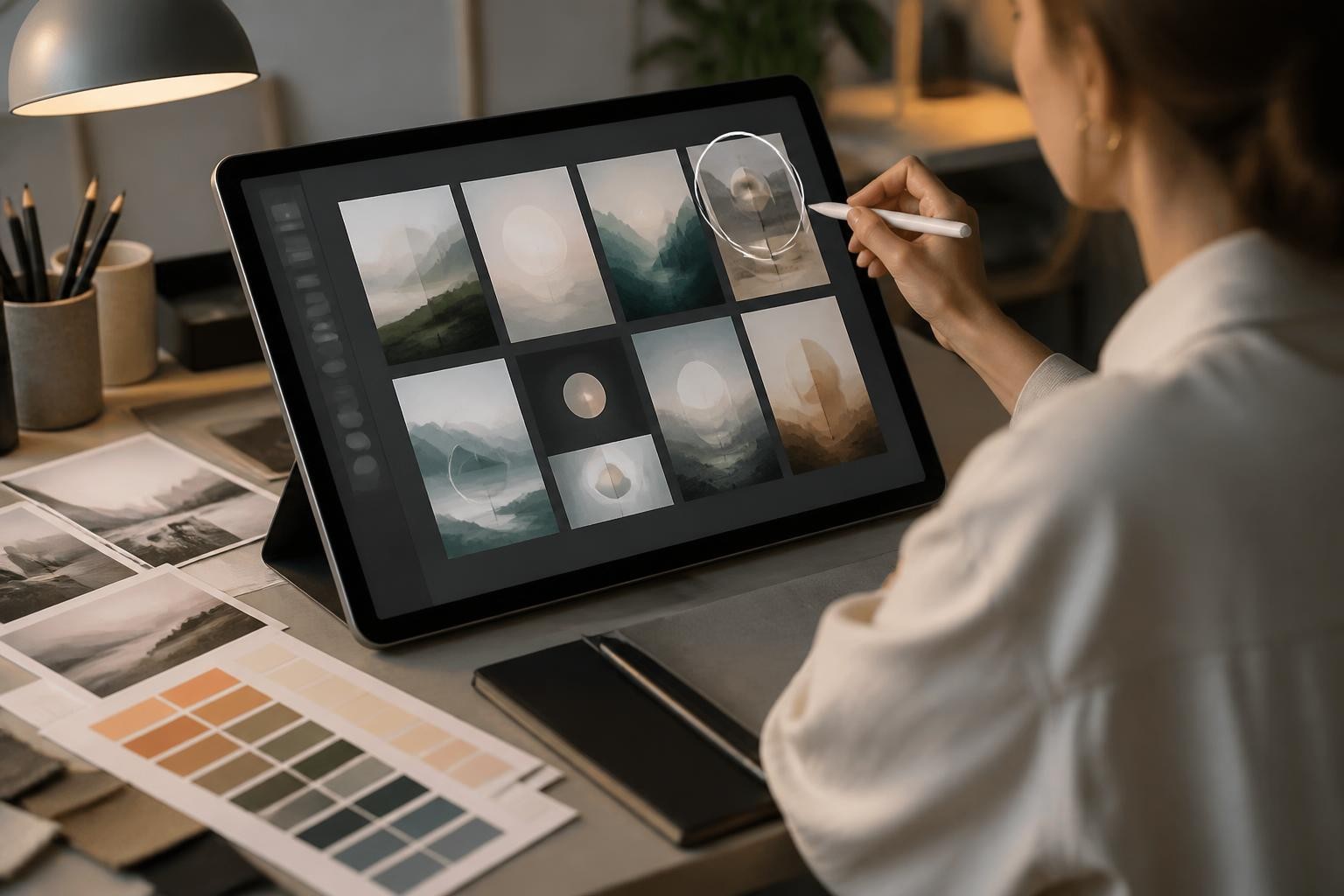
What to Watch For in Side-by-Side Tests
When you compare outputs, do not only ask which one looks more impressive at first glance. Check the production details:
- Does the subject remain consistent across variations?
- Are hands, faces, materials, and shadows believable?
- Does the model follow the exact number of objects or people?
- Does editing preserve the original image where requested?
- Does the output become too glossy or generic?
- Can the model handle the aspect ratio you need?
- Does the workflow feel repeatable, or did you get lucky once?
For commercial content, repeatability often matters more than a single spectacular image. A model that produces one great result and four confusing ones can be harder to use than a model that produces stable, controllable results every time.
Why Img2Img AI Is a Sensible Place to Try This
The practical problem with model comparisons is that articles can only take you so far. Your prompts, brand style, subjects, and editing needs will decide the winner.
Img2Img AI is useful because it encourages the right behavior: test multiple image models instead of assuming one model is always best. For a comparison like imagen 4 vs nano banana pro, that matters. You can treat the article's framework as a checklist, then run your own prompts and compare:
- One-shot image quality
- Editing control
- Consistency across variations
- Prompt adherence
- Final usefulness for your website, ads, social content, or creative project
That is also the healthiest way to use fast-moving AI image models. Do not build your taste around model names. Build it around repeatable outputs.
If you are also choosing a platform
Nano Banana Pro is available inside general-purpose subscriptions as well as through Google's own tooling, and the wrapper changes what it costs you. Higgsfield charges 2 credits per Nano Banana Pro image on a $19/month entry plan; OpenArt sells a flat 4,000-credit pool for $13/month without naming per-model prices. We break both down in OpenArt vs Higgsfield.
Final Recommendation
For most new workflows, start with Nano Banana Pro. It is the stronger choice for complex image generation, editing, references, structured compositions, and future-facing creative pipelines.
Keep Imagen 4 in the comparison when you want polished one-shot imagery and its visual style fits the brief. Do not dismiss it just because the model family is older; dismiss it only if it fails your actual prompt test or creates continuity risk for your workflow.
For exploration at scale, include Nano Banana 2 as well. It may be the better first pass before moving a winning direction into Nano Banana Pro for refinement.
Ready to compare outputs on your own prompts? Try imagen 4 vs nano banana pro on Img2Img AI and use the same brief across models before choosing the one for your final image.
