
Seedream 5.0 Pro vs GPT Image 2: Which Model Fits Your Workflow?
Seedream 5.0 Pro vs GPT Image 2 comes down to a practical trade: ByteDance's model gives you cheaper per-image pricing, prompt-driven region editing with no mask, and strong multilingual text rendering, while OpenAI's model charges more per render but returns a quality dial for cheap drafts, mask-based inpainting, streaming previews, and tighter prompt adherence on complex scenes. Neither model wins everywhere, so the right choice depends on what you actually produce.
This guide compares the two on editing behavior, text rendering, photorealism, pricing, and creator workflows, then maps each strength to the jobs where it matters most.

Seedream 5.0 Pro vs GPT Image 2: What Each Model Is Built For
The design priorities behind each model explain most of the behavioral differences you will notice in practice.
Seedream 5.0 Pro: Structured Layouts and Grounded Editing
Seedream 5.0 Pro is ByteDance's flagship image model, released in July 2026. Its architecture centers on three ideas: dense structured layouts, region-precise editing driven entirely by the prompt, and native text rendering in 14 languages. There is no quality slider. You send a prompt and a target size, the pipeline runs once, and you pay a flat per-image rate based on output area.
The editing endpoint is the distinctive piece. Seedream 5.0 Pro accepts plain-language region descriptions or annotation frames, then modifies only that region while holding the rest of the frame steady. It can also read up to 10 reference images in a single call, useful for compositing a product shot, a background, and a style reference without chaining multiple generations.
GPT Image 2: Prompt Adherence and a Compute Dial
GPT Image 2 is OpenAI's image model, available since April 2026. It takes a different approach: instead of a fixed pipeline, it exposes a quality parameter with low, medium, high, and auto settings that trade compute for fidelity. You can draft a concept at low quality for a fraction of the final cost, then rerun the same prompt at high quality once the composition is right.
Its editing surface accepts both a prompt and an optional mask image, where white pixels mark the editable region. This gives pixel-exact control at the cost of an extra preparation step. GPT Image 2 also supports streaming on both endpoints, so you see a rough preview develop in real time. Its resolution ceiling reaches 8.3 million pixels with a maximum edge of 3840 pixels.
Seedream 5.0 Pro vs GPT Image 2 for Editing
Editing is where the two models diverge most sharply, and where your existing workflow determines which one saves you time.
With Seedream 5.0 Pro, you describe the change and location in natural language. Ask it to replace the background of a product photo while keeping the product untouched, and it infers the region from the prompt. For more precision, overlay annotation frames on the source image. Background swaps, object removal, clothing changes, and text replacement all work without preparing a separate mask file.
Prompt-driven targeting can miss on ambiguous regions. If the area shares texture or color with surrounding content, the model sometimes edits a slightly larger or smaller area than intended. A more specific description or an annotation frame usually fixes this, but it adds a retry loop.
GPT Image 2's mask-based editing eliminates that ambiguity. You paint the editable region yourself, and the model changes exactly those pixels. For precision-critical jobs like replacing a logo on packaging, mask control removes the guesswork. The trade-off is preparation time: creating a clean mask slows down quick iterative work.
For everyday img2img tasks where speed matters more than pixel-exact boundaries, prompt-driven editing is faster. For production retouching where the edit must land exactly right, mask control is worth the setup.

Text Rendering and Multilingual Output
If your images include visible text, this section alone may decide the seedream 5.0 pro vs gpt image 2 comparison for you.
Seedream 5.0 Pro renders native text in 14 languages covering both Latin and CJK scripts. ByteDance trained it specifically on dense layouts, structured designs, and infographic-style compositions, so it handles multi-line text blocks, mixed font sizes, and spatially organized content better than most image models. If you produce social media graphics with Chinese, Japanese, or Korean text alongside English, or if you need poster-style images where the typography is part of the visual design, Seedream 5.0 Pro has a clear structural advantage.
GPT Image 2 also renders text well, particularly for short English phrases and signage in photographic scenes. For single-language English graphics it is competitive, but it does not advertise the same multilingual breadth, and its strength leans toward text embedded in realistic scenes rather than structured typographic layouts.
For creators working in multilingual markets or producing text-heavy marketing materials, Seedream 5.0 Pro is the stronger default. For English-only images where text is a supporting element rather than the design focus, either model produces usable results.
Photorealism and Complex Scene Generation
When comparing seedream 5.0 pro vs gpt image 2 on photorealism, both models produce output that is difficult to distinguish from photography at standard web resolutions, but they get there differently.
GPT Image 2's quality dial gives it an edge when you need maximum fidelity. At the high setting, it renders fine surface textures, accurate reflections, and physically plausible lighting consistently. It also follows complex multi-subject prompts more literally, placing objects in the spatial relationships you describe rather than rearranging them for compositional convenience.
Seedream 5.0 Pro produces excellent photorealistic images at its single fixed quality level. For most web and social media use the difference from GPT Image 2's high-quality output is hard to spot. It supports up to 2048x2048 output natively, and its per-image pricing does not change with prompt complexity.
For most creators, the seedream 5.0 vs gpt photorealism gap narrows at typical display sizes and the seedream 5.0 vs gpt decision comes down to workflow fit rather than raw image quality. For website hero images, social media posts, and standard marketing materials, both models produce output that passes casual inspection. The difference becomes visible mainly in large-format prints or when you zoom into fine detail.
Pricing: Flat Rate vs Token Billing
The seedream 5.0 pro vs gpt image 2 pricing difference goes beyond per-image cost. The billing structure itself shapes how you budget, especially if you generate at volume or iterate frequently.
Seedream 5.0 Pro bills per output image by area: roughly $0.0675 for anything up to 1536x1536 pixels and $0.135 for output between 1536x1536 and 2048x2048. The price is the same whether your prompt is ten words or two hundred. This flat structure makes budgeting predictable and means that complex, detailed prompts do not cost more than simple ones.
GPT Image 2 bills on tokens, so cost scales with output size and quality tier. A 1024x768 image costs about $0.005 at low, $0.037 at medium, and $0.145 at high. The quality dial gives you a genuine cost lever: draft five variations at low quality for less than one high-quality render, pick the best composition, then pay for a single final pass.
For high-volume production where every image needs to look finished, Seedream 5.0 Pro's flat rate is cheaper per usable output. For exploratory work where you discard most drafts, GPT Image 2's low-quality tier makes iteration nearly free. Many teams use both: GPT Image 2 for brainstorming, then Seedream 5.0 Pro for final structured output.
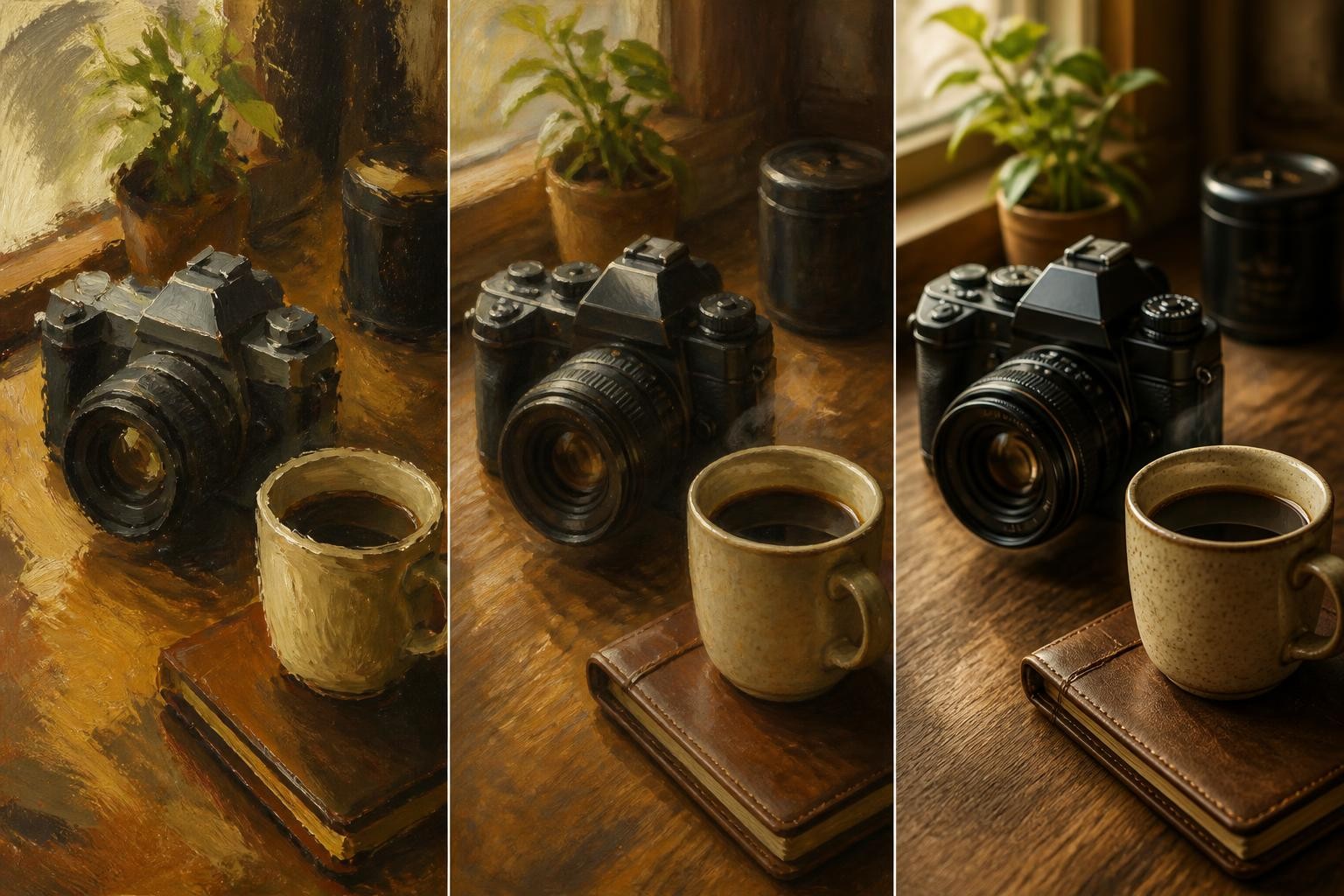
Seedream 5.0 Pro vs GPT Image 2: Which Wins for Your Job
Abstract comparisons only go so far. Here is how the seedream 5.0 vs gpt decision plays out when you map seedream 5.0 pro vs gpt image 2 against the most common creator workflows.
Product Photography and E-Commerce
Both models handle product images well. Seedream 5.0 Pro's multi-reference compositing is useful for placing a product into a styled scene, and its flat pricing helps when generating dozens of SKU variations. GPT Image 2's mask editing is better for retouching specific defects on existing product photos.
Social Media Graphics and Marketing Materials
Seedream 5.0 Pro wins this category for most teams. Its structured layout capability and 14-language text rendering handle the typography-heavy compositions that social media demands, and the flat per-image price keeps costs predictable when you are producing graphics at scale. If your marketing spans English and Chinese or Japanese audiences, the multilingual text advantage is decisive.
Concept Art and Creative Exploration
GPT Image 2's low-quality tier makes it the better tool for early creative work. Ten composition drafts at $0.005 each cost less than a single Seedream 5.0 Pro render. Once you find the right composition, refine at higher quality or switch to Seedream 5.0 Pro for the final structured output.
Image Editing and Retouching
For quick edits where you can describe the change in words, Seedream 5.0 Pro's prompt-driven editing is faster. For precise edits where the region must be exact, GPT Image 2's mask control removes ambiguity. If you do both kinds of editing regularly, using each model for its strength is more efficient than forcing one to handle everything.
Seedream 5.0 Pro vs GPT Image 2: Limitations Worth Knowing
Every seedream 5.0 pro vs gpt image 2 comparison should cover the weak points, because understanding the limits saves more time than understanding the strengths.
Seedream 5.0 Pro's fixed pipeline means you cannot trade fidelity for speed on drafts. Every generation runs at full price, which adds up during exploration. Its prompt-driven editing occasionally misidentifies boundaries on complex images with overlapping textures. Very small text below roughly 12 pixels can still render with artifacts.
GPT Image 2's token-based pricing makes costs less predictable for complex prompts at high quality. Its mask-based editing requires an external tool to prepare the mask, adding friction to quick iteration. The model lacks a safety checker toggle through the API. It also does not match Seedream 5.0 Pro's CJK text rendering breadth, so multilingual teams may need to composite text separately.
Both models still struggle with anatomical details in hands and fingers, neither reliably renders brand logos, and both can produce subtly implausible physics in complex object interactions.
Seedream 5.0 Pro vs GPT Image 2: How to Decide
If you have read this far in the seedream 5.0 pro vs gpt image 2 comparison and still cannot pick, here is a shortcut that works for most creators.
Start with Seedream 5.0 Pro if your work involves structured layouts, multilingual text, high-volume production, or prompt-driven editing where speed matters. Its flat pricing and consistent output make it the better default for production pipelines.
Start with GPT Image 2 if your work involves iterative creative exploration, pixel-exact retouching, very high-resolution output, or complex scene prompts where spatial accuracy is critical. Its quality dial and mask control give you levers that Seedream 5.0 Pro does not offer.
Use both if your workflow spans exploration and production. Draft in GPT Image 2 at low quality, refine the composition, then generate the final structured output in Seedream 5.0 Pro. The per-image cost of running both is still lower than generating everything at GPT Image 2's high quality tier.
The comparison is not about which model is objectively better. It is about which model's design priorities match the work you actually do every day.
The same flat-rate versus metered question applies to platforms
The billing contrast in this article repeats one level up. Higgsfield meters per model, listing Seedream and GPT Image at 1 credit per image each, so a job can be costed before it runs. OpenArt sells a flat monthly credit pool with an approximate image count. OpenArt vs Higgsfield works through what that difference costs in practice.
Try Seedream 5.0 Pro vs GPT Image 2 Yourself
Reading about seedream 5.0 pro vs gpt image 2 only takes you so far. The fastest way to know which one fits your workflow is to run the same prompt through both and compare the results on your own content.
seedream 5.0 pro vs gpt image 2 gives you access to AI image generation and editing tools where you can test real outputs side by side. Start with the type of image you create most often, whether that is a product photo, a social graphic, or an edited portrait, and see which model handles your specific use case better.
