
A Gemini Command to Give Me the Perfect Hairstyle
If you keep testing random prompts, hairstyle previews feel inconsistent. A better approach is to use one reusable gemini ai hairstyle prompt and only swap a few variables each time.
The fastest way to get stable results is to lock identity first, then change only the hair. This is where a structured hair style prompt and a structured haircut prompt for gemini outperform short one-line requests.
In practice, one strong gemini ai hairstyle prompt should do five things at once: preserve face identity, preserve body pose, preserve outfit and background, enforce realistic hair texture, and align the new hair with lighting and head shape. When those controls are explicit, your gemini haircut prompt outputs are cleaner and easier to compare.
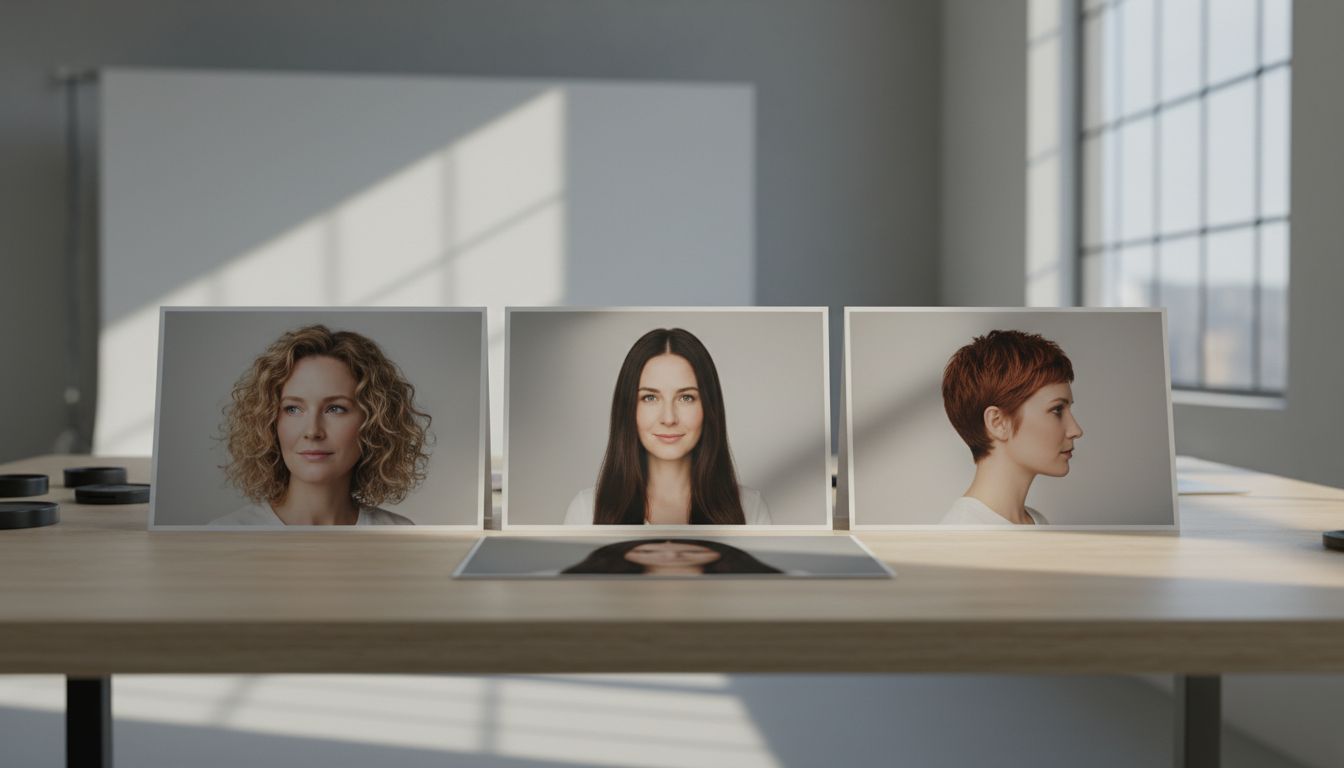
The One Command You Can Reuse
Use this as your base gemini ai hairstyle prompt:
Change only the hairstyle in the uploaded photo to [TARGET_STYLE]. Keep the exact same face, skin texture, expression, body position, outfit, camera angle, and background. Match the new hair to the original lighting direction, scalp line, and head shape. Keep strands natural, with realistic density and flyaways. Do not alter age, makeup, accessories, or image framing.
This single command works because it combines an editing instruction and a protection instruction. Most failed outputs happen when users write only the edit part and skip the protection part.
To make this base command behave like a high-quality hair style prompt, add two optional controls:
- Hair behavior control: “Use soft movement and natural layering, not plastic texture.”
- Fidelity control: “Preserve full facial likeness and original skin details.”
To make it behave like a better haircut prompt for gemini, add one decision line:
- “Prioritize realism over dramatic transformation.”
Why This Gemini AI Hairstyle Prompt Works Better Than Random Prompts
A random prompt asks for a style. A reliable gemini ai hairstyle prompt defines constraints, success criteria, and what must stay untouched.
Use this decision rule:
- If you are testing shape only, keep color unchanged.
- If you are testing color only, keep haircut unchanged.
- If you are testing both shape and color, run two passes instead of one.
This reduces drift and makes each gemini haircut prompt iteration comparable.
A consistent gemini ai hairstyle prompt also makes it easier to judge whether a style truly fits your face shape instead of being misled by random rendering changes.
Hair Style Prompt vs Haircut Prompt for Gemini
A hair style prompt is broad. It can include texture, mood, volume, finish, and styling direction. A haircut prompt for gemini is narrower and usually focuses on cut geometry.
When to use each:
- Start with a haircut prompt for gemini when your goal is deciding silhouette: bob, pixie, wolf cut, taper fade, curtain cut.
- Start with a hair style prompt when your cut is fixed and you only want finish changes: sleek, wet, messy, beach wave, retro feathered.
- Use a gemini ai hairstyle prompt when you want both structure and fidelity controls in one command.
If you are undecided, do this sequence:
- Run one haircut prompt for gemini for shape.
- Pick your top shape.
- Run a hair style prompt on that shape for texture and finish.
- Save side-by-side comparisons.
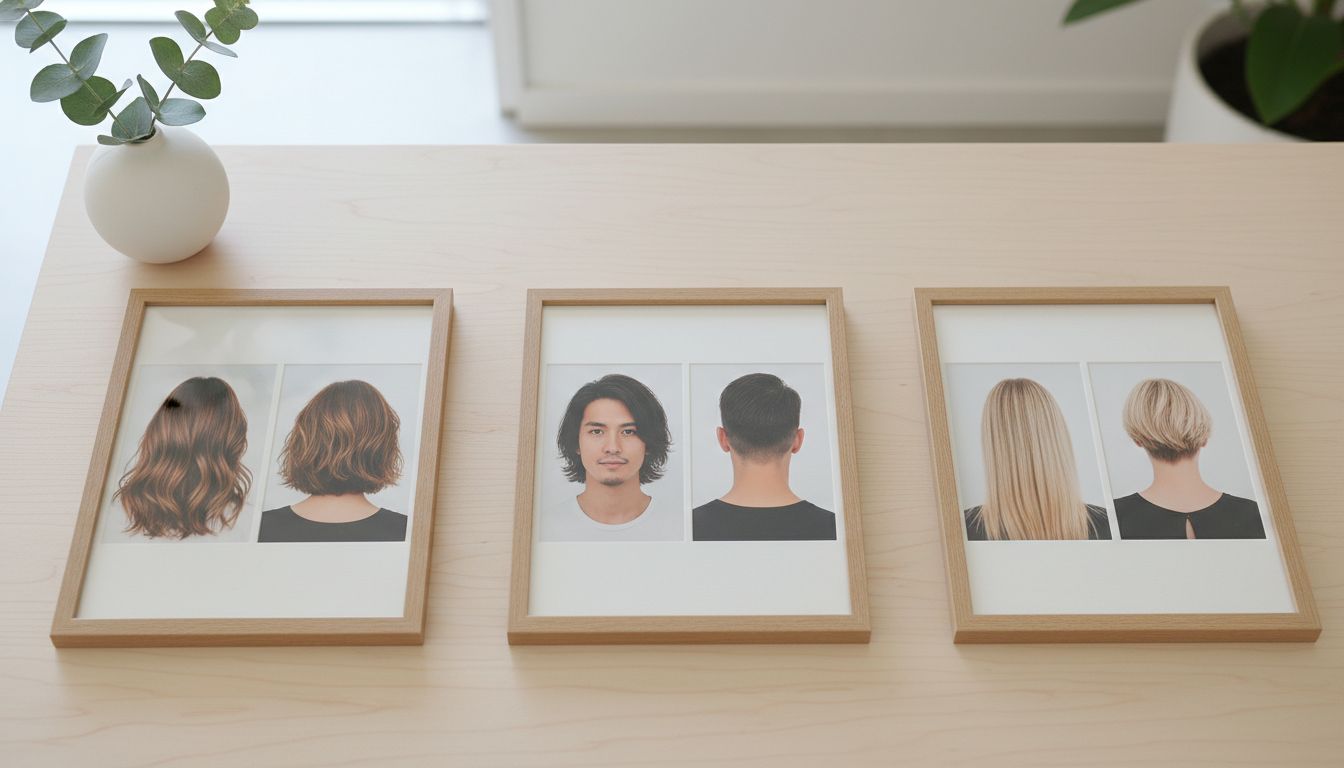
Prompt Blocks You Can Swap In Seconds
Add one of these style blocks to your gemini ai hairstyle prompt:
- “[TARGET_STYLE] = short buzz cut with clean edges”
- “[TARGET_STYLE] = messy French crop with faded sides”
- “[TARGET_STYLE] = curly top with taper fade”
- “[TARGET_STYLE] = sleek bob with middle part”
- “[TARGET_STYLE] = long layered waves with soft movement”
- “[TARGET_STYLE] = short edgy pixie with shaved sides”
- “[TARGET_STYLE] = choppy bob with textured waves”
- “[TARGET_STYLE] = high sleek ponytail”
Add one quality block:
- “Maintain realistic strand separation and natural scalp transition.”
Add one camera block:
- “Keep original focal length perspective and framing.”
Together, these blocks convert a casual hair style prompt into a repeatable gemini haircut prompt workflow.
Used this way, the same gemini ai hairstyle prompt becomes a stable testing framework instead of a one-off experiment.
Two Mini-Case Scenarios
Mini-case 1: Conservative change before a real salon appointment
A university student wants safer choices before a major event. She starts with a haircut prompt for gemini using “classic layered cut with side-swept bangs,” then tests only finish variations through a hair style prompt.
Because her gemini ai hairstyle prompt preserves face and lighting, she can compare subtle differences instead of re-evaluating a new face each time. She narrows 12 options down to 2 practical salon references.
Mini-case 2: Bold change but realistic preview
A freelance designer wants a dramatic switch from long hair to pixie. His first prompts over-edit eyebrows and skin tone. He rewrites the gemini ai hairstyle prompt with stricter identity locks and “do not alter age, skin tone, or accessories.”
Result quality improves immediately. The final gemini haircut prompt set gives him three realistic pixie variants he can actually discuss with a barber.
Common Pitfalls and How to Avoid Them
- Pitfall: Asking for too many changes in one pass. Fix: Separate cut decision and styling decision.
- Pitfall: Side-profile source photo only. Fix: Use a clear, front-facing, well-lit photo first.
- Pitfall: Vague words like “make it better.” Fix: Use concrete geometry in your haircut prompt for gemini.
- Pitfall: Over-stylized texture. Fix: Add realism constraints in your hair style prompt.
- Pitfall: Inconsistent comparisons. Fix: Keep all non-hair variables locked in each gemini ai hairstyle prompt run.
8-Step Checklist for Better Results
- Pick one high-resolution source photo with clear hairline visibility.
- Start with the base gemini ai hairstyle prompt and lock identity.
- Choose one target cut only.
- Run one haircut prompt for gemini and save output.
- Keep the winning cut, then run one hair style prompt for finish.
- Compare outputs in the same lighting and angle group.
- Keep top 3 and discard noisy variants.
- Bring top 3 to your stylist as visual direction, not final expectation.
FAQ
What is the best gemini ai hairstyle prompt for beginners?
Use the identity-locked base command, then replace only [TARGET_STYLE]. This gemini ai hairstyle prompt setup reduces distortion and gives you cleaner first results.
How many words should a haircut prompt for gemini be?
Length is less important than structure. Include one edit instruction plus 4 to 6 protection constraints.
Should I use a hair style prompt or a gemini haircut prompt first?
If shape is undecided, start with the gemini haircut prompt. If shape is fixed, start with the hair style prompt.
Why does my gemini ai hairstyle prompt change my face slightly?
Your constraints are likely too weak. Add explicit “keep exact same face, skin texture, and expression” language so the gemini ai hairstyle prompt stays identity-safe.
Can I test hair color in the same haircut prompt for gemini run?
You can, but quality is usually better when you lock cut first and test color in a second pass.
Get More High-Quality Prompt Packs
If you want more reusable templates beyond this gemini ai hairstyle prompt, explore curated bundles and copy-ready variants for daily testing. A strong gemini ai hairstyle prompt library saves time every time you run a new hairstyle trial.
Start here: gemini ai hairstyle prompt