
gpt image 2 vs nano banana pro: choose by the job, not the hype
If you are comparing gpt image 2 vs nano banana pro for real creative work, the shortest useful answer is this: start with GPT Image 2 when you need controlled edits, clean prompt-following, polished image-to-image variations, or a fast way to explore multiple model styles from one workflow. Start with Nano Banana Pro when the image needs stronger reasoning about facts, diagrams, dense layouts, brand-like visual consistency, or high-resolution concept work where text and structured composition matter.
That does not make one model universally better. The better question is what has to survive the generation: identity, layout, product shape, readable detail, brand feel, source image fidelity, or speed of iteration. A creator making social visuals from an existing photo has different needs from a marketer building a comparison graphic, a teacher preparing a visual explanation, or a designer turning rough references into polished campaign directions.
This guide is written for that decision. It compares the models through practical criteria: edit control, prompt discipline, reference handling, text-heavy visuals, output polish, failure modes, and how to test them without wasting credits. If you want to try the same prompt across different image models, Img2Img AI is a useful place to compare results side by side instead of guessing from isolated examples.
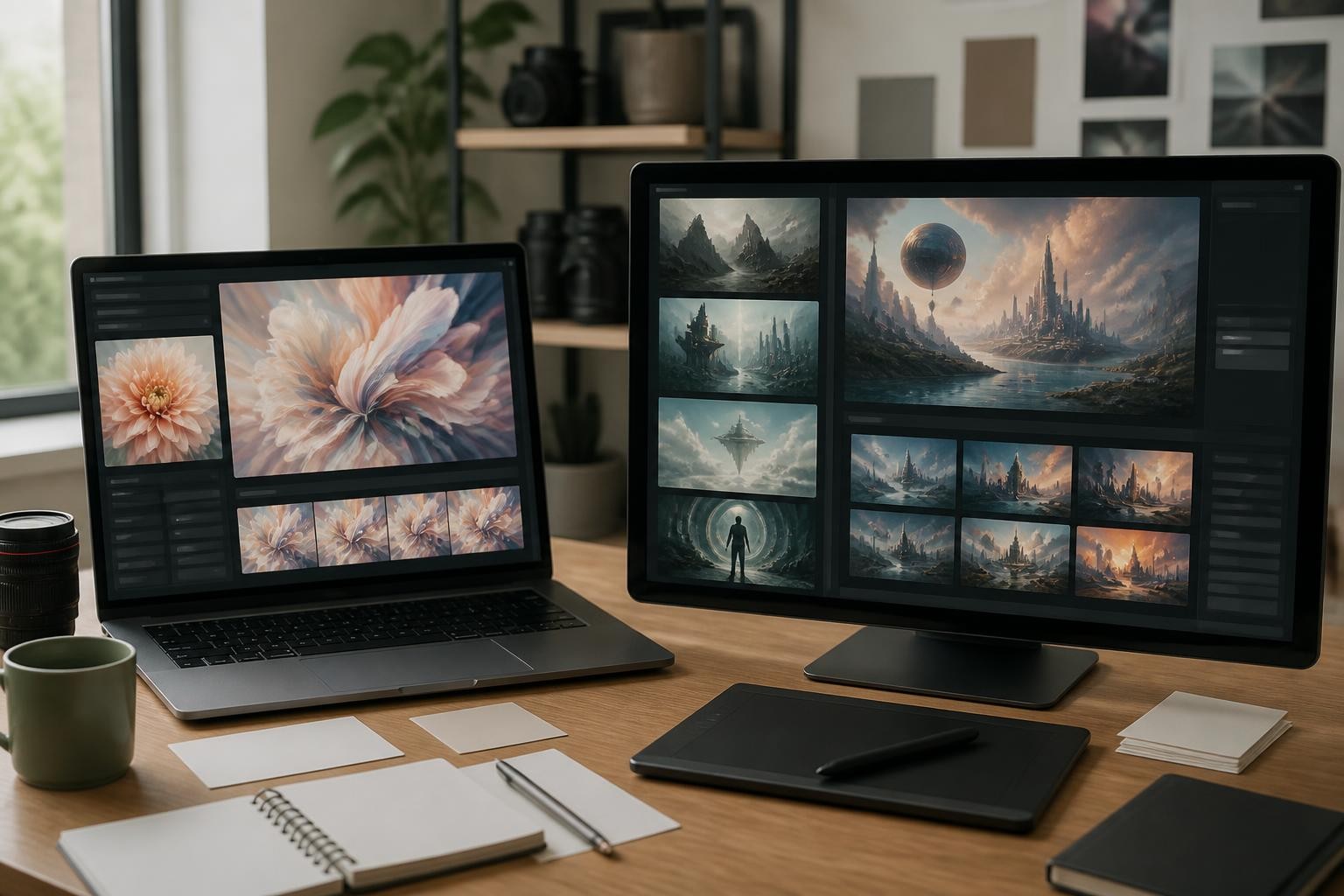
The clean decision: when to use each model
Use GPT Image 2 first when your task starts from an existing image and the success condition is control. That includes changing a background, keeping a person recognizable, preserving a product silhouette, turning a sketch into a cleaner image, or creating variations that should feel close to the input. It is also a strong choice when you need a polished visual quickly and can describe the result with clear creative constraints.
Use Nano Banana Pro first when the task asks the model to reason about a more complex visual idea. It is built around Gemini 3 Pro Image, so its strengths tend to show up in structured scenes, information-rich visuals, multi-reference composition, design concepts, and image tasks where world knowledge or visual reasoning matters. If the prompt is closer to "build a visual explanation" than "edit this image while preserving key details," Nano Banana Pro deserves the first run.
For the awkward query gpt 2 vs nano banana pro, it is worth being precise: people usually mean GPT Image 2, not the older GPT-2 language model. The image-model comparison is really about ChatGPT Images 2.0 style workflows versus Nano Banana Pro style workflows.
Comparison table for practical image work
| Criterion | GPT Image 2 | Nano Banana Pro |
|---|---|---|
| Best starting point | Editing and controlled image-to-image work | Complex concept generation and structured visual design |
| Prompt style | Clear creative brief with preservation rules | Detailed task brief with context, layout, and reasoning goals |
| Reference handling | Strong when the reference image defines what must stay fixed | Strong when multiple references define subject, style, or design direction |
| Text-heavy images | Better than older models, but still needs review | Often a better first choice for dense visual layouts and text-aware designs |
| Brand or product consistency | Good when constraints are explicit | Good when consistency is tied to a broader design system or multi-image brief |
| Fast creative exploration | Strong | Strong, but may reward more detailed prompts |
| Best final workflow | Generate, inspect, refine, then export | Brief carefully, compare variants, verify details before use |
The table is useful, but the real difference appears in failure modes. GPT Image 2 may give you a beautiful image that drifts from a tiny preservation rule if you did not state it clearly. Nano Banana Pro may give you a more ambitious composition, but that ambition can introduce details you still need to verify. Neither model removes the need for review.
The five questions that decide the winner
1. Are you editing an existing image or creating from scratch?
If the work begins with a source image, GPT Image 2 is often the simpler first test. Give it a change-and-preserve prompt:
Change the background to a quiet studio setting. Preserve the person, pose, face, clothing, camera angle, lighting direction, and crop. Keep the edit natural and avoid adding objects.
That kind of instruction matches an image-to-image workflow. The model has a clear job: change one part, protect the rest.
Nano Banana Pro can also work with references, but it shines when the reference is part of a larger brief. For example, you might provide a product photo, a style reference, and a desired scene direction, then ask for a coherent campaign image. That is a more synthetic task. It is not just editing; it is combining intent.
2. Does the image need to explain something?
For explanatory visuals, Nano Banana Pro is usually the more interesting first option. Think of process diagrams, product comparison scenes, training graphics, or editorial visuals that need a clear relationship between parts. The model is designed for richer visual reasoning, which matters when the image needs to communicate structure rather than only mood.
GPT Image 2 can produce excellent editorial illustrations, but for dense explanations you should keep the composition simple. Use fewer elements, avoid small labels, and plan to add final text in a design tool if accuracy matters.
3. Is text inside the image important?
Text rendering has improved across modern image models, but it is still a review step, not a guarantee. If a final asset needs exact words, prices, compliance copy, UI labels, or a legal disclaimer, do not rely on image generation alone. Generate the background or layout, then add text manually.
For chatgpt images 2.0 vs nano banana 2 searches, this is often the deciding factor. If the task is a poster-like design, a chart-like graphic, or a layout where text placement is part of the visual idea, Nano Banana Pro may be the better starting point. If the task is a clean image with little or no readable text, GPT Image 2 can be faster and easier to control.
4. How much precision must survive?
Precision means different things:
- A face should remain recognizable.
- A product shape should not change.
- A room layout should stay the same.
- A color palette should follow a brand direction.
- A diagram should show the correct relationship between parts.
GPT Image 2 is often a good choice for the first three, especially when the prompt tells the model exactly what to preserve. Nano Banana Pro is often stronger for the last two, especially when the visual has to reconcile many constraints at once.
5. Will you compare multiple models anyway?
If you are publishing client work, ads, thumbnails, product images, or blog visuals, the most reliable answer is not "pick one model forever." It is to run the same brief across several models, keep the best output, then iterate.
That is where Img2Img AI fits naturally. You can treat it as a model comparison workspace: upload or describe the image, try GPT Image 2 and other image models, then judge the outputs by the same criteria. The winner for a portrait edit may not be the winner for a product scene or a diagram-like visual.
Prompting GPT Image 2 for stronger results
GPT Image 2 responds well to prompts that behave like a small production brief. Do not start with style alone. Start with the job.
Use this structure:
- Purpose: what the image is for
- Subject: the main object, person, or scene
- Source image role: what the uploaded image controls
- Change: what should be modified
- Preserve: what must remain fixed
- Style: photo, illustration, product render, editorial, icon-like, or another medium
- Constraints: no extra objects, no logos, no unwanted text, no unrealistic lighting
- Output: aspect ratio, framing, and background expectations
Example:
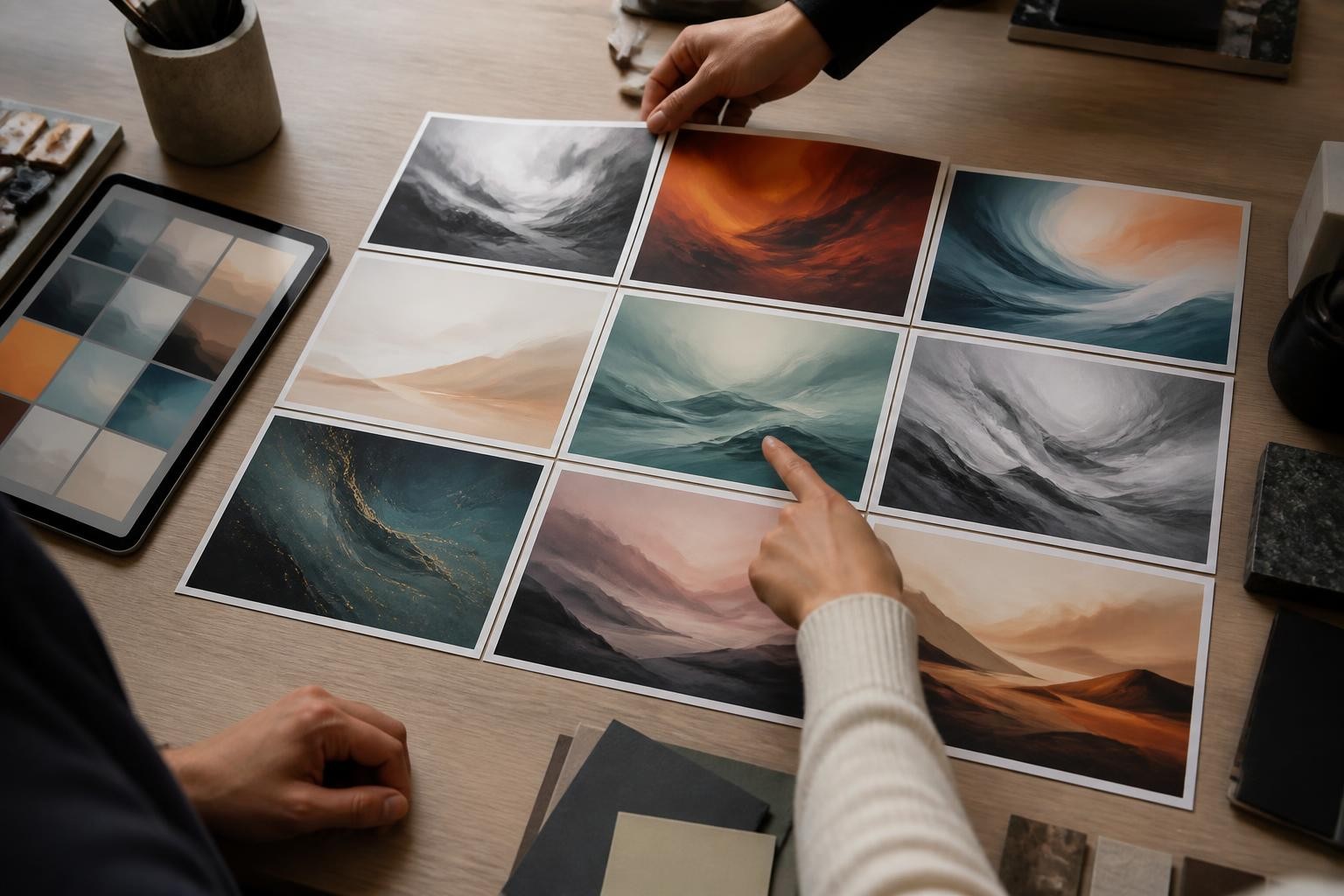
Create a polished editorial image for a blog post about AI image model comparison. Use the uploaded desk photo as the base. Replace the blank papers with abstract image thumbnails, preserve the desk angle, lighting, laptop position, and hands. Keep the result realistic, quiet, and professional. No readable text, no logos, no charts, no extra screens.
This kind of prompt works because it separates what changes from what stays fixed. That separation matters more than adding dramatic words like cinematic or ultra-detailed.
Prompting Nano Banana Pro for stronger results
Nano Banana Pro rewards a slightly broader brief. Instead of only saying what the image should look like, explain what the image should communicate.
Use this structure:
- Goal: what the viewer should understand
- Entities: the main subjects or ideas
- Relationships: what should be compared, grouped, transformed, or emphasized
- Visual format: split scene, grid, layered composition, storyboard, product concept, or editorial image
- References: which input controls identity, style, material, or mood
- Verification points: details that must be checked before use
- Constraints: no false data, no invented logos, no unreadable tiny text
Example:
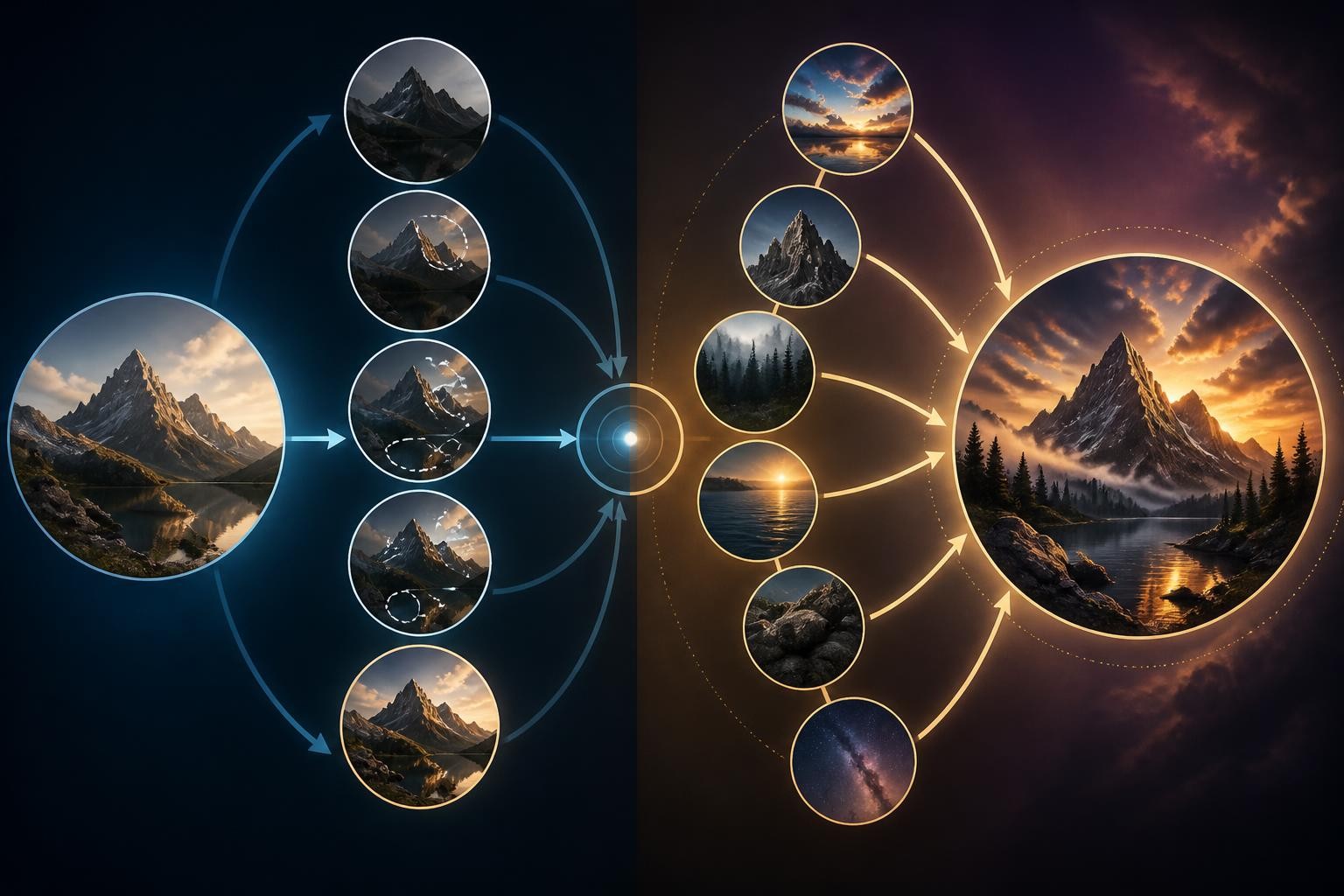
Create a clean conceptual comparison image showing two AI image workflows. One side feels like controlled photo editing from a source image; the other feels like structured concept design from multiple references. Use symbolic screens, abstract thumbnails, hands reviewing outputs, and clear visual contrast. No readable text, no logos, no fake charts.
This gives the model a communication task. It also avoids the common trap of asking for a fake dashboard or fake benchmark graphic, which can look authoritative without being true.
What is better between Nano Banana 2 and ChatGPT Image 2?
The phrase what is better between nano banana 2 and chatgpt image 2 sounds like it should have a single answer, but the honest answer is task-specific.
Choose GPT Image 2 when:
- You need a strong first pass from an existing photo.
- You care about preserving identity, pose, product shape, or lighting.
- You want quick polished variations for blog, social, or marketing visuals.
- You prefer a simpler prompt loop: edit, inspect, tighten constraints, rerun.
- You are working in an image-to-image workflow and want controllable changes.
Choose Nano Banana Pro when:
- You need a visually structured concept, not just a beautiful image.
- You are making a comparison graphic, teaching visual, campaign concept, or multi-reference scene.
- You want the model to reason about relationships between objects or ideas.
- You need a higher ceiling for complex layouts and design-like composition.
- You are prepared to verify details carefully before publishing.
Use both when:
- The asset matters enough that one model's taste should not decide it.
- The prompt is subjective, such as brand mood, campaign art, or thumbnail direction.
- You need a client-ready option and want to compare several visual strategies.
- You want to learn which model fits your own image style, not someone else's demo prompt.
A fair testing workflow
A fair comparison needs the same brief, the same source image, and the same success criteria. Do not compare one model's best curated output against another model's first rough draft.
Use this workflow:
- Write one neutral brief.
- Add a short list of must-preserve details.
- Add a short list of must-change details.
- Run GPT Image 2.
- Run Nano Banana Pro or your available Nano Banana Pro workflow.
- Score each output on control, usefulness, visual quality, and cleanup time.
- Rerun only the better candidate with a tighter prompt.
The important metric is not which image looks more impressive at first glance. It is which image gets closer to publishable with less repair.
For example, a dramatic concept image may win on first impression but fail if it invents unreadable interface elements. A quieter GPT Image 2 edit may win because it preserves the original subject and needs less cleanup. In another case, Nano Banana Pro may win because the prompt requires a more organized visual system and stronger relationship between parts.
Common mistakes in this comparison
Mistake 1: judging only by beauty
Beautiful images can still be wrong. A model that changes the product shape, adds fake UI details, or rewrites a face is not the right model for a precision task, even if the output looks polished.
Mistake 2: using different prompts
If one prompt is detailed and the other is vague, the comparison is not useful. Keep the same intent and only adjust syntax when a platform requires it.
Mistake 3: treating text rendering as final copy
Even when a model handles text better than expected, inspect every character. For publishable assets, add important text manually.
Mistake 4: ignoring workflow cost
The best output is not always the most efficient. Count reruns, cleanup, cropping, manual edits, and review time. A slightly less spectacular image that is stable and usable may be the better production choice.
Mistake 5: skipping the source image test
If your real workflow uses input photos, do not compare models with text-only prompts. Upload a representative source image and test the task you actually need.
Recommended starting points by use case
For portrait or lifestyle edits, start with GPT Image 2. Keep the prompt focused on preservation. Ask for one controlled change at a time.
For product background swaps, start with GPT Image 2 if the product shape must stay fixed. Use Nano Banana Pro if the goal is a more ambitious campaign concept built from the product.
For blog illustrations, try both. GPT Image 2 may give you a cleaner editorial image quickly. Nano Banana Pro may produce a more conceptually structured scene.
For comparison visuals, training graphics, or explainer images, start with Nano Banana Pro. Avoid asking the model to generate final factual labels unless you will manually verify and edit them.
For thumbnails and social graphics, run both and judge by click clarity, crop strength, and cleanup time. The best model depends heavily on the prompt style and the visual category.
For brand-sensitive assets, do not rely on one generation. Use references, preserve rules, manual review, and final design cleanup.
Where you run these models also costs money
The model is only half the bill. Higgsfield lists GPT Image at 1 credit per image and Nano Banana Pro at 2 credits, or 4 at 4K, so you can price a job before you run it. OpenArt bundles model access into a flat monthly credit pool and quotes an approximate image count instead. If the open question is which subscription to buy rather than which model to use, OpenArt vs Higgsfield works through both pricing structures with figures dated September 2026.
The practical verdict
GPT Image 2 is the safer first choice for controlled image edits and fast polished variations. Nano Banana Pro is the stronger first choice for complex visual reasoning, structured design concepts, and image tasks that need richer relationships between elements. The smartest workflow is not loyalty to one model. It is knowing which model to test first, then comparing outputs against the same production criteria.
If you are still deciding, use one prompt and one source image, run both, and ask four questions:
- Which output preserved the things that mattered?
- Which output communicated the idea faster?
- Which output required less manual repair?
- Which output would you trust enough to publish after review?
That answer is more useful than a generic ranking.
To compare this workflow hands-on, try gpt image 2 vs nano banana pro on Img2Img AI and test the same image brief across different models before choosing the final asset.
