
mai image 2.5: what it is, what it does well, and when Img2Img AI is the better workflow
mai image 2.5 is Microsoft's newer image model family for high-quality text-to-image generation and controllable image-to-image editing. The useful short version: choose mai image 2.5 when you want a strong foundation model for photorealistic scenes, product-style visuals, brand concepts, text-in-image attempts, or precise edits inside a Microsoft developer or product workflow. Choose an image-to-image workspace such as Img2Img AI when you already have a photo, product image, sketch, or generated draft and need a simpler way to transform it into polished variations.
That distinction matters because people searching for mai image 2.5 are often solving two different problems at once. One problem is informational: "What is this Microsoft model, and what makes it different?" The other is practical: "Where can I turn an image into another image without building around an enterprise model deployment?" This guide answers both without treating every image generator as the same kind of tool.
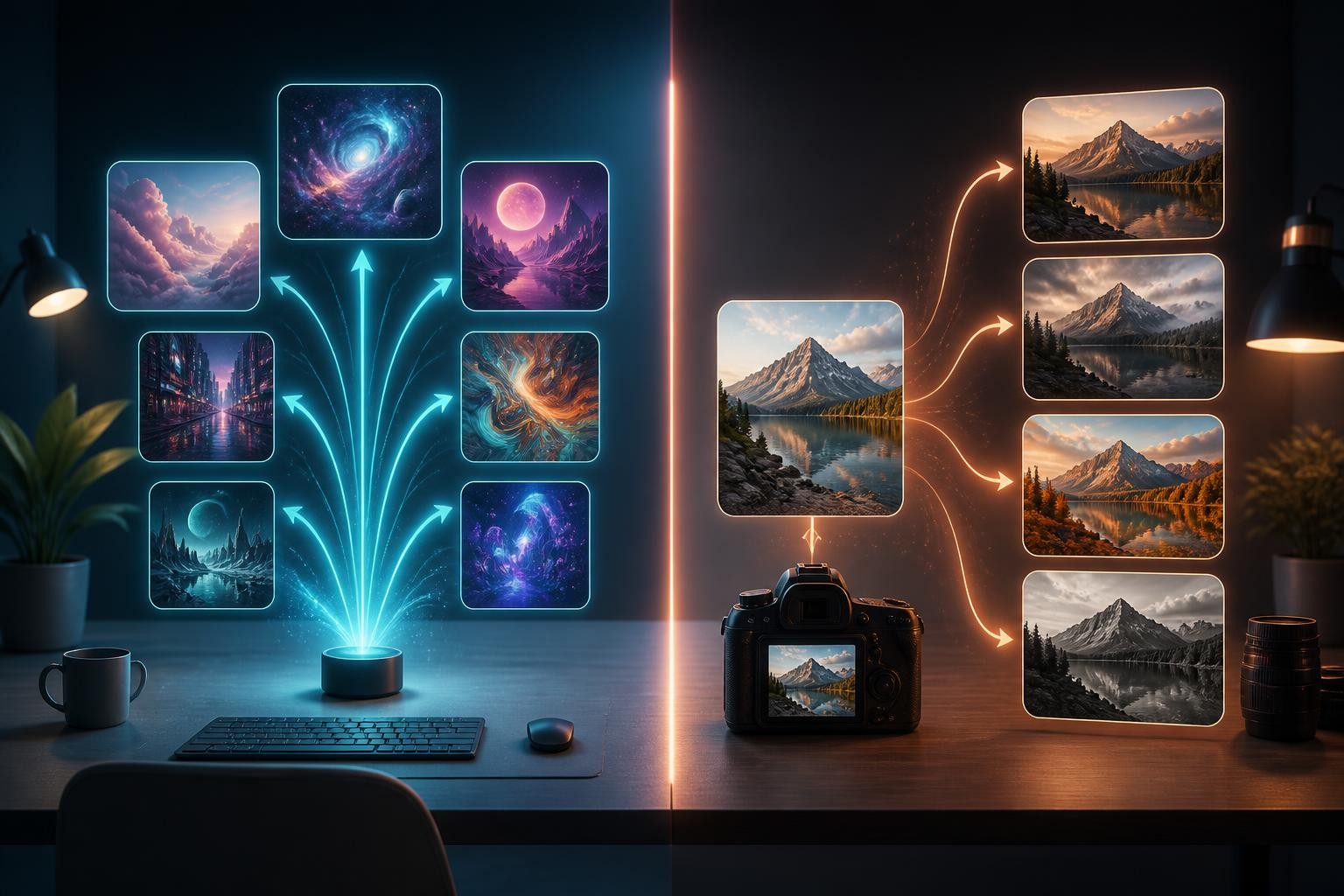
What is mai image 2.5?
mai image 2.5 is a diffusion-based generative image model developed by Microsoft AI. It supports text prompts for new image generation and image inputs for editing workflows. In plain language, it can create a new image from a written brief, or it can modify an existing image while trying to preserve the parts that should stay consistent.
It is part of the MAI Image model line and is available through Microsoft-oriented channels such as Foundry, MAI Playground, and product integrations. There is also a Flash variant aimed at faster and lower-cost production workloads. If you see the model written as microsoft: mai-image-2.5, mai-image 2.5, or mai image 2.5, the search intent is usually the same: people want to understand Microsoft's image model, how capable it is, and whether it fits their workflow.
The model is positioned for creative generation, design tasks, production image workflows, and controlled edits. Around its launch in June 2026, it was presented as a top-tier performer on public image generation and image editing leaderboards. Those rankings are useful signals, but they should not be treated as permanent truth. Image model leaderboards move quickly, and a benchmark result does not automatically mean a model is the best choice for every creator, marketer, or product team.
The main features of mai image 2.5
High-quality text-to-image generation
The most obvious use case is generating new visuals from prompts. mai image 2.5 is built for detailed, coherent outputs across common creative and commercial tasks: editorial images, concept visuals, product scenes, portraits, stylized images, and design-ready compositions.
The model is especially relevant when the prompt is not just "make a nice image" but a compact creative brief. It responds best when the request includes the subject, scene, lighting, composition, materials, style, and output purpose. A prompt for a blog hero, a product image, and a presentation visual should not be written the same way, even if all three mention the same object.
Precise image-to-image editing
The more interesting feature is controlled editing. mai image 2.5 is designed for targeted changes such as object replacement, background cleanup, motion blur repair, layout adaptation, and preserving visual consistency across iterations.
This is where it becomes different from a pure text-to-image model. In an edit, the uploaded image is not just inspiration. It is the anchor. The model has to understand scene structure, perspective, lighting, scale, and what should remain untouched. That is hard, and it is why edit prompts need a different structure from generation prompts.
Use a preserve/change format:
- Preserve: subject identity, product shape, camera angle, pose, lighting direction, composition, or background elements that matter.
- Change: the object, color, style, setting, cleanup area, or quality issue you want fixed.
- Naturalness check: how the result should look if the edit succeeded.
For example: "Preserve the product shape, angle, label placement, and shadow. Replace the plain background with a softly lit kitchen counter scene. Match the new background lighting to the original product shadow."
Better handling of text inside images
mai image 2.5 is also positioned as stronger at text rendering than earlier models in the MAI Image line. That matters for posters, packaging concepts, presentation visuals, mock ads, labels, signage, and branded layouts.
Still, text inside generated images should be treated carefully. Even strong image models can misspell, distort small letters, or produce layout artifacts. If the text must be legally accurate, brand-approved, or pixel-perfect, the safer workflow is to generate the background or concept image first, then add final copy in a design tool.
Use text-in-image generation for concepting. Use manual design tools for final production copy.
Stronger scene reasoning
A good edit is not just a clean mask. The new object has to sit in the scene with the right perspective, shadows, scale, and lighting. mai image 2.5 is designed to reason across scene structure, which makes it more suitable for edits where the surrounding context matters.
This is useful for product and marketing work. If a bag changes color, the fabric should still catch light naturally. If an object is added to a desk, it should cast a believable shadow. If a background is changed, the subject should not look pasted on.
A Flash option for scale
The Flash variant exists for teams that care more about speed and cost at volume. That does not mean it is always the right choice. A common split is:
- Use the higher-fidelity model when quality, detail, and final output matter most.
- Use the Flash model when you need faster iteration, many variants, or a lower-cost production path.
For a solo creator, that difference may feel abstract. For a developer or business generating many images through an API, it can shape the whole workflow.
What mai image 2.5 is best for
mai image 2.5 makes the most sense when the image task benefits from a strong foundation model and a Microsoft-centric access path. Good fits include:
- Presentation-ready visuals
- Product and commercial concept imagery
- Editorial or blog illustrations
- Prompt-based design exploration
- Controlled photo edits
- Background cleanup and object-level changes
- Image workflows that need API access through Microsoft infrastructure
- Teams that already work inside Microsoft tools or Azure-style deployment patterns
It is less ideal when the user wants the fastest possible consumer workflow with no setup, no model selection, and no developer environment. A model can be powerful and still feel indirect if your real need is "upload this image, restyle it, enhance it, and download variations."
Where mai image 2.5 may not be the most practical choice
The main limitation is not only model quality. It is workflow fit.
If you are evaluating mai image 2.5 through a developer platform, you may need to think about deployment, authentication, endpoints, model versions, pricing units, safety filters, and output review. That is normal for production AI infrastructure, but it is more than many creators want when they simply need to edit an image today.
Another limitation is that leaderboards do not describe your exact job. A model can rank highly in broad image editing preference tests and still be less convenient for a small ecommerce seller who needs background replacement, upscaling, restoration, effects, and social variations in one place.
The practical question is not "Is mai image 2.5 good?" The better question is "Do I need a foundation model workflow, or do I need a finished image-to-image workspace?"
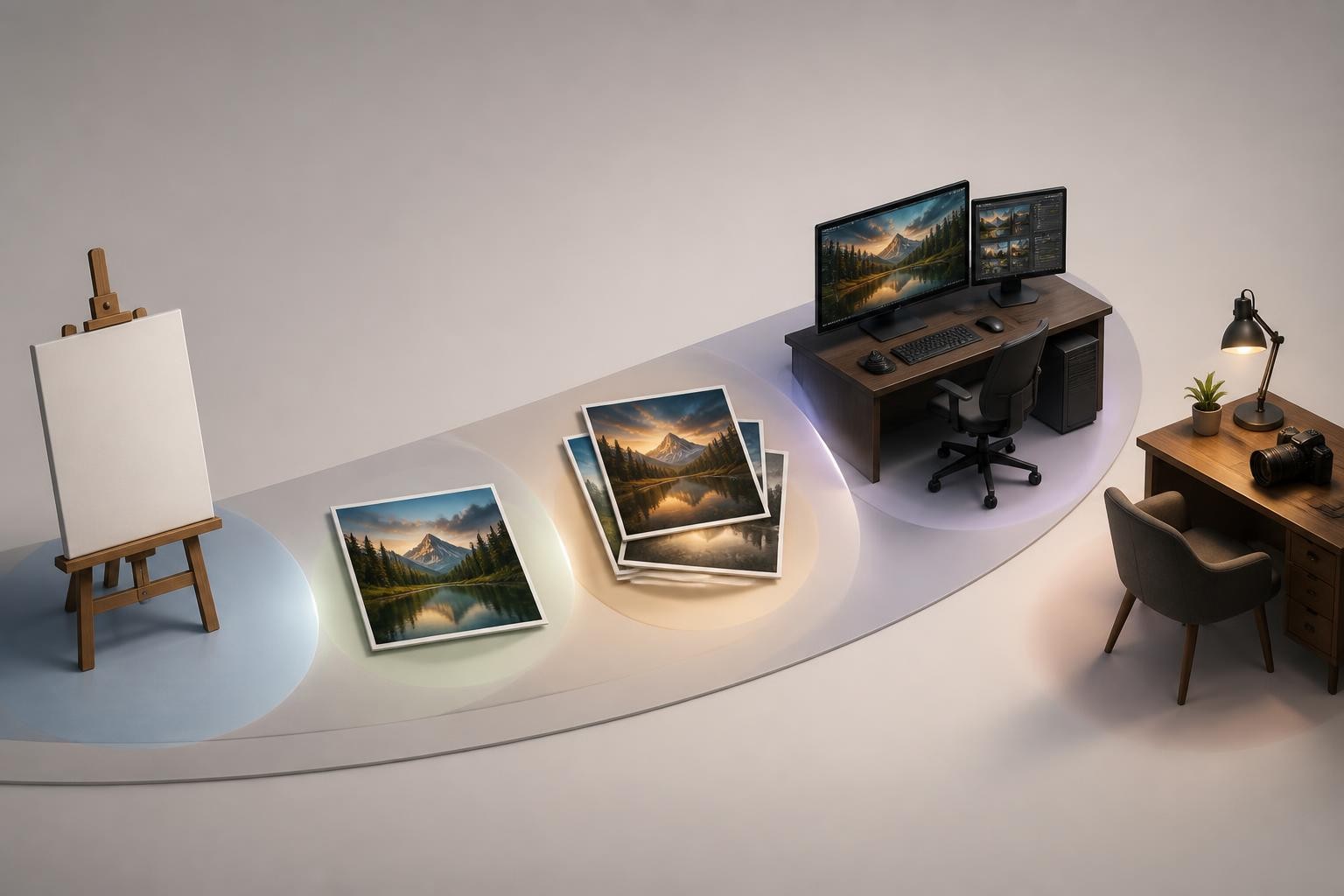
Img2Img AI as a mai image 2.5 alternative
Img2Img AI is a practical alternative when the source image is the center of the job. Instead of starting from a blank prompt, you can upload an image and use text instructions to restyle, enhance, edit, expand, or create variations from it.
That makes it especially useful for creators, marketers, sellers, and designers who care about preservation plus change. You may already have the image you like: a product photo, portrait, room shot, old photo, concept image, or AI draft. The task is not to invent everything again. The task is to keep the useful structure and improve the result.
Img2Img AI is a better fit when you need:
- Photo restyling from an uploaded source
- Product image variations
- Background removal, replacement, or rebuilding
- Image enhancement or restoration
- Outpainting for new aspect ratios
- One-click creative effects and filters
- A prompt-guided editing workflow without building around an API
- A single workspace that combines several common image tasks
This is not the same as saying Img2Img AI is always a stronger model than mai image 2.5. It is a workflow recommendation. If your job begins with an image and the output should preserve that image's subject, structure, or identity, an image-to-image workspace is often the shorter path.
mai image 2.5 vs Img2Img AI: how to choose
Choose mai image 2.5 if the model is the product
Choose mai image 2.5 when you need access to a strong image model through Microsoft tooling, especially for generation and editing workflows that may become part of a larger product or internal system. It is the better direction if your team cares about API deployment, model versioning, enterprise access, and programmatic image generation.
It also fits when you want to compare model quality directly across prompts, evaluate prompt adherence, or build a repeatable generation pipeline.
Choose Img2Img AI if the image is the product
Choose Img2Img AI when the goal is to turn an existing image into a better or different image. The source image does most of the work: it provides the subject, composition, pose, product shape, or scene structure. Your prompt then gives instructions for the transformation.
This is usually the more practical route for:
- Social creators who want fast visual variations
- Ecommerce teams refreshing product assets
- Designers who need quick mood or background options
- Marketers adapting one visual into several campaign directions
- Users who want enhancement, effects, or restoration without switching tools
Use both if you move from idea to final asset
The strongest workflow may use both types of tools:
- Use a foundation model such as mai image 2.5 to explore a new visual concept.
- Save the best generation as a draft or source image.
- Use Img2Img AI to restyle, enhance, expand, clean up, or generate variations.
- Review the final output before publishing, especially for faces, product details, text, and brand-sensitive images.
This sequence keeps the model in its best role as a generator and keeps the image-to-image tool in its best role as a controlled transformation workspace.

A practical mai image 2.5 guide for prompts
For text-to-image generation, use this compact structure:
- Purpose: what the image is for
- Subject: the main object, person, or scene
- Context: where it happens and what surrounds it
- Visual evidence: materials, lighting, camera, mood, and details that prove the result matched the brief
- Constraints: what should not appear
- Output: aspect ratio, framing, or format expectations
Example:
"Create a landscape product concept image for a compact ceramic desk lamp on a walnut desk. Use soft morning window light, realistic ceramic texture, a subtle contact shadow, and a calm home office setting. Keep the scene clean, modern, and believable. No logos, no readable text, no extra lamps."
For image editing, use this version instead:
- Source role: what the uploaded image provides
- Preserve: the elements that must stay fixed
- Change: the specific edit request
- Blend check: how the new element should match the original
- Final use: where the image will be used
Example:
"Use the uploaded product photo as the source. Preserve the product shape, camera angle, proportions, and main shadow. Replace the background with a softly lit kitchen counter. Match the light direction and depth of field so the result looks like one natural photograph."
The key is not prompt length. The key is separating the job into decisions the model can follow.
Common mistakes to avoid
Treating every image model like a magic prompt box
mai image 2.5 can follow detailed instructions, but vague prompts still create vague results. Say what the image is for, what must be visible, and what should not change.
Forgetting preservation rules during edits
If an uploaded image matters, name the protected parts. Without preservation rules, the model may reinterpret the whole scene.
Trusting text-in-image output without review
Generated text can look convincing while still being wrong. Review every letter before using images in ads, packaging, presentations, or product pages.
Comparing tools without naming the workflow
"Best AI image generator" is too broad. A model for developer deployment and a browser-based image-to-image editor can both be good, but they serve different jobs.
Ignoring safety and rights review
Generated images should be reviewed before use in sensitive contexts. Avoid misleading identity edits, trademark confusion, deceptive imagery, and any use that could harm real people or violate platform rules.
FAQ
Is mai image 2.5 a Microsoft model?
Yes. mai image 2.5 is part of Microsoft's MAI Image model family and is built for text-to-image generation and image-to-image editing.
Is mai image 2.5 only for developers?
No, but developer access is an important part of its positioning. Depending on where you access it, you may encounter product integrations, playground-style testing, or API-oriented workflows.
Is mai image 2.5 good for editing existing photos?
Yes, it is designed for controlled image-to-image edits. For everyday users, the question is whether they want to access the model through Microsoft-style channels or use a dedicated image-to-image workspace that packages editing tasks more directly.
Is Img2Img AI better than mai image 2.5?
It depends on the job. Img2Img AI is often the better practical choice when you already have an image and want to transform it quickly. mai image 2.5 is more relevant when you want to evaluate or deploy Microsoft's model capabilities.
What is the best next step after reading a mai image 2.5 guide?
Name your image job first. If you need generation quality, model access, and developer control, evaluate mai image 2.5. If you need to upload an image and turn it into polished variations, try an image-to-image workflow. For a practical next step, use mai image 2.5 as a starting point for transforming existing images with Img2Img AI.
