
What Is hidream-o1-image?
hidream-o1-image is an open-weight image generation and editing model from HiDream-ai. Its main idea is simple to state but important technically: instead of splitting images, text, and task conditions across separate modules, it uses a Pixel-level Unified Transformer to process raw pixels, text tokens, and reference conditions in one shared space. In practical terms, hidream o1 is designed to handle text-to-image generation, instruction-based image editing, subject-driven personalization, and storyboard-like multi-panel generation inside one model family.
The short answer to "what is hidream-o1-image" is this: it is a research-forward foundation model for people who want more control over open image generation workflows, especially if they are comfortable with Hugging Face, ComfyUI, CUDA hardware, model weights, and prompt refinement. It is not mainly a beginner-friendly web app. If your real goal is to upload an image, restyle it, repair it, extend it, or create variations quickly, a hosted image-to-image workflow such as Img2Img AI may be the more direct path.
HiDream-ai open-sourced HiDream-O1-Image on May 8, 2026, followed by demos and a technical report. The model card on Hugging Face lists it under an MIT license and describes support for generation, editing, and personalization at up to 2048 x 2048 resolution. That combination matters: open weights make the model interesting to developers and researchers, while the unified architecture makes it worth watching for future creative tools.
Why HiDream-O1-Image Feels Different From Earlier Image Models
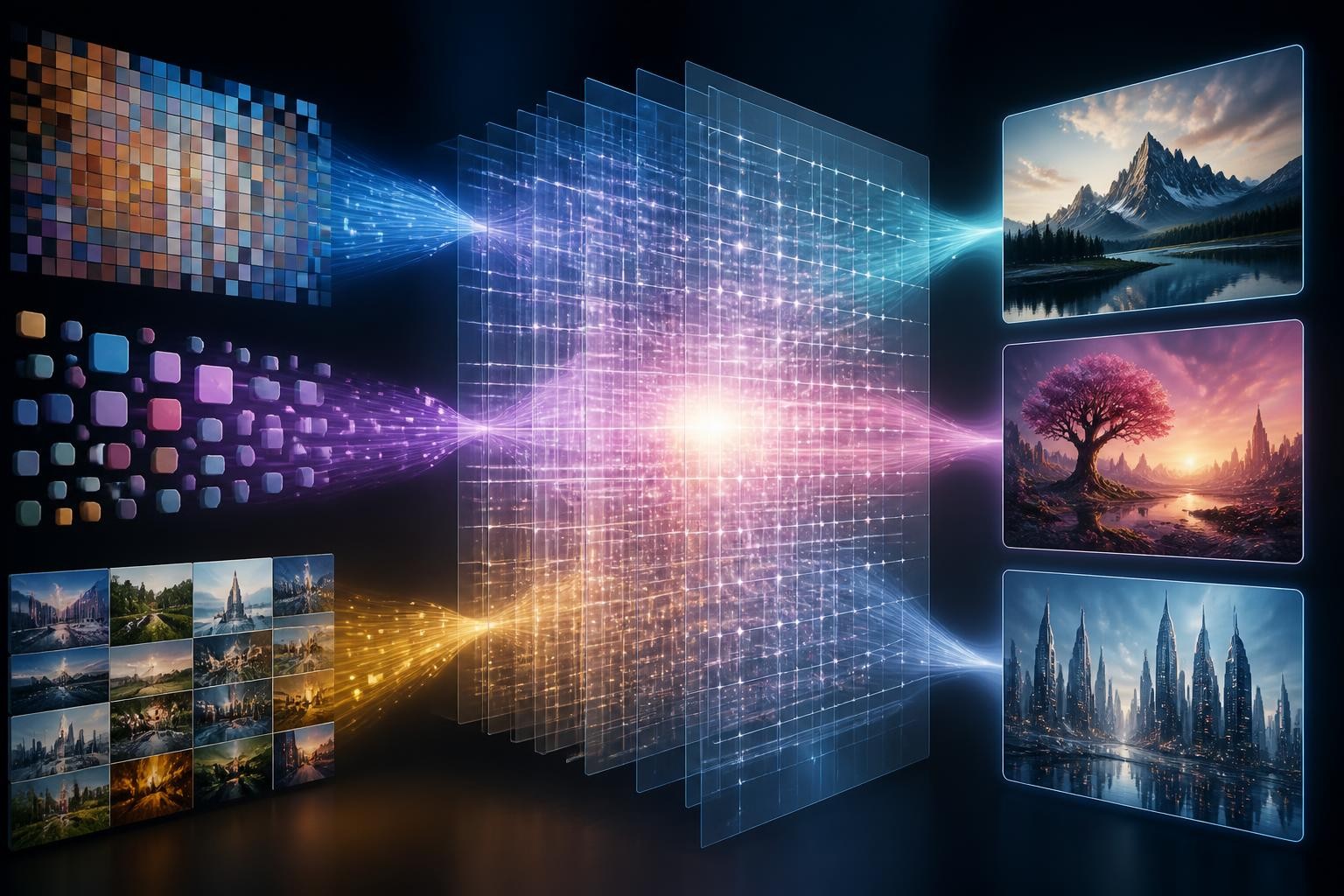
Many popular image generators are modular. A text encoder understands the prompt, a visual autoencoder compresses or reconstructs image information, and a diffusion or transformer backbone performs generation in a latent space. That architecture can work extremely well, but it also creates seams between text understanding, pixel reconstruction, editing conditions, and reference-image control.
The HiDream-O1-Image technical report argues for a more unified design. Its Pixel-level Unified Transformer maps pixels, text, and task-specific conditions into a shared token space, so generation and editing can be treated more like one in-context visual reasoning problem. The paper also introduces a Reasoning-Driven Prompt Agent, which refines complex user instructions before generation.
That does not mean every user will feel the architecture directly. The visible difference is more practical:
- It is built for multiple image tasks, not only text-to-image.
- It pays unusual attention to visual text rendering and layout.
- It supports subject-driven personalization with reference images.
- It tries to turn complex visual requests into more complete prompts before sampling.
- It is open enough for local workflows, custom nodes, and infrastructure experiments.
The useful mental model is: HiDream-O1-Image is less like a one-click photo editor and more like a model platform for advanced image generation workflows.
Key Features Of hidream-o1-image
Unified Text, Image, And Condition Handling
The headline feature is the unified model design. HiDream-O1-Image is described by its authors as avoiding external VAEs and disjoint text encoders at the architecture level, using a shared token space instead. This is the core reason the model is positioned as "natively unified" rather than just another text-to-image checkpoint.
There is one nuance worth knowing: user-facing runtimes may still expose implementation-specific nodes or decode steps. For example, the ComfyUI HiDream-O1 guide notes that its workflow uses ComfyUI-specific model files and a decode node in that environment. That does not invalidate the research claim; it just means the practical workflow can look different from the paper diagram.
Text-To-Image Generation At High Resolution
The GitHub README and Hugging Face model card describe native high-resolution output up to 2048 x 2048. For creators, this is useful because many older or lighter models still need external upscaling before a result feels ready for a hero image, editorial visual, or design comp.
High resolution is not a guarantee of a publishable image. It only means the canvas is large enough to carry detail. You still need prompt discipline, model settings, reference images when appropriate, and human review for faces, hands, product geometry, brand-sensitive details, and anything with readable text.
Instruction-Based Image Editing
HiDream-O1-Image supports reference-image editing: you provide an image and an instruction such as removing an object, changing an attribute, or adjusting a scene. This is one of the most relevant features for users searching the primary keyword because many people are not trying to generate a brand-new image. They want to transform something they already have.
The trade-off is setup complexity. The official GitHub examples assume local inference and a CUDA-capable GPU. The README also recommends using the full model for editing tasks. If you are comfortable with model paths, dependencies, and GPU memory constraints, that is workable. If you are a marketer, creator, ecommerce seller, or non-technical designer, it can be more friction than the task deserves.
Subject-Driven Personalization
Subject-driven personalization means using one or more reference images to preserve a person, product, object, or character across new scenes. This is valuable when consistency matters: product campaigns, character concepts, branded illustrations, or visual storyboards.
This is also where careful review becomes non-negotiable. The more a workflow promises identity preservation, the more you need to inspect the result. A model can preserve the broad look of a subject while drifting on small but important details: eye shape, packaging edges, material finish, proportions, logos, jewelry, or product markings.
Reasoning-Driven Prompt Agent
HiDream-O1-Image ships with a prompt agent that reasons through layout, subject attributes, physical logic, and text-rendering details, then rewrites a raw instruction into a more complete prompt. The GitHub documentation describes local and API-backed options for this agent.
This is a smart design choice because complex image prompts often fail before the image model starts. The user says "make a cinematic poster with Chinese poem text on an old wall," but the model needs decisions about layout, language, object placement, material, perspective, and what the text should look like. A prompt agent can reduce that gap.
The limitation is that prompt refinement is still not taste, QA, or final art direction. It can make instructions more complete, but it cannot decide whether the final image is commercially safe, on-brand, or faithful enough for a real campaign.
Where HiDream-O1-Image Is Strong
HiDream-O1-Image is strongest when the user wants model-level control rather than just a finished web tool. It is a good fit for:
- Developers building custom image generation features.
- Researchers comparing unified image architectures.
- ComfyUI users who want native workflows for the model.
- Technical creators who can manage checkpoints, prompt agents, and inference settings.
- Teams that need open-weight experimentation before committing to a hosted product workflow.
It is also interesting for tasks where text, image, and reference conditions need to interact. Long-text rendering, multi-region layout, subject preservation, and storyboard generation are all areas where the official materials emphasize performance.
That said, benchmark tables should not be treated as a personal guarantee. They are useful signals, not a substitute for testing your own use case. A model can score well on visual text or prompt alignment and still produce outputs that need several iterations for your product, face, style, or brand context.
Where HiDream-O1-Image Can Be The Wrong Choice
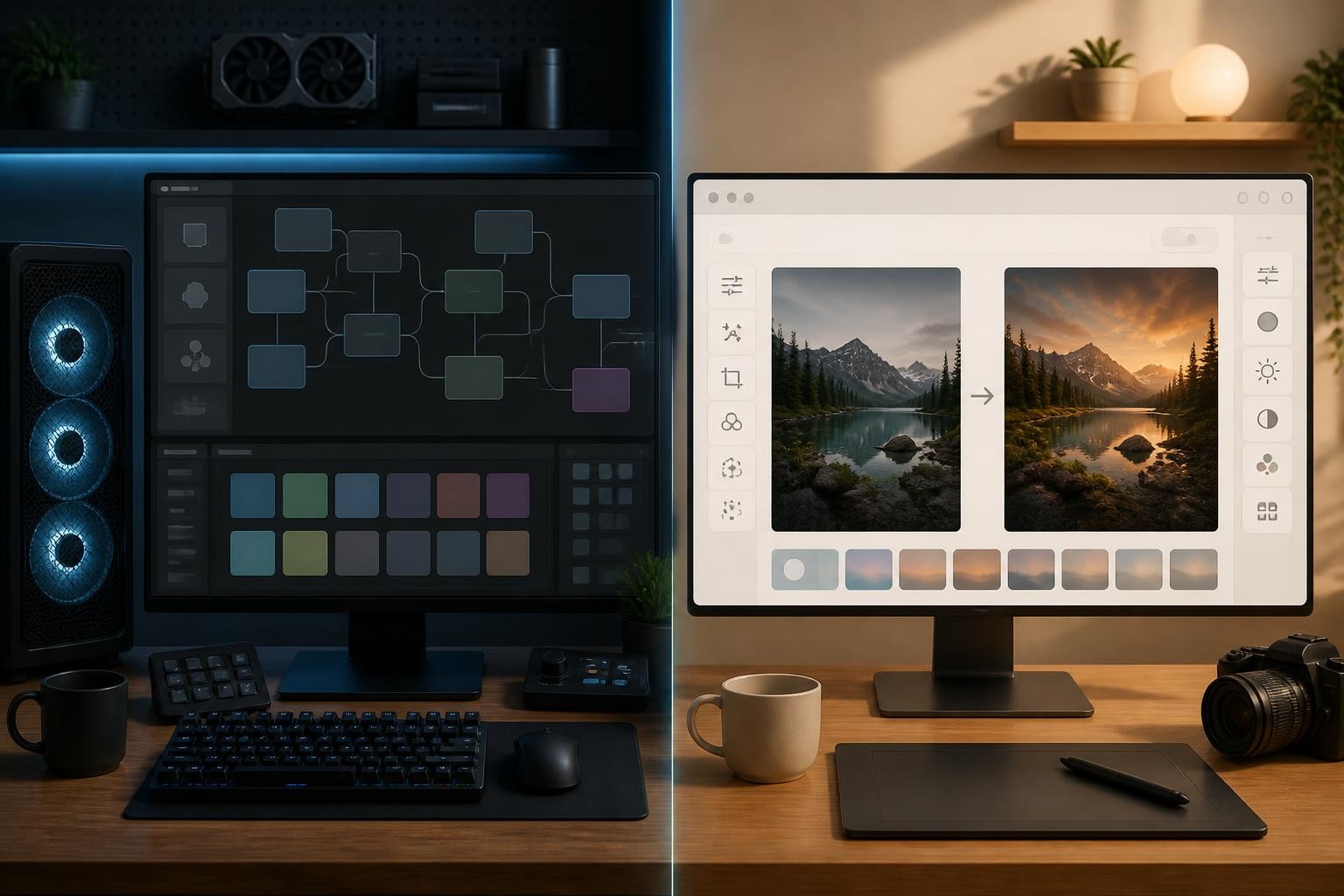
HiDream-O1-Image may be too heavy if your job is simple. If you only need to improve a product photo, restyle a portrait, remove a background, extend an image for a banner, or generate a few image variations for social content, local model setup can slow you down.
The main friction points are:
- You may need a CUDA-capable GPU for local inference.
- You need to download and organize model files.
- You may need ComfyUI updates, compatible nodes, or packaged checkpoints.
- Editing quality can depend on the full model, which is heavier than the dev variant.
- Prompt-agent workflows add another moving part.
- You still need manual review for factual, identity, and brand-sensitive details.
That is why the right question is not "Is hidream-o1-image powerful?" It is "Is this the right workflow for the job I need to finish today?"
For a technical user, the answer may be yes. For a creator who wants fast image-to-image results without infrastructure work, the answer may be no.
A Practical Decision Framework
Use HiDream-O1-Image when control, openness, and experimentation matter more than speed.
Choose it if you want to:
- Run or modify an open-weight image model.
- Build a model workflow around text-to-image, editing, and personalization.
- Compare architecture-level behavior against other image models.
- Work inside ComfyUI or a custom Python pipeline.
- Test prompt-agent refinement on complex visual instructions.
Use a hosted image-to-image tool when output speed, ease of use, and repeatable creative workflows matter more than model plumbing.
Choose that path if you want to:
- Upload a photo and create polished variations.
- Restyle an existing image while keeping the subject recognizable.
- Remove, replace, or rebuild backgrounds.
- Restore or enhance a weak source image.
- Extend an image for a new aspect ratio.
- Use guided effects without managing checkpoints.
This is the real split: HiDream-O1-Image is a model-first option. Img2Img AI is a task-first option.
Why Img2Img AI Is A Practical Alternative
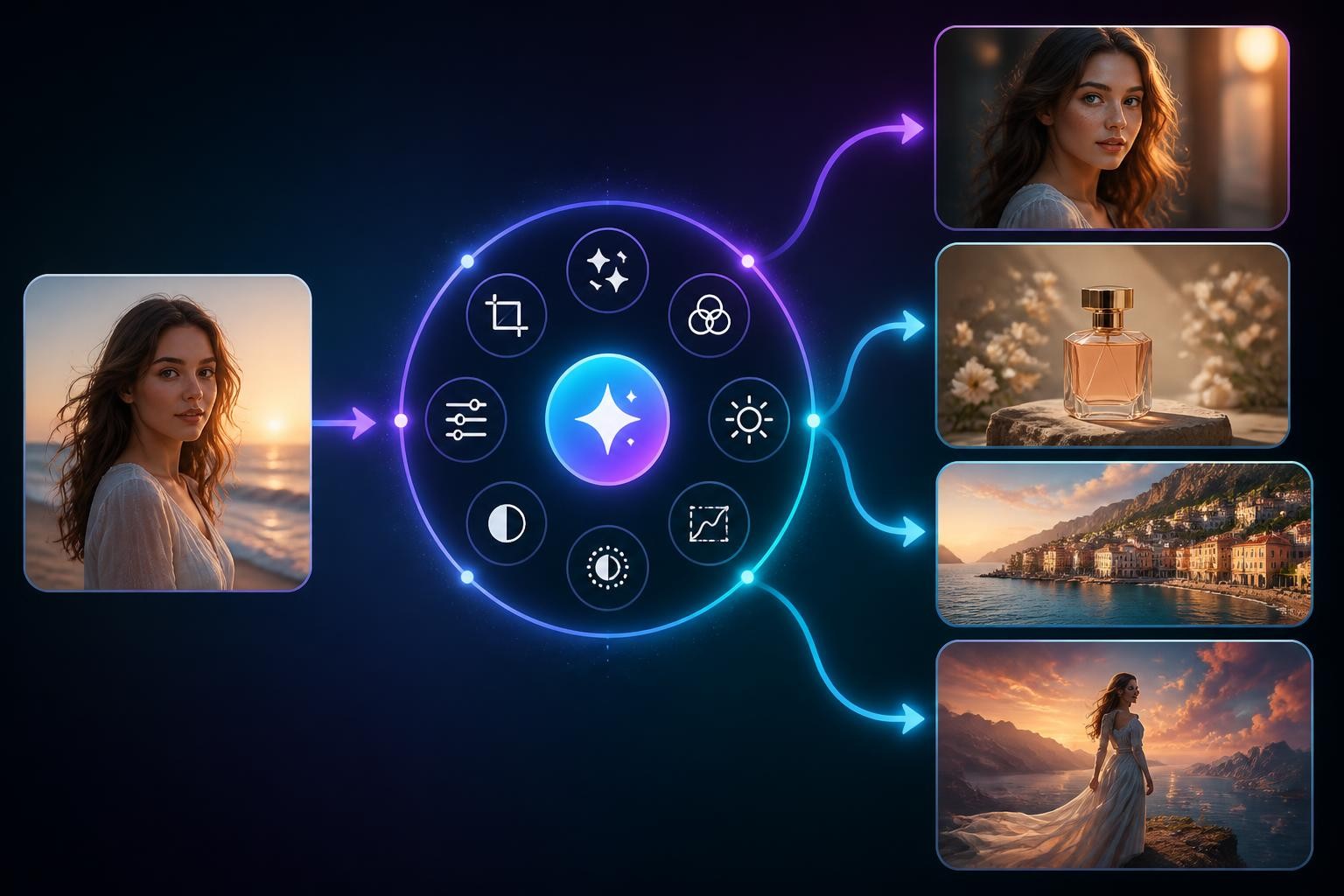
Img2Img AI is useful as a hidream-o1-image alternative when the searcher is less interested in model architecture and more interested in editing an existing image. Its homepage positions the product around image-to-image generation, photo restyling, subject editing, background processing, restoration, enhancement, outpainting, and AI effects.
That makes it a different kind of answer to the same underlying need. A person searching "what is hidream-o1-image" may be trying to understand a new model. A person who stays after that answer may be trying to decide whether to use it. If the real task is image transformation, a hosted image-to-image workflow often gets closer to the outcome faster.
Img2Img AI is especially relevant for:
- Non-technical creators who do not want to install local inference tools.
- Ecommerce teams that need product photo variations.
- Social creators who want style changes from an existing image.
- Designers who need background changes, quick repairs, or format adaptation.
- Marketers who need several visual directions without rebuilding the asset from scratch.
The trade-off is that a hosted tool gives you less low-level model control than an open local setup. That is not always a weakness. For many production tasks, fewer controls can be a benefit if the defaults are tuned for common image-to-image jobs.
How To Choose Between HiDream-O1-Image And Img2Img AI
Choose HiDream-O1-Image If You Are Building Or Experimenting
Pick HiDream-O1-Image when the model itself is part of the work. You might be evaluating open weights, running local inference, integrating a model into a pipeline, testing prompt-refinement behavior, or comparing visual reasoning across architectures.
In that context, the setup cost is justified. You are not just making one image. You are learning what the model can do, how it behaves under constraints, and whether it belongs in a larger workflow.
Choose Img2Img AI If You Need A Faster Creative Workflow
Pick Img2Img AI when the source image is already in hand and the desired outcome is clear: restyle this, enhance this, remove that, extend this crop, create a cleaner variant, or make the image usable for a new placement.
This is the more practical path when the user does not want to manage model files, GPU requirements, local dependencies, or ComfyUI templates. It also matches the way many real image tasks happen: the image is not blank; it is almost right and needs controlled transformation.
Use Both If Your Team Has Technical And Production Needs
The two options do not have to compete. A technical team might use HiDream-O1-Image to explore open model capabilities, then rely on a hosted image-to-image workflow for day-to-day creative iteration. That split keeps research and production from slowing each other down.
For example:
- A developer evaluates HiDream-O1-Image for a future internal image pipeline.
- A designer uses Img2Img AI to restyle campaign images this week.
- A marketer reviews the outputs against brand needs.
- The team decides later whether open-weight infrastructure is worth maintaining.
That is often healthier than forcing every image task through the same tool.
Common Misunderstandings About hidream-o1-image
It Is Not Just A Text-To-Image Model
Text-to-image is part of the model, but the broader pitch is unified visual generation: text-to-image, editing, personalization, and storyboard-style outputs. If you only evaluate it as a prompt-to-picture model, you miss why the architecture is interesting.
Open Weight Does Not Mean Zero Setup
Open weights are valuable because they allow inspection, experimentation, and self-hosted workflows. They do not remove hardware, dependency, or workflow complexity. The official usage examples assume local setup and GPU inference.
Benchmarks Do Not Replace Your Own Review
The official materials include benchmark comparisons across prompt alignment, human preference, visual text, and long-text rendering. Those are useful for understanding the model's ambition. They are not enough to decide whether it handles your product photos, brand style, portrait edits, or marketplace images.
Prompt Reasoning Does Not Eliminate Art Direction
The prompt agent can make instructions clearer, but it cannot know your campaign context, legal constraints, visual taste, or brand rules unless you supply them. Treat it as a prompt assistant, not as a creative director.
The Bottom Line
HiDream-O1-Image is one of the more interesting open image models of 2026 because it pushes toward a unified pixel-level architecture for generation, editing, and personalization. Its strength is not only output quality; it is the way it brings text, image, reference conditions, and prompt reasoning into a single model-centered workflow.
But the best model is not always the best tool for the job. If you are a developer or researcher, hidream-o1-image is worth studying. If you are a creator who needs to transform existing images with less setup, Img2Img AI is the more practical next stop.
To try a faster image-to-image workflow while keeping the hidream-o1-image topic in view, open hidream-o1-image and start with one source photo: restyle it, enhance it, or create controlled variations before deciding whether a local open-model setup is worth the extra work.