
Can Krea 2 edit images? Not natively — here is what happens instead
No. Krea 2 has no edit mode, no inpainting, no outpainting and no way to lock a region. Feed it an image and it describes that image with a vision-language model, then generates a new one from the description. You get something that looks related to your photo. You do not get your photo with one thing changed.
That is why "krea 2 image edit", "krea 2 identity edit" and "can krea 2 edit images" are all high-volume searches: people try it, watch the face change, and go looking for the setting that fixes it. There isn't one. What exists is a community fine-tune that bolts an edit mode onto the model, and it works better than you would expect.
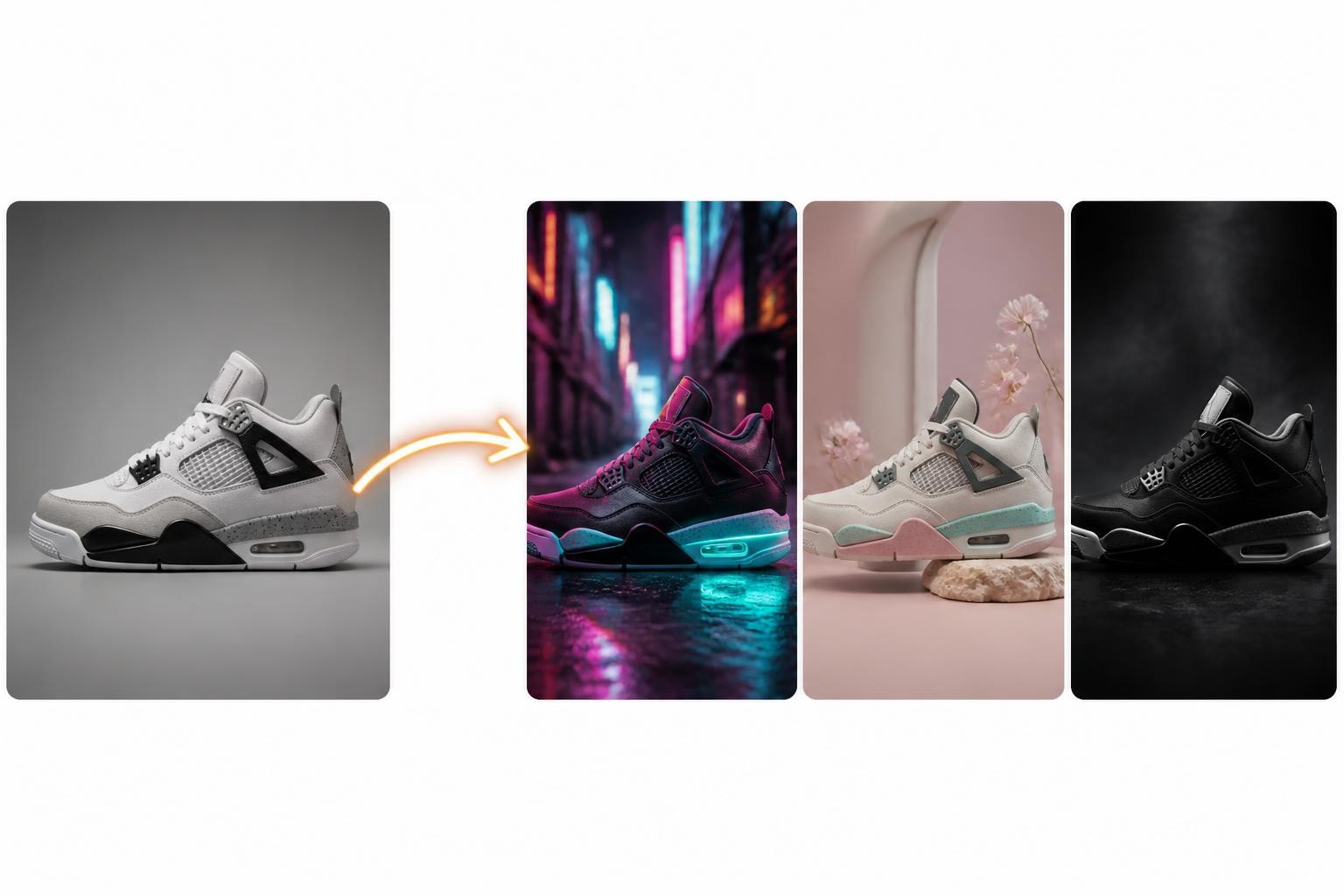
Krea 2 Identity Edit: a community LoRA that adds an edit mode
The Krea 2 Identity Edit LoRA is a community fine-tune of Krea 2 RAW, published by Conradlocke in July 2026. It turns Krea 2 into an instruction-following editor: give it an image and a plain sentence — "put this person at a night market" — and it edits while holding onto everything you did not mention, including the face.
What it covers:
- Scene re-staging. Move a subject into a new environment with relighting, keeping their likeness.
- Targeted edits. Recolour, add, remove or replace a specific object with near-pixel preservation of the rest of the frame.
- Global transforms. Apply a style across the whole image while holding composition.
- Reference-based replacement. Swap an element using a separate reference image.
- Multi-LoRA stacking. Runs alongside character, body and style LoRAs.
The catch is that it is not a download-and-go LoRA. It was trained with dual conditioning that stock ComfyUI nodes do not provide, so it needs the ComfyUI-Krea2Edit custom node pack to run at all. Load it with plain nodes and you get the same identity drift you were trying to escape.
The Krea 2 Image Edit Rebalance node, explained
Krea2EditRebalance is the node that does the actual work, and it shows up as its own search because people hit it in a workflow with no idea what it is for.
Krea 2 normally receives your image only as meaning — the Qwen 3 VL encoder reads it and hands the model a description. Rebalance injects the source image twice instead: once as in-context VAE latent tokens, which carry appearance, and once through the image-grounded Qwen 3 VL path, which carries semantics. That pairing is how the LoRA was trained, and it is what lets the model answer "change this part of this picture" instead of "draw something like this picture".
The node also exposes the edit-flavoured controls the base model never had, which is where the settings below come in.
Settings that hold identity
These are the LoRA author's v1.1 recommendations. They are starting points; the right values depend on your image.
| Setting | Value |
|---|---|
| Most edits | Krea 2 Turbo, 8–12 steps, CFG 1.0 |
| Removals | Krea 2 RAW, 20 steps, CFG 3.0 |
grounding_px |
384–768, default 768 |
| Resolution | 2MP or below |
| Two subjects in frame | 1–1.5MP, then upscale |
| Aspect ratio | Match the source image |
grounding_px is the dial that matters. Lower values push the model harder toward the instruction; higher values protect the original identity. Every edit is a trade between those two, and this single number is where you make it. Start at the default 768 and come down only when the edit is not landing.
The model files, VRAM figures and step settings for the underlying checkpoints are in the Krea 2 Turbo guide.
What Krea 2 Identity Edit still cannot do
- Text. Words in frame are re-rendered, and re-rendered text is wrong text.
- Exact brand colour. "Near-pixel preservation" is near, not exact. Matching a hex value is not what this pipeline does.
- Frame extension. There is still no outpainting anywhere in the Krea 2 stack.
- Zero setup. ComfyUI, a custom node pack, a 13–26 GB checkpoint and a LoRA, before you edit anything.
- Stability across versions. It is a community project on its own release cadence, not a supported Krea feature.
Editing the same image in a browser
If the node graph is the point — you are building a local pipeline, batching, stacking LoRAs — the Identity Edit route is genuinely good and worth the setup.
If the point is the edited image, Img2Img AI does this job with an upload and a sentence, on models picked for keeping the subject intact:
- Upload the source image.
- Write the change as an instruction: "remove the parked car", "change the jacket to olive green", "put her on a night-market street".
- Name what must not move — the face, the logo, the text, the background.
- Refine on the result instead of regenerating from scratch.
For specific jobs there are direct routes: face swap for identity work, AI recolor for colour-only changes, AI eraser for removals, and AI image extender for the outpainting Krea 2 does not have.
Quick answers about Krea 2 image editing
Can Krea 2 edit images?
Not on its own. Krea 2 is text-to-image with a style-reference feature. Editing requires the community Identity Edit LoRA plus the Krea2Edit node pack in ComfyUI.
What is the Krea 2 Identity Edit LoRA?
A community fine-tune of Krea 2 RAW that adds instruction-based, identity-preserving editing. You supply an image and a plain-language instruction, and it changes what you asked for while holding the rest.
What does the Krea 2 Image Edit Rebalance node do?
It feeds your source image into the model twice — as VAE latent tokens for appearance and through the Qwen 3 VL encoder for semantics — which is the dual conditioning the LoRA was trained on. It also exposes the edit controls, including grounding_px.
What is grounding_px?
The identity-versus-edit dial, ranging 384 to 768 with a default of 768. Lower follows the instruction harder; higher protects the original subject.
Why does Krea 2 change my subject's face?
Because without the edit LoRA it is generating a new image, not editing yours. Nothing in the base pipeline preserves pixels. The full explanation is in Krea 2 img2img.
Can Krea 2 do inpainting or outpainting?
No, in either the base model or the Identity Edit LoRA. Use a tool with a real outpainting pass, such as AI image extender.
Is there a way to edit with Krea 2 without ComfyUI?
Not with identity preservation. Krea's hosted app offers style reference, which restyles rather than edits. For preserving edits without local setup, use a browser editor built for it.
Edit the image, keep the person
Krea 2 with the Identity Edit LoRA is an impressive community build, and it is still four downloads and a node graph away from an edited photo. If you just want the edit, upload the image to Img2Img AI, say what changes and what stays, and get it back in seconds.
